78
2-1. Instrument cluster
■ Display items
Odometer
Displays the total distance the vehicle has
been driven.
Trip meter A/trip meter B
Displays the distance the vehicle has been
driven since the meter was last reset. Trip
meters A and B can be used to record and
display different distances independently.
Distance until next engine oil
change
Displays the distance the vehicle can be
driven until an oil change is necessary.
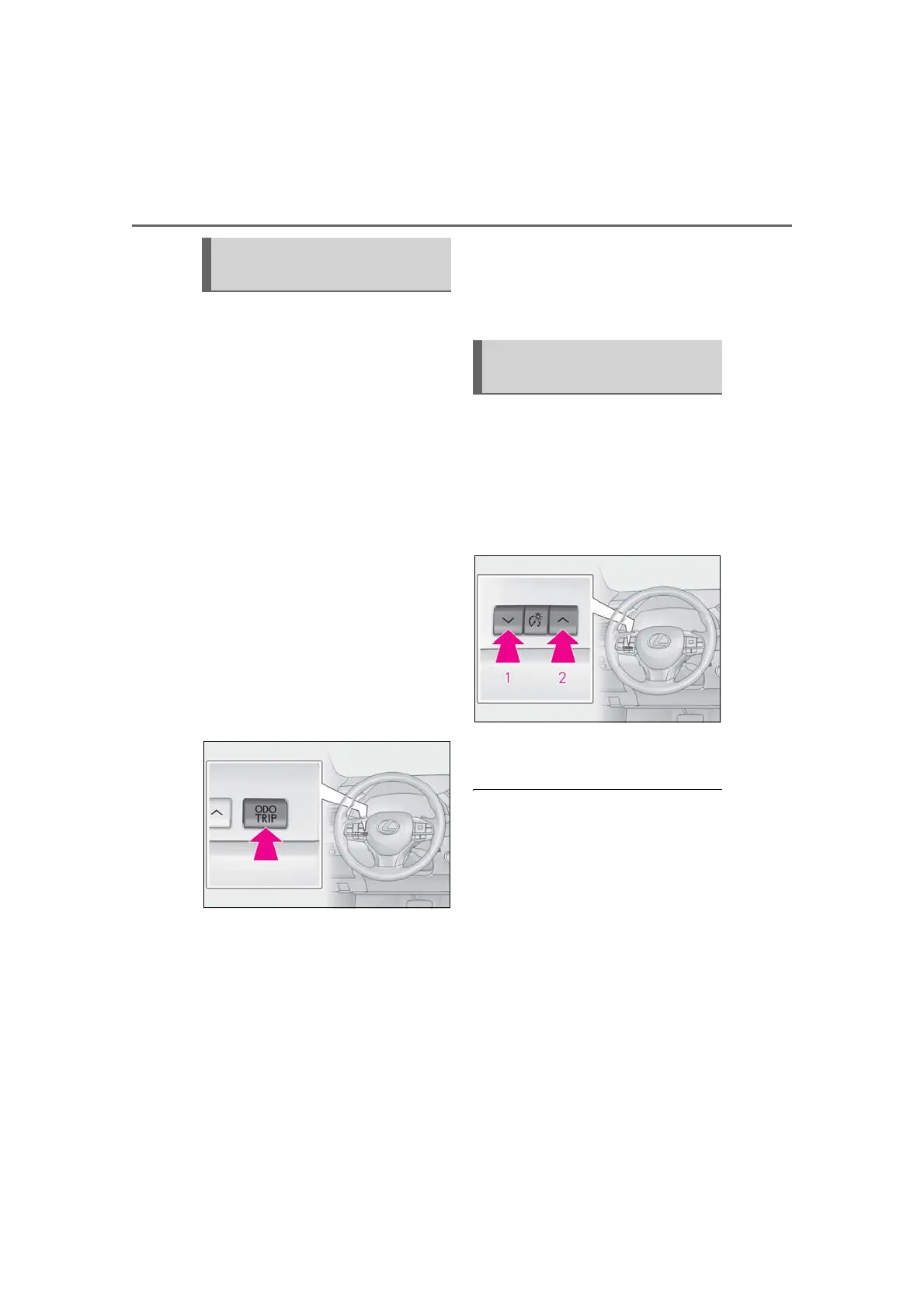
■ Changing the display
Each time the “ODO TRIP” switch is
pressed, the displayed item will be
changed. When the trip meter is dis-
played, pressing and holding the switch
will reset the trip meter.
■ Pop-up display
Distance until next engine oil change
Displays the distance until the next engine
oil change. This display will be displayed in
the following situations:
When the engine switch is turned to
IGNITION ON mode.
When a warning message indicating
that oil maintenance should be per-
formed soon or is required is dis-
played.
The brightness of the instrument panel
lights can be adjusted.
If the brightness is adjusted when the sur-
roundings are bright and the tail lights are
on (day mode brightness adjustment), the
brightness level of night mode will be
adjusted at the same time.
1 Darker
2 Brighter
■ Brightness of the meters (day mode and
night mode)
The brightness of the meters is changed
between day mode and night mode.
● Day mode: When the tail lights are off or
when the tail lights are on but the sur-
rounding area is bright
● Night mode: When the tail lights are on
and the surrounding area is dark
Odometer and trip meter dis-
play
Changing the instrument panel
light brightness



 To Next Page