88
2-1. Instrument cluster
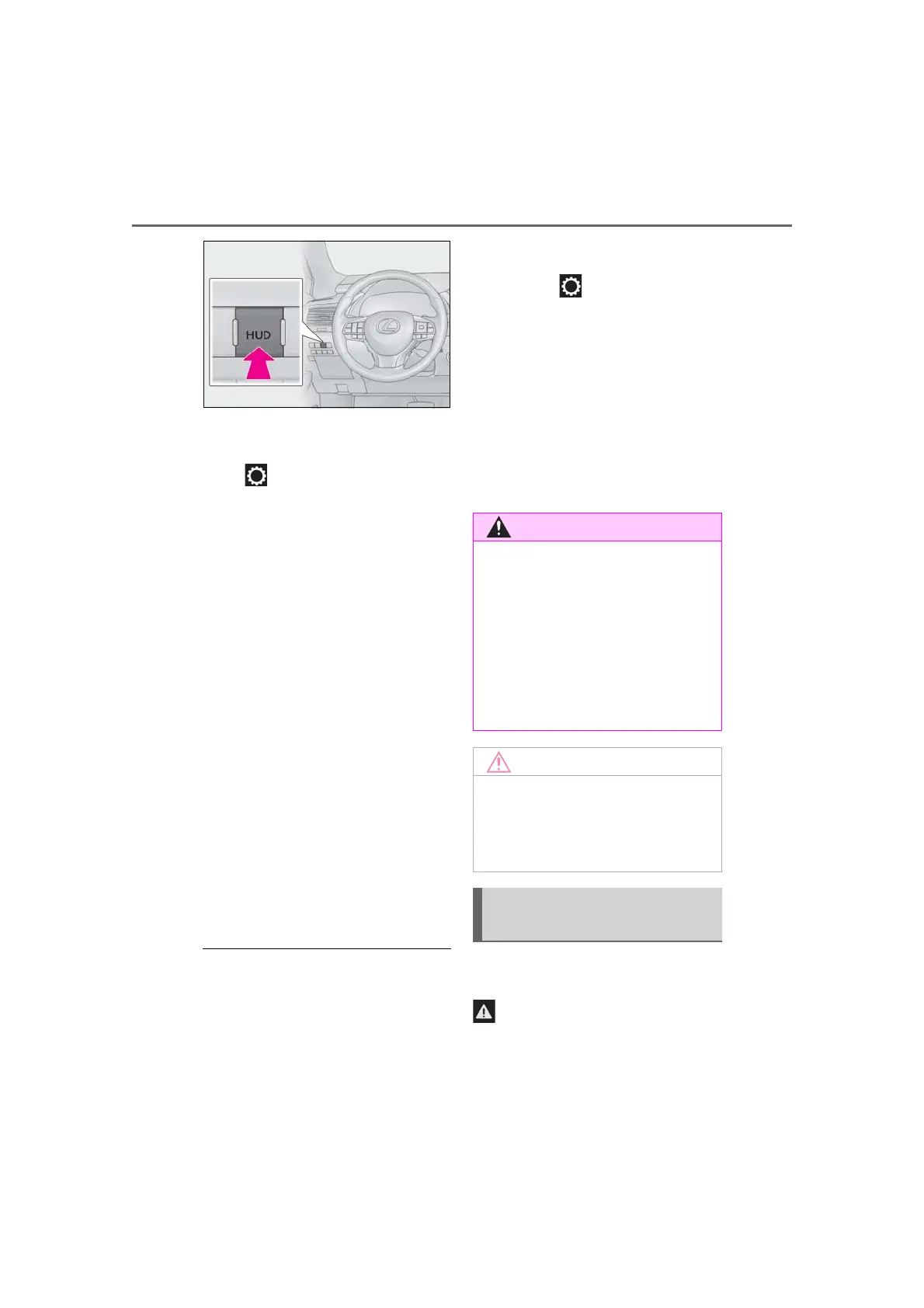
■ Changing settings of the head-up
display
Select on the multi-information
display (P.470) to change the fol-
lowing settings:
Display brightness/position
Select to adjust the brightness and position
of the head-up display.
Display content
Select to enable/disable the following
items:
• Route guidance to destination (if
equipped)
• Driving assist system status (if equipped)
• Compass (if equipped)
• Audio system operation status
Eco Driving Indicator/Tachometer
Select to display Eco Driving Indica-
tor/tachometer/no content.
Display angle
Select to adjust the angle of the head-up
display.
■ Enabling/disabling of the head-up dis-
play
If the head-up display is disabled, it will
remain disabled when the engine switch is
turned off then back to IGNITION ON
mode.
■ Display brightness
The brightness of the head-up display can
be adjusted on of the multi-information
display. Also, it is automatically adjusted
according to the ambient brightness.
■ Automatic adjustment of the head-up
display position (if equipped)
A desired head-up display position can be
entered to memory and recalled automati-
cally by the driving position memory sys-
tem. (P.134)
■ When the battery is disconnected
The customize settings of the head-up dis-
play will be reset.
Displays the following multi-informa-
tion display linked icons:
: Master warning icon
Displayed when a warning message is dis-
played on the multi-information display.
■ Caution for changing settings of the
head-up display
As the engine needs to be running while
changing the settings of the head-up dis-
play, ensure that the vehicle is parked in a
place with adequate ventilation. In a
closed area such as a garage, exhaust
gases including harmful carbon monox-
ide (CO) may collect and enter the vehi-
cle. This may lead to death or a serious
health hazard.
■ When changing the settings of the
head-up display
To prevent battery discharge, ensure that
the engine is running while the changing
the settings of the head-up display.
Information icon/Master warn-
ing icon



 To Next Page