EasyManua.ls Logo

Leybold vacuum TURBO.DRIVE 400 - User Manual

Leybold vacuum TURBO.DRIVE 400
60 pages
Print Icon
To Next Page IconTo Next Page
Loading...
D
r
ive (
X
3)
H
EAT
S
IN
K
DC 2
4
V(X4)
H
EAT
S
IN
K
Part Numbers
800073V0002
800073V0003
800073V0004
800073V0008
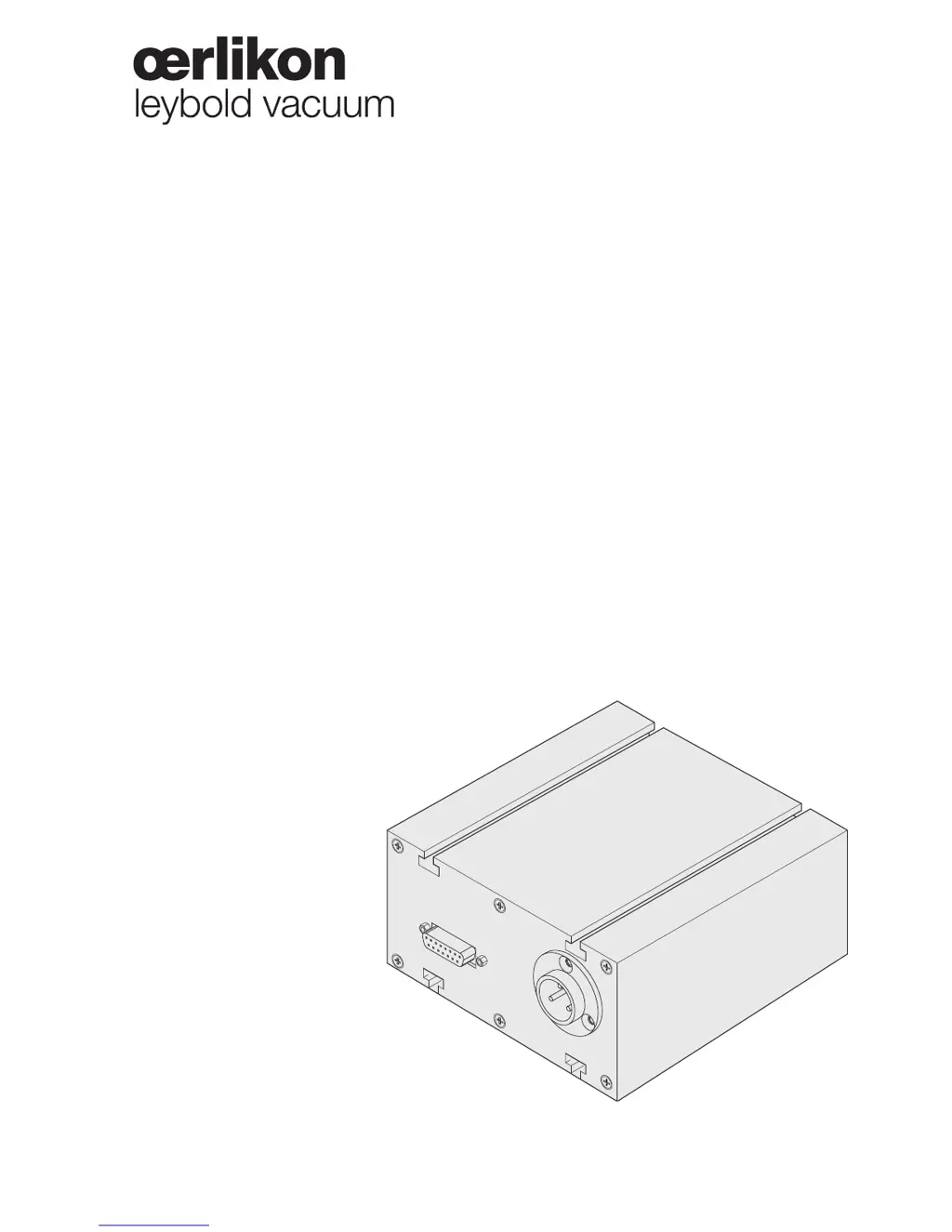
TURBO.DRIVE 400
Frequency Converter for
Turbomolecular Pumps
Operating Instructions 17200492_002_A5

Questions and Answers

  • S
    Stacy ThomasAug 20, 2025
    Why Leybold vacuum Media Converter shows overload error?
    • A
      amychenAug 20, 2025
      The Leybold vacuum Media Converter shows an overload error because the forevacuum pressure is too high or the gas flow is too high. To resolve this, check the ultimate pressure of the backing pump and install a bigger backing pump if required. Also, check for seal leaks and the process.
  • W
    William ChenAug 22, 2025
    Why Leybold vacuum Media Converter shows overload warning?
    • G
      george04Aug 22, 2025
      An overload warning on the Leybold vacuum Media Converter typically indicates that the forevacuum pressure is too high or the gas flow is excessive. To address this, verify the ultimate pressure of the backing pump, consider installing a larger backing pump if necessary, and inspect for any seal leaks in the system.
  • Q
    qpughAug 25, 2025
    What to do if Leybold vacuum Media Converter has bearing temperature error?
    • T
      Tami CampbellAug 25, 2025
      If the Leybold vacuum Media Converter displays a bearing temperature error, it could be due to several reasons: the forevacuum pressure being too high, excessive gas flow, a defective fan, or the water cooling being switched off. Here’s what you can do: * Check the ultimate pressure of the backing pump and consider installing a larger one if needed. * Inspect for seal leaks and check the process. * Replace the fan if it is defective. * Ensure that the water cooling is switched on.
  • D
    Derek AdamsAug 27, 2025
    What to do if Leybold vacuum Media Converter has motor temperature error?
    • M
      Michael RamirezAug 27, 2025
      If the Leybold vacuum Media Converter shows a motor temperature error, it can be caused by high forevacuum pressure, excessive gas flow, a defective fan, or the water cooling being off. Here’s how to address it: * Check the ultimate pressure of the backing pump; install a larger one if necessary. * Inspect for seal leaks and check the process. * Replace the fan if it's not working. * Turn on the water cooling system.
  • B
    Bradley MorrowAug 28, 2025
    Why Leybold vacuum Media Converter shows run-up time error?
    • S
      scott32Aug 28, 2025
      The Leybold vacuum Media Converter may display a run-up time error if the forevacuum pressure is too high or if there's excessive gas flow. To resolve this, check the ultimate pressure of the backing pump and consider installing a larger backing pump if necessary. Also, inspect for any seal leaks and check the process.
  • C
    Craig HunterAug 30, 2025
    Why Leybold vacuum Media Converter turbomolecular pump does not reach ultimate pressure?
    • B
      Brittany CollinsAug 30, 2025
      The turbomolecular pump of the Leybold vacuum Media Converter might fail to reach ultimate pressure due to several reasons: a defective measurement instrument, soiled measurement sensors, leaks in the equipment, lines, or pump, a soiled pump, insufficient pumping speed or excessively high ultimate pressure from the forevacuum pump, or incorrectly programmed frequency parameters. To address this, inspect the measurement sensor, clean or replace the sensors, check for leaks, clean the pump, verify the ultimate pressure of the forevacuum pump and install a higher-capacity vacuum pump if necessary, and check the parameters.
  • J
    Jenny GrayAug 31, 2025
    Why Leybold vacuum Media Converter shows permanent overload error?
    • R
      reevesjasonAug 31, 2025
      The Leybold vacuum Media Converter might show a permanent overload error if the forevacuum pressure is too high or the gas flow is too high. To fix this, check the ultimate pressure of the backing pump, and if needed, install a bigger backing pump. Also, inspect for seal leaks and check the process.
  • T
    tamara66Sep 2, 2025
    What to do if Leybold vacuum Media Converter has pass through time error?
    • N
      nicholashallSep 2, 2025
      If the Leybold vacuum Media Converter is showing a pass through time error, it could be due to high forevacuum pressure, excessive gas flow, or a blocked rotor. You should: * Check the ultimate pressure of the backing pump and install a bigger backing pump if required. * Seal leak, check process * Check if the rotor turns freely. If the rotor is damaged or blocked, contact Oerlikon Leybold Vacuum Service.
  • V
    Vickie JenkinsSep 4, 2025
    What does it mean if yellow power LED is not on Leybold vacuum Media Converter?
    • T
      Thomas HallSep 4, 2025
      If the yellow power LED is not illuminated on the Leybold vacuum Media Converter, it indicates a problem with the power supply. The issue could stem from no DC power, DC power being miswired, or a defective frequency converter. To troubleshoot, check the cables and power supply, ensure the correct polarity of the DC cable, and consider replacing the frequency converter.
  • D
    Devin CrossSep 6, 2025
    Why Leybold vacuum Media Converter shows converter temperature error?
    • M
      Michael PriceSep 6, 2025
      The Leybold vacuum Media Converter may display a converter temperature error if the ambient temperature is too high or if there is poor cooling. To resolve this, ensure the ambient temperature does not exceed 45°C and improve the cooling.

Summary

Safety Information

Obligation to Provide Information

Guidance on reading and following operating instructions for safe and efficient operation.

Important Safety Information

Crucial safety precautions regarding power supply, operating temperatures, and connections.

Description

Technical Data

Provides comprehensive technical specifications, including electrical and environmental parameters.

Installation

Connecting the Pump

Explains the procedure for connecting to the turbomolecular pump.

Connecting the Power Supply

Details connection to the required 24 V DC power supply.

Operation

Parameter List

Comprehensive list of configurable parameters with their settings.

Specific Parameter Data for Pumps

Table detailing specific parameter values for different compatible pump types.

Warning Codes for Parameter 227

Explanation of warning codes for parameter 227, their causes, and remedies.

Setting Pumping Speed and Rotational Speed

Guide on adjusting the pumping speed and rotational speed.

Reading the Error Memory

How to access and interpret saved error codes and related data.

Troubleshooting

Leybold vacuum TURBO.DRIVE 400 Specifications

General IconGeneral
BrandLeybold vacuum
ModelTURBO.DRIVE 400
CategoryMedia Converter
LanguageEnglish

Related product manuals