17
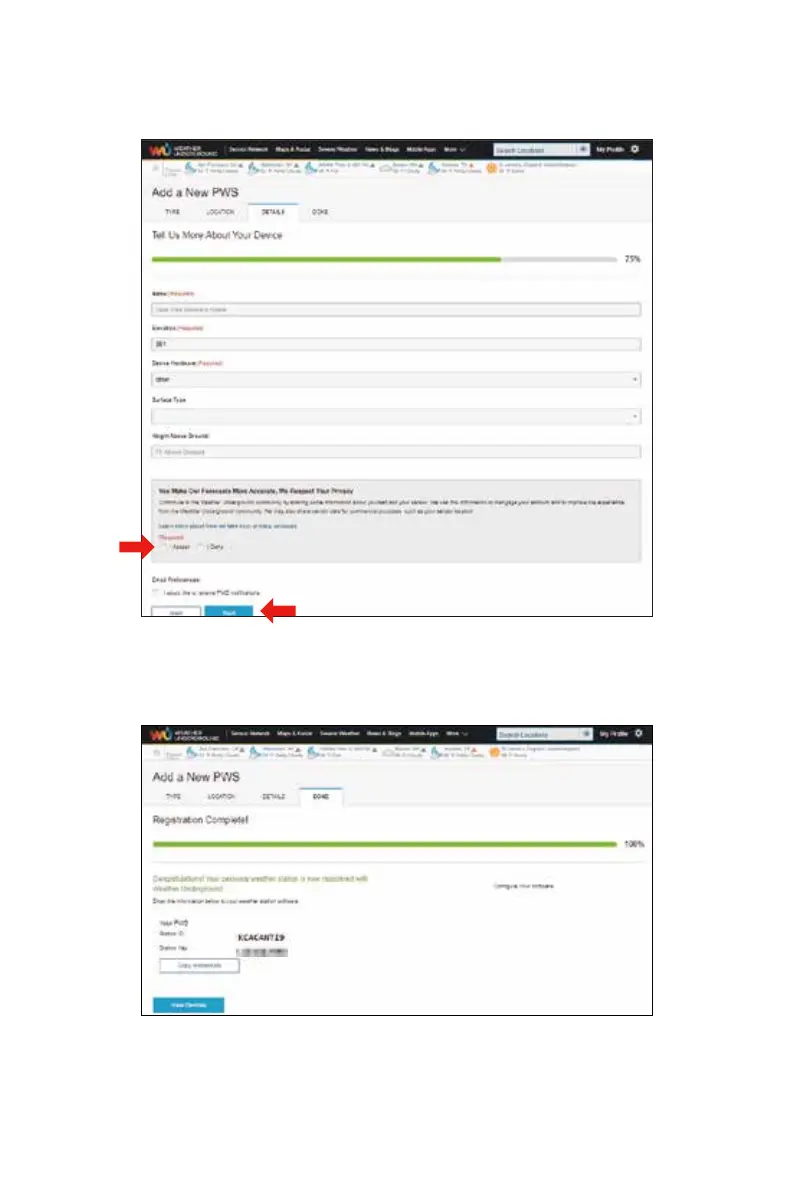
9.) Enter the weather information. Blanks with red (required) must be filled in.
10.)
11.)
Once complete this session, click “I Accept” and “Next”.
After registering successfully, please record your WeatherUnderground ID and Key
information for later setup use.
NOTE:
You can select “other” of the Device Hardware.



 To Next Page