18
12.) As shown below, registration is done successfully.
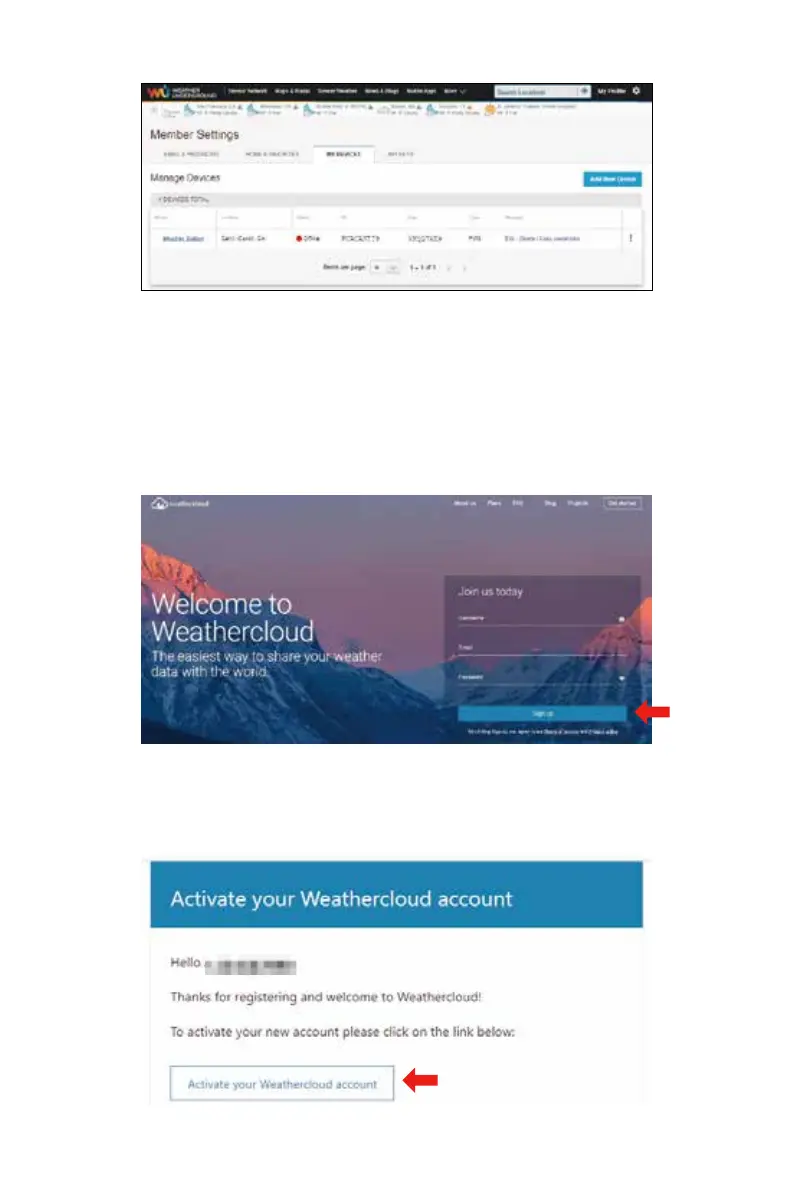
1.) Visit Weathercloud website at https://weathercloud.net/, and enter a Username, Email
and Password and click “Sign up”. Following the instructions to create an account.
CREAT YOUR WEATHERCLOUD ACCOUNT
NOTE: This is best done on a computer desktop or laptop.
(It is your Login password of the websiteIt, not your email password. So no privacy will be
exposed).
2.)
3.)
When it is successful, an email will be received in your registered mailbox.
Open your mail and log in to the web address in the mail. Click “Activate your
Weathercloud account”.



 To Next Page