29
When the max values are displayed, press 【CHANNEL】button to interchange viewing
indoor and paired outdoor sensor(s) temperature and humidity.
When the min values are displayed, press 【CHANNEL】button to interchange viewing
indoor and paired outdoor sensor(s) temperature and humidity.
When the max values are displayed, press 【BARO/-/ 】button to interchange
viewing between Absolute and Relative pressure.
When the min values are displayed, press 【BARO/-/ 】button to interchange
viewing between Absolute and Relative pressure.
To clear the max value, press and hold 【MAX/MIN】button over 2 seconds while max
values are displayed.
To clear the min value, press and hold 【MAX/MIN】button over 2 seconds while min
values are displayed.
●
●
To Clear the MAX/MIN Data Record
1.)
2.)
1.)
2.)
Display Absolute and Relative pressure Max/Min Values●
Display indoor and other channels sensor temperature & humidity Max/Min values
NOTE: If other channel sensors were paired, it can show the other channel max/min
temperature and humidity values. If other channel sensors were not paired, it will only
show current indoor max/min temperature and humidity values.
●
17
17
16
16
14
14
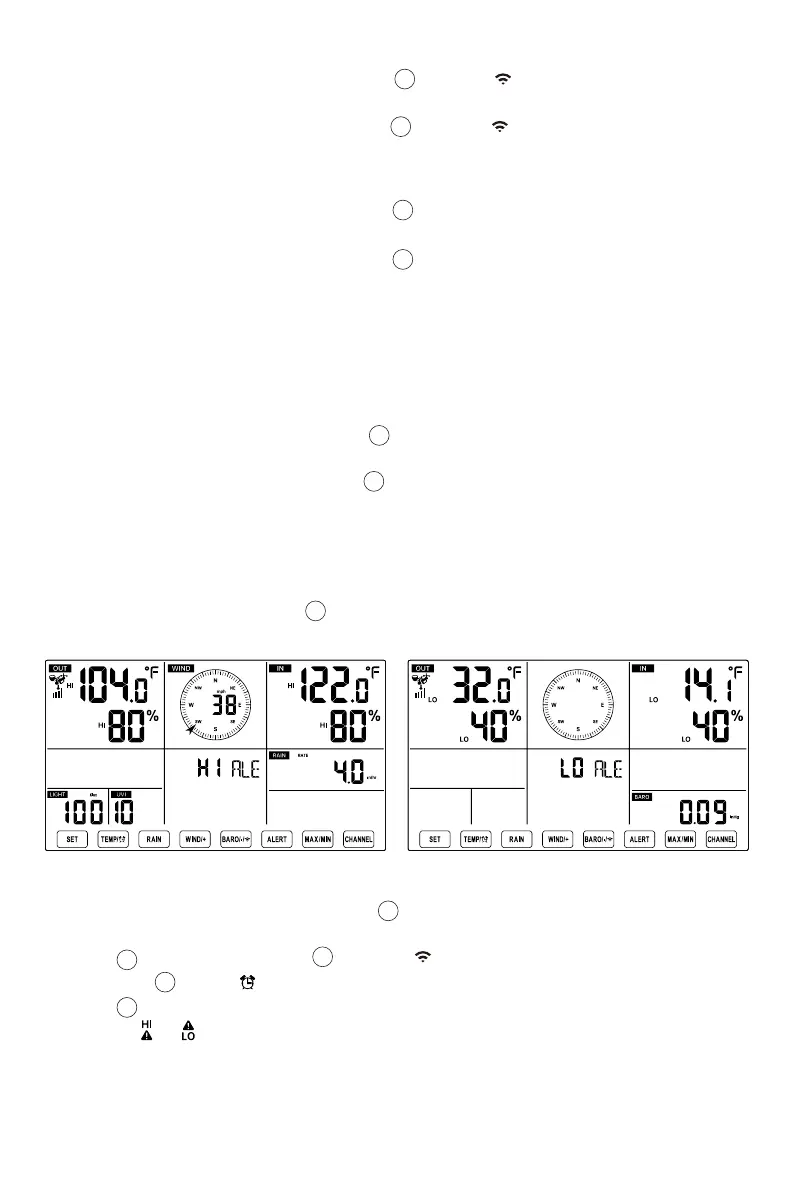
In normal display mode, press 【ALERT】button switching between Hi alert and Low
alert setting value.
HI/LO ALERT SETTING
In normal display mode, press and hold 【ALERT】button over 2 seconds to enter the
alert setting mode.
Press 【WIND/+】button and 【BARO/-/ 】button to adjust the value up or down,
then press 【TEMP/ 】button to turn on/off the alert.
Press 【ALERT】button to confirm and jump to next setting.
The icon or will display when the alert is on.
●
●
●
●
13
14
11
To View the Alert Setting
To Set the Alert
●
15
15
15



 To Next Page
 Loading...

