Need help?
Do you have a question about the LG-Nortel IP8815 and is the answer not in the manual?
Compliance with FCC and Canadian regulations regarding radio frequency emissions.
Adherence to international product safety standards for information technology equipment.
Information on E-911 requirements for multi-line telephone systems.
Notes on privacy and security technologies implemented in the IP8815 Phone.
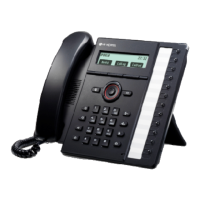
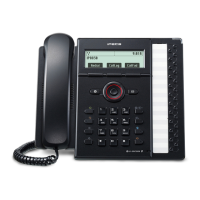
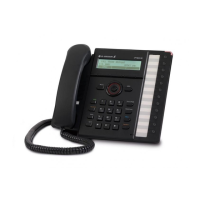
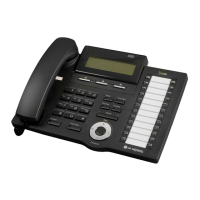
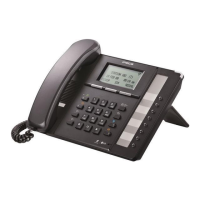
Description of fixed, soft, and flexible buttons, dial pad, and other components.
Explanation of LED indicators for line status on flexible buttons.
How to answer, end, or refuse incoming calls.
Steps for placing a call using handset, speakerphone, or headset.
Procedure for placing and retrieving calls on hold.
Transferring calls after announcing to the receiving party.
Transferring calls without announcing to the recipient.
Using DSS/BLF buttons for one-touch calling and status.
Setting up call forwarding based on busy, no answer, or unconditional.
Procedure for setting up a three-party conference call.
Handling incoming calls during an active call.
Redialing the last number dialed.
Returning the last incoming call.
Using speed dial buttons for quick dialing.
Using two-digit speed numbers from the phone book.
Activating Do-Not-Disturb to block incoming calls.
Muting the microphone during a call.
Accessing voice messages when a message waiting indicator is present.
Configuring automatic dialing upon lifting handset or pressing speaker.
Accessing and using the phone's call history logs.
Managing contacts and making calls using the internal phone book.
Adjusting the LCD screen contrast for optimal viewing.
Setting default ring type for incoming calls.
Customizing ring type and delay for individual phone lines.
Disabling the phone's ringer for incoming calls.
Configuring the phone to automatically use the headset.
Assigning functions to programmable flexible buttons.
Configuring the network time server address.
Setting the local time zone for the phone.
Enabling or disabling automatic Daylight Savings Time.
Setting the display format for time (12-hour or 24-hour).
Customizing the display format for dates.
Enabling password protection for outgoing calls.
Activating speed number dialing from the phone book.
Enabling or disabling audible tones for button presses.
Selecting the display language for the phone's interface.

 To Next Page
 General