Need help?
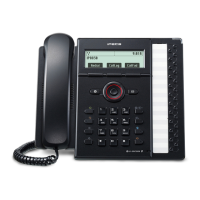
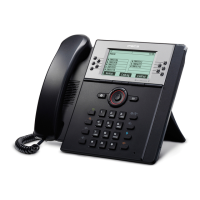
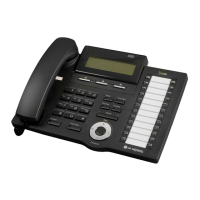
Do you have a question about the LG-Nortel iPecs LIP-8012D and is the answer not in the manual?
Describes the VoIP technology and user interface of the iPECS phones.
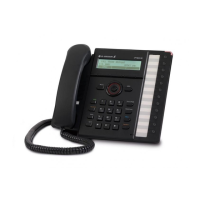
Provides instructions for installing the LIP-8012D & 8024D phones.
Explains how to answer incoming calls when the phone is idle.
Describes how to handle incoming calls when already on a call (call waiting).
How to use the Do-Not-Disturb feature to block incoming calls.
Instructions for diverting calls to other stations or voice mail.
How to place calls to other stations within the system via Intercom.
Instructions for placing outgoing calls using CO/IP lines.
How to transfer an active call to another station or resource.
Instructions on placing calls on hold, system vs exclusive.
Instructions for retrieving voice messages locally or remotely.
How to assign attributes like Authorization Codes using program codes.
How to assign features and functions to programmable Flex buttons.
 General
| Type | IP Phone |
|---|---|
| Display | 3-Line LCD |
| Speakerphone | Yes |
| Headset Port | Yes |
| Power over Ethernet (PoE) | Yes |
| Lines | 12 |
| Network Interface | 10/100 Mbps Ethernet |
| Protocols | SIP |
| Supported Codecs | G.711, G.729 |
| Wall Mountable | Yes |
| Power Supply | Optional AC Adapter |

 To Next Page