28
ENG
ENGLISH
CUSTOMIZING SETTINGS
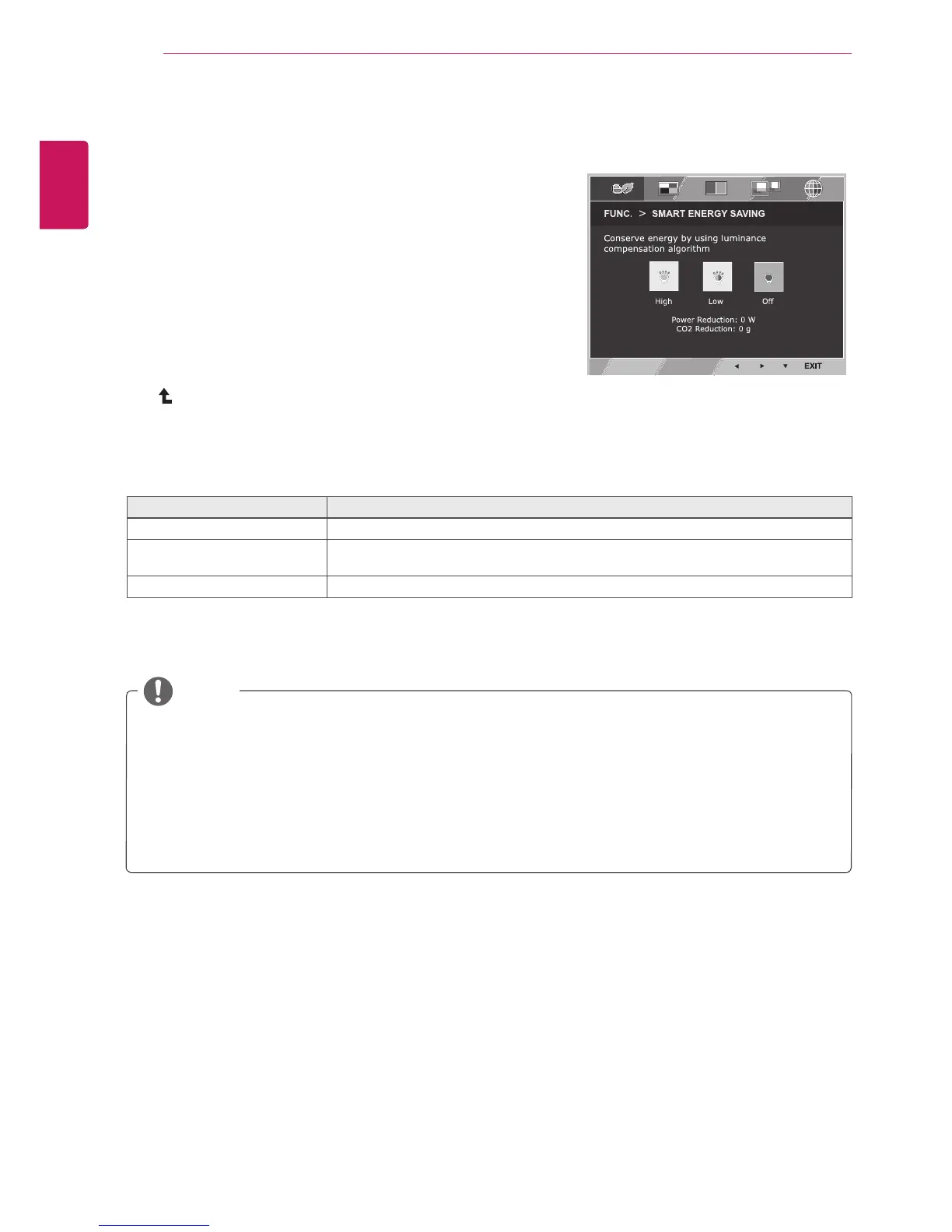
SMARTENERGYSAVING
1
Press
FUNC.
buttononthebottomoftheMonitorsetto
displaythe
FUNC.
OSD.
2
Enterto
SMARTENERGYSAVING
bypressingthe▼
button.
3
Settheoptionsbypressingthe◄or►buttons.
4
Select
EXIT
toleavetheOSDmenu.Toreturntothe
uppermenuorsetothermenuitems,usetheuparrow
( )button.
Eachoptionisexplainedbelow.
SMARTENERGYSAVING Description
High
EnablesSMARTENERGYSAVINGyoucansaveenergywiththisenergy-highefficientfunction.
Low
EnablesSMARTENERGYSAVINGyoucansaveenergywiththisenergy-lowefficient
function.
Off DisablesSMARTENERGYSAVING.
TOTALPOWERREDUCTION
:Howmuchpowerissavedwhileusingthemonitor.
TOTALCO2REDUCTION
:ChangetheTOTALPOWERREDUCTIONtoCO2.
SavingDatadependsonthePanel.So,thosevaluesshouldbedifferentfromeachpanelandpanel
vendor.IfoptionofSMARTENERGYSAVINGisHighorLow,monitorluminancebecomehigheror
lowerdependonsource.
IfoptionofSMARTENERGYSAVINGisHighorLow,PictureModewillautomaticallybeCustomand
ReaderModeandColorWizardwillautomaticallybeOff.
NOTE
FUNC.Setting
*
SMARTENERGYSAVING:
Conserveenergybyusingluminancecompensationalgorithm.



 To Next Page