WATCHING TV / CHANNEL CONTROL
27
■
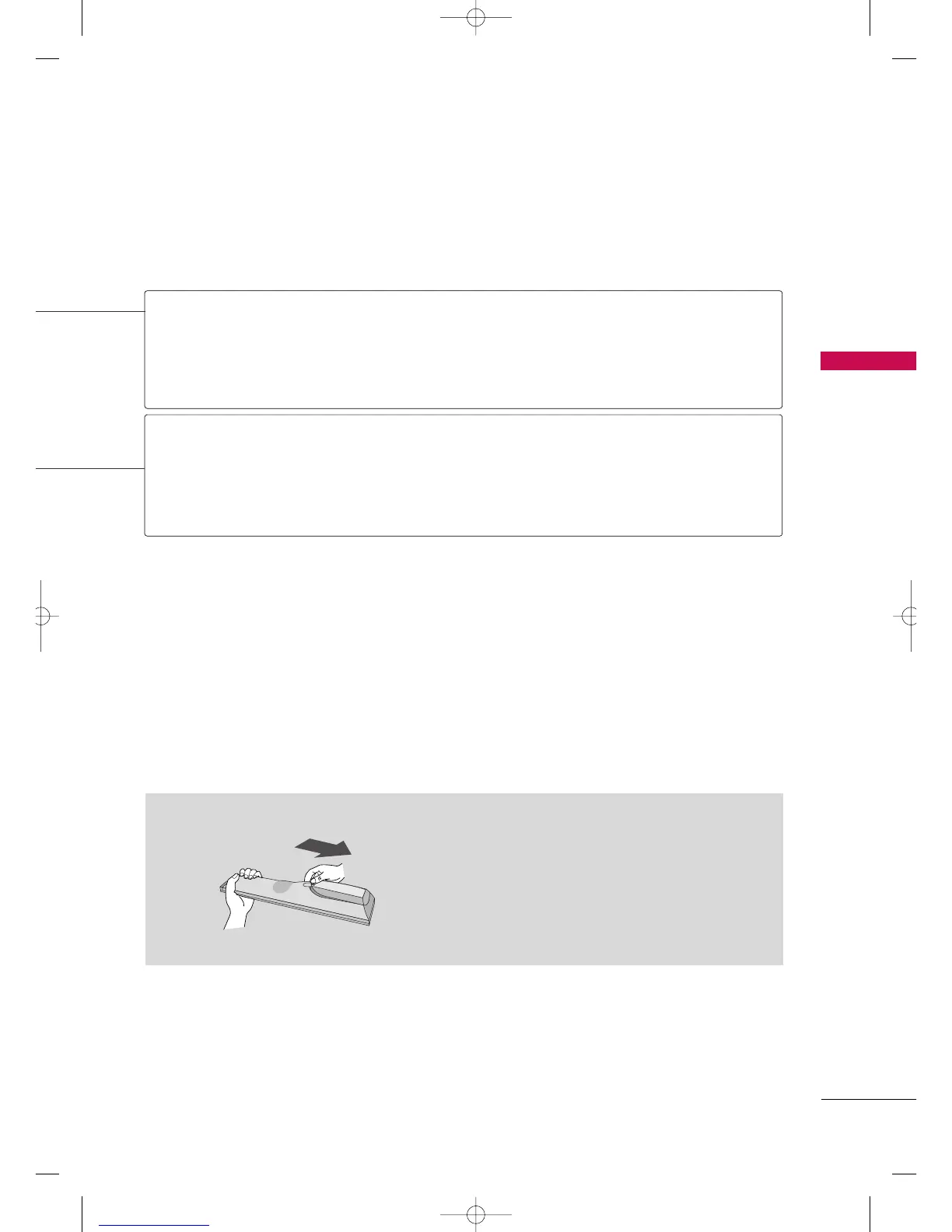
Open the battery compartment cover on the back
side and install the batteries matching correct
polarity
(
+ with +, - with -
)
.
■
Install two 1.5V AAA batteries. Don’t mix old or
used batteries with new ones.
■
Close cover.
Installing Batteries
NUMBER button
Turns your TV.
In AV, Component and HDMI input sources, screen returns to the last TV channel.
Select the desired input source.
Switch the sound on or off.
Scroll through the programmed Favorite channels.
GG
pp..3333
POWER
TV
INPUT
MUTE
FAV
MFL41469218-en 4/29/10 2:15 PM Page 27



 To Next Page