WATCHING TV / CHANNEL CONTROL
31
1
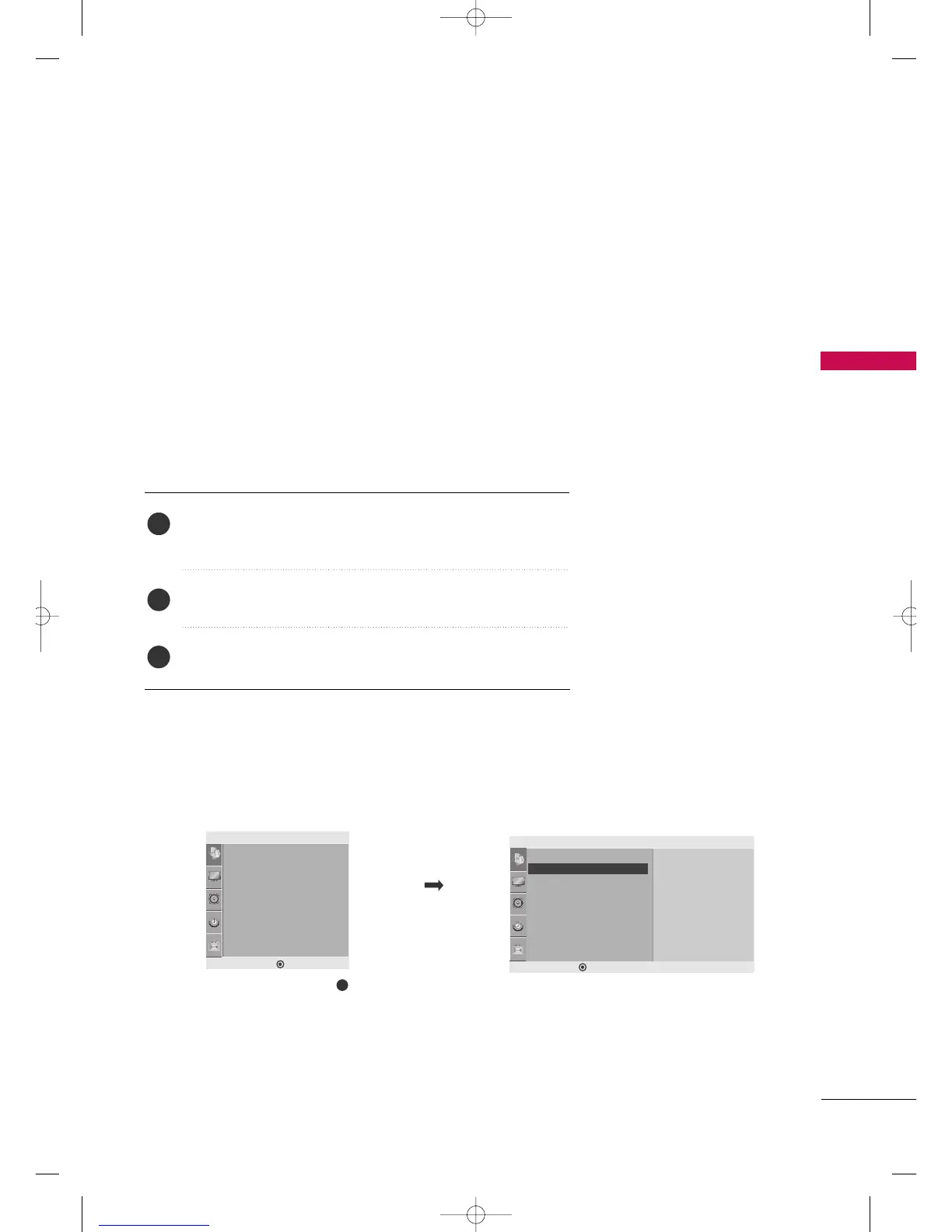
Setup
Auto Tuning
Manual Tuning
Favorite Channel
TV 39
Memory
Fine 0
Manual Tuning G
DE F G
MENU
Auto Tuning
Manual Tuning
Favorite Channel
Setup
DE F G
MENU
You can add or delete channels from the channel scan manually.
Manual Tuning: Adding/Deleting Channels
Use the
CCHH
DD EE
or NUMBER buttons to select the channel number
you want to add or delete.
Press the
MMEEMMOORRYY//EERRAASSEE
button to select
MMeemmoorryy
or
EErraassee
.
Press the
EENNTTEERR
button to return to TV viewing.
1
2
3
■
You can also use the
SSeettuupp
menu to adjust
MMaannuuaall TTuunniinngg
.
MFL41469218-en 4/29/10 2:15 PM Page 31



 To Next Page