11
• Do not press the screen with your finger for a prolonged period as this may result in temporary distortion on the screen.
• Avoid displaying static images on the screen for a long period of time to prevent retention. Use a screensaver if possible.
• A wireless communication device near your monitor can affect the image.
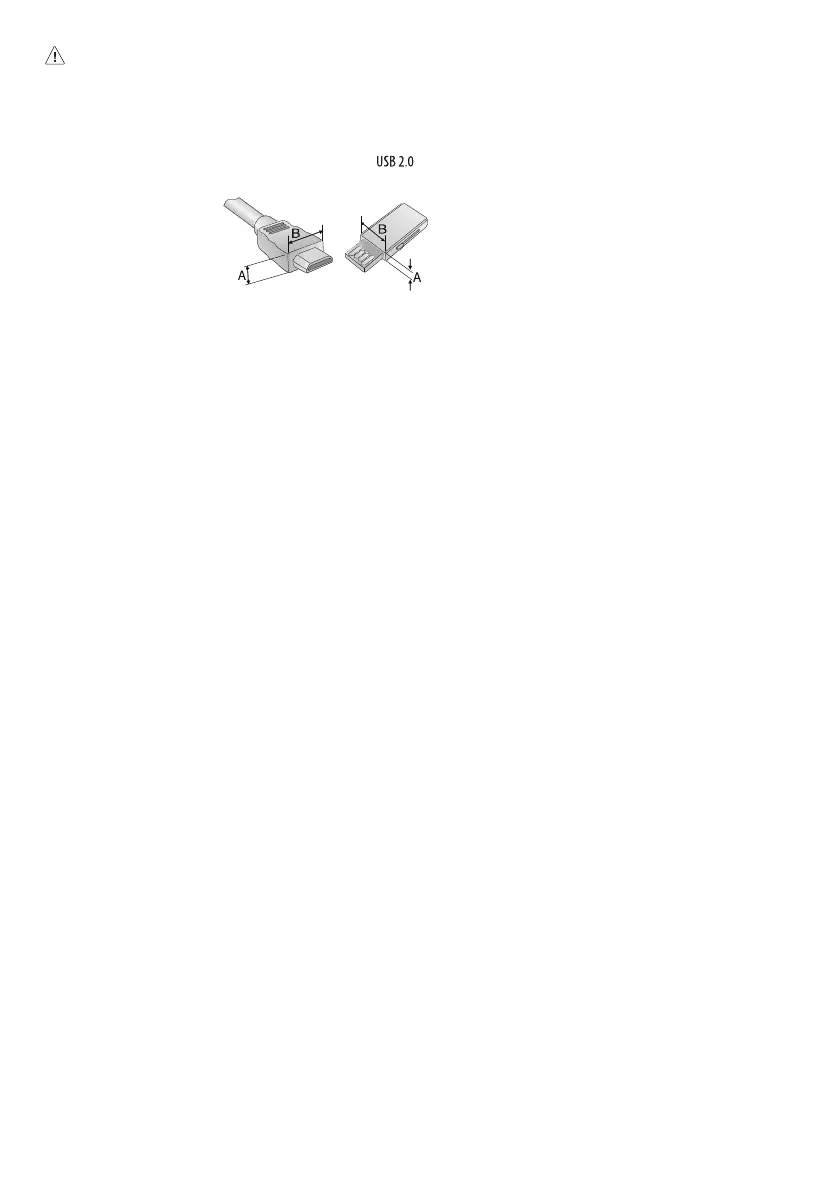
• For an optimal connection, HDMI cables and USB devices should have bezels less than 10mm (0.39inches) thick, 18mm (0.7inches) width and 8mm
(0.31inches) a wire diameter. Use an extension cable that supports if the USB cable or USB memory stick does not fit into your Monitor’s USB port.
(Depending upon model)
* A
10mm (0.39inches)
* B
18mm (0.7inches)


 To Next Page