- 15 -
9. Adjustment of White Balance
9-1. Required Equipment
(1) Color analyzer (CA-210 or similar product)
(2) Automatic adjustor (with automatic adjustment hour
necessity and the RS-232C communication being possible)
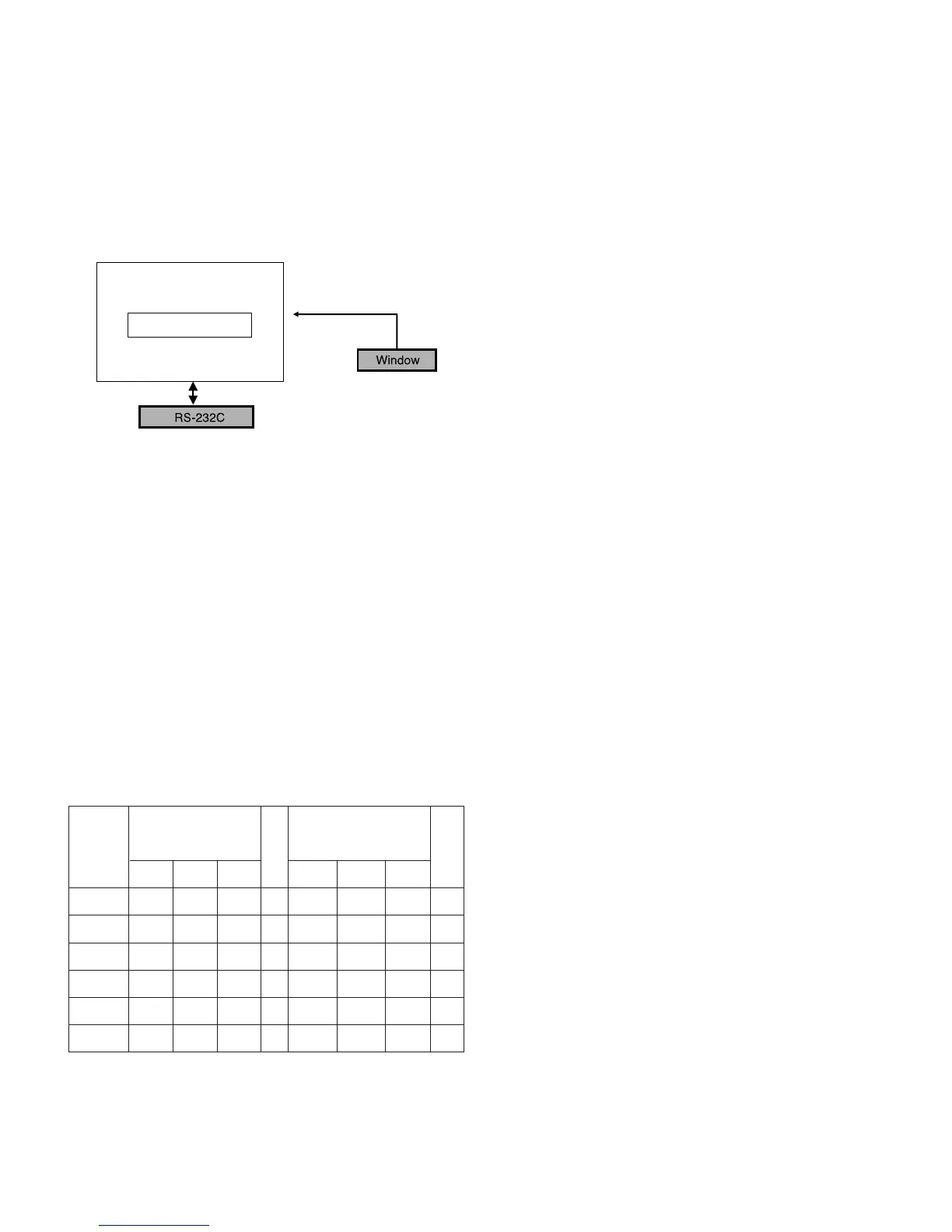
9-2. Connection Diagram of Equipment
for Measuring (Automatic Adjustment)
9-3. Process of automatic adjustment
(1) As using the white pattern for adjustment the inner part,
HDMI connection need not. But as lower part, the RS-232C
Command is used.
Wb 00 00 start of automatic adjustment the white balance.
Wb 00 10 Start of gain adjustment.(inside pattern)
Ja 00 ff Adjustment Date.
Jb 00 c0
...
Wb 00 1f Ending gain adjustment.
As occasion demands , adjust the offset.
( Wb 00 20(Start) , Wb 00 2f(end))
Caution) When you adjust, automatically, RS-232C
Command is used.
[[
RS-232C Command (Automatic Adjustment)
9-4. Adjustment of White Balance
(Automatic Adjustment)
O
Calibrate of the CA-210, then attach sensor to PDP module
surface when you adjust.
O
Manual adjustment is also possible by the following sequence.
(1) HEAT RUN at least 30 minutes by pressing the Power only
Key on the Service Remote Control and adjust. and use
power only or tint key and establish BaudRate to 115200.
(2) It must start “ 00 00”, complete “wb 00 ff”.
(3) Adjust offset.
9-5. Adjustment of White Balance
(Passivity Adjustment)
(1) HEAT RUN at least 30 minutes by pressing the ‘7. White-
Pattern’ on the Service Remote Control and adjust.
(2) After attaching sensor to center of screen, select ‘7. White-
Balance’ of ‘Ez - Adjust’ by pressing the ADJ KEY on the
Service R/C. Then enter adjustment mode by pressing the
Right KEY (
G
). This time white pattern is displayed.
(3) Adjust the High Light using B Gain/G Gain - [Cool].
(B Gain 192, R-Cut/G-Cut/B-Cut: 64/62/65 Fix.)
Adjust the High Light using B Gain/R Gain - [Medium].
(B Gain 192, R-Cut/G-Cut/B-Cut: 65/62/66 Fix.)
Adjust the High Light using G Gain/B Gain - [Warm].
(B Gain 192, R-Cut/G-Cut/B-Cut: 62/62/65 Fix.)
(4) Adjust using Volume +/- KEY.
Value of bright : High Level -> 216gray
[Cool]
X; 0.278±0.0015 Y; 0.279±0.0015
Color temperature: 11000°K ±1000°K
dUV: -3dUV
[Medium]
X; 0.287±0.0015 Y; 0.289±0.0015
Color temperature: 9300°K±1000°K
dUV: -3dUV
[Warm]
X; 0.314±0.0015 Y; 0.318±0.0015
Color temperature: 6500°K±1000°K
dUV: -3dUV
(5) After adjustment is complete, exit the adjustment mode by
pressing the ADJ KEY.



 To Next Page