32
Plasma Fall 2008 42PG20
ADJUSTMENT ORDER “IMPORTANT”
DC VOLTAGE ADJUSTMENTS
1) SMPS PWB: Vs Va (Always do SMPS first)
2) Y-SUS PWB: Adjust –Vy, Vscan,
3) Z-SUS PWB: Adjust Zbias
WAVEFORM ADJUSTMENTS
1) Y-SUS PWB: Ramp Up, Ramp Down
ADJUSTMENT NOTICE
ADJUSTMENT NOTICE
It is critical that the DC Voltage adjustments be checked when ever;
1) SMPS, Y-SUS or Z-SUS PWB is replaced.
2) Panel is replaced, since the SMPS does not come with new panel
3) A Picture issue is encountered
4) As a general rule of thumb when ever the back is removed
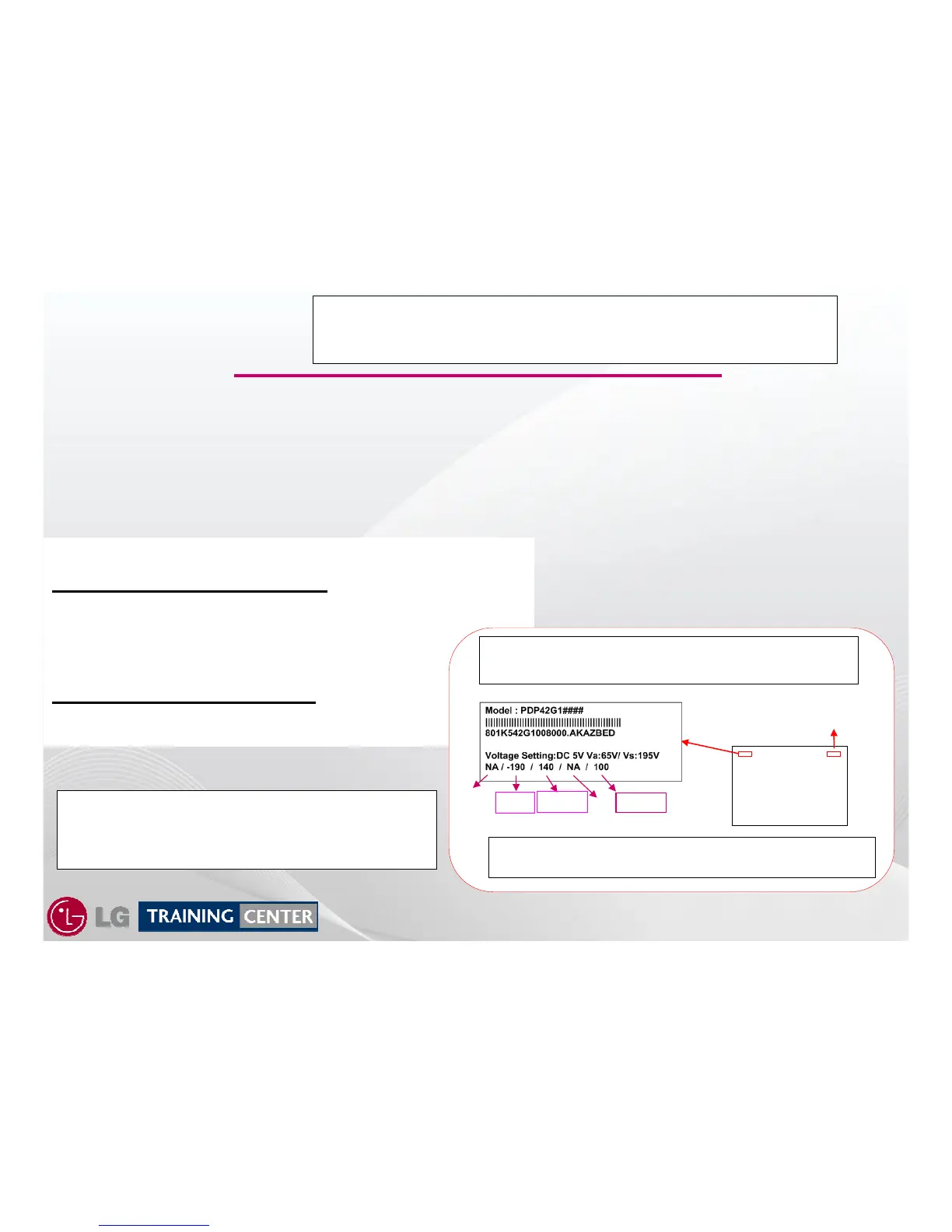
Remember, the Voltage Label MUST be followed,
it is specific to the panel’s needs.
All label references are from a specific panel.
They are not the same for every panel encountered.
-VY
Z_BIAS
Panel
“Rear View”
Manufacturer
Bar Code
Set-
Up
Ve
Vscan
The Waveform adjustment is only necessary
1) When the Y-SUS PWB is replaced
2) When a “Mal-Discharge” problem is encountered
3) When an abnormal picture issues is encountered
When ever a new PWB is received from parts,
CENTER ALL ADJUSTMENT POTS before installing the PWB.
Example: If Ramp Up on the Y-SUS is too high, the set will shut down.



 To Next Page