TROUBLESHOOTING
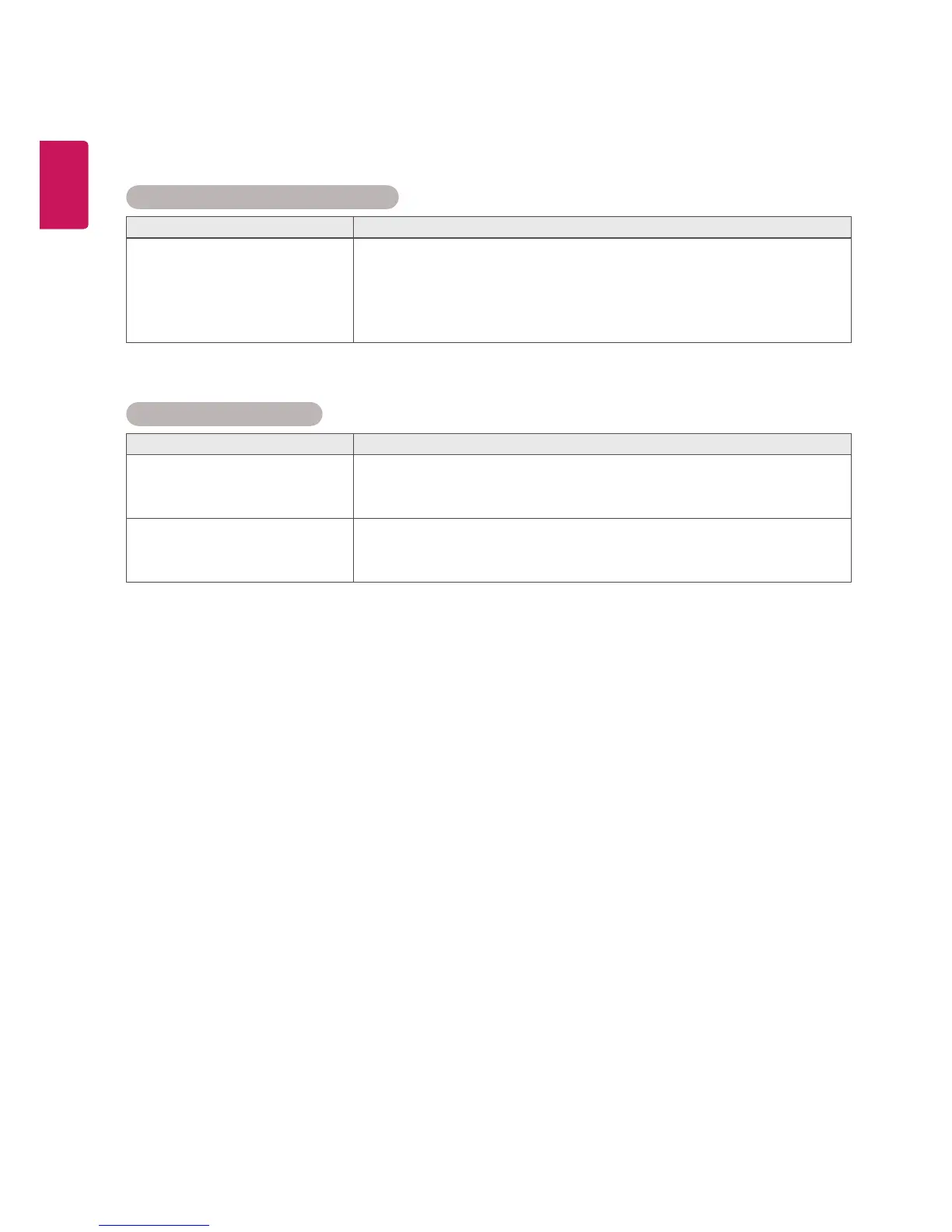
After-image appears on the product.
Problem Resolution
After-image appears when the
product is turned off.
If you use a fixed image for a long time, the pixels may be damaged
quickly. Use the screen-saver function.
When a dark image is displayed on the screen after an image with
high contrast (black and white or gray), this may cause image sticking.
This is normal for LCD screen.
Screen color is abnormal.
Problem Resolution
Screen color is unstable or
mono-colored.
Check the connection status of the LVDS cable.
Check whether the LVDS cable is connected correctly following the
LVDS Pin Map Guide.
Do black spots appear on the
screen?
Several pixels (red, green, white or black color) may appear on the
screen, which can be attributable to the unique characteristics of the
LCD panel. It is not a malfunction of the LCD.



 To Next Page