EasyManua.ls Logo

LG 49VH7E-A - User Manual

LG 49VH7E-A
33 pages
Print Icon
To Next Page IconTo Next Page
Loading...
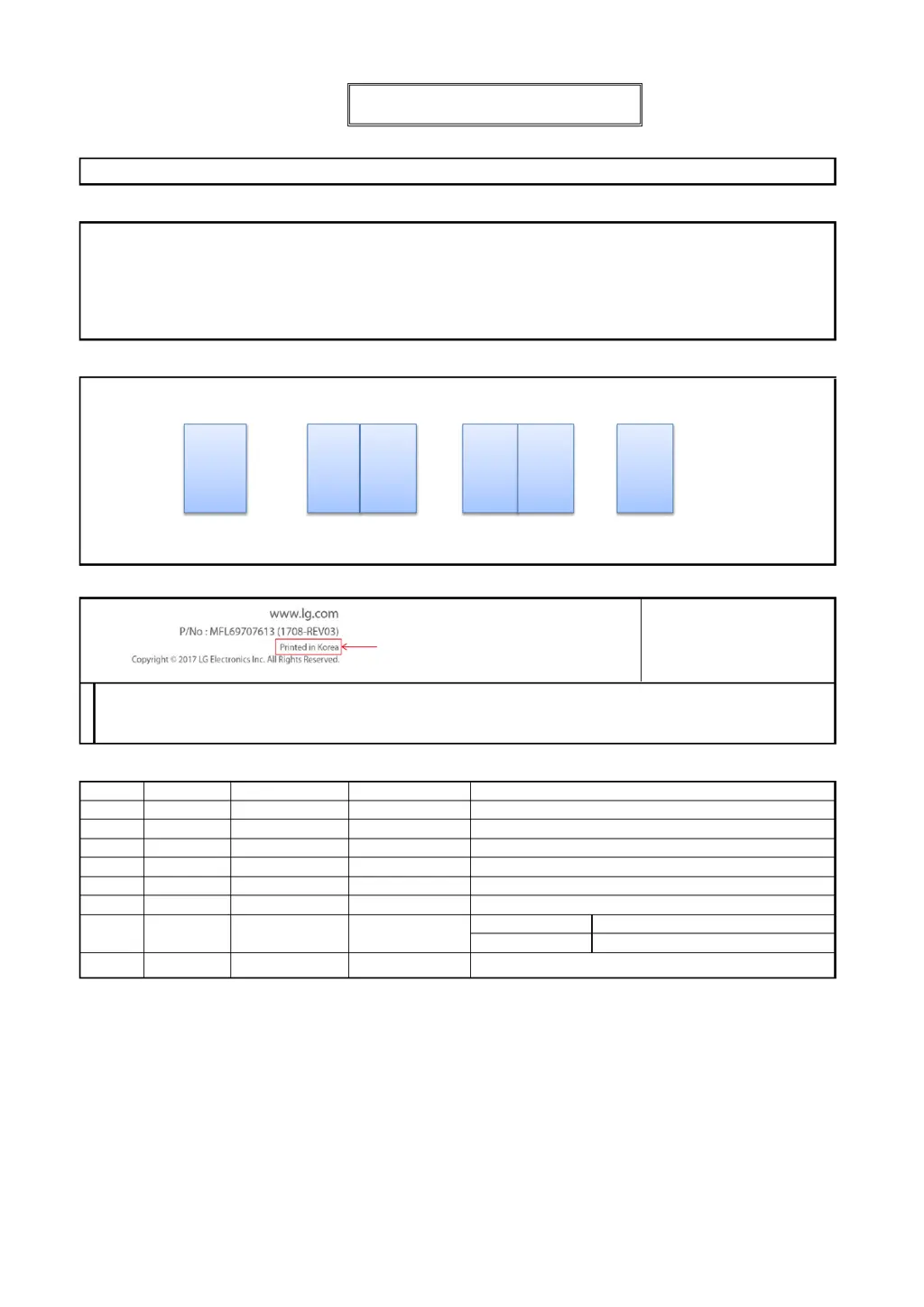
55VH7E LG MFL71401601
MF SIGNAGE (REV02)
1 Color (Black) : • Inside 1 Color (Black)
Uncoated, wood-free paper 60 g/ : • Inside
Uncoated, wood-free paper 60 g/
Saddle stitching :5. Number of pages 32
[Country Name]
LGERS/ LGEMX : Mexico
LGEKR: Korea
Changes the Country name.
LGEMA: Poland
Printed in [Country Name]
LGEND: China
Others: Each Country name.
07/11/2019 Yeryeong.Park
12/24/2018 Gowoon Lee
Checked :
Approved :
Jongok Kim
REV07
3. Pagination sheet
REV04
REV05
REV06
:Part number
1. Model Description
:6. Language
:Model/Item Name
:Suffix
:Brand name
:Product
:1. Trim size (Format) (W X H)
2. Printing colors
: • Cover
:4. Bindery
(Revision number)
2. Printing Specification
To add images and contents
Rev. Number
REV00
148 mm x 210 mm (A5)
ENG (1)
4. Origin Notification
5. Changes
3. Stock (Paper)
: • Cover
Gowoon Lee
Eunhye Jeong
Printing Specification
REV03
Signature
Change Contents
ECO Number
N
O
T
E
“This part contains Eco-hazardous substances (Pb, Cd, Hg, Cr6+, PBB, PBDE, etc.) within LG standard level,
Details should be followed Eco-SCM management standard[LG(56)-A-2524].
Especially, Part should be followed and controlled the following specification.
(1) Eco-hazardous substances test report should be submitted when Part certification test and First Mass Production.
(2) Especially, Don’t use or contain lead(Pb) and cadmium(Cd) in ink.
REV01
EKMIC00390
To add the 49VH7E, 49VM5E and 55VM5E models for Pre-MP.
REV02
EKMJ700130
Front 2 3 4 5.... Back

Questions and Answers

  • L
    lauracannonSep 23, 2025
    How to fix abnormal screen color on LG 49VH7E-A?
    • T
      tonysmithSep 23, 2025
      If the screen color is abnormal on your LG Digital Signage, set the number of colors to more than 24 bits (true color) by selecting (Control Panel ? Display ? Settings ? Color Table) in Windows. Also, check the connection status of the signal cable and re-insert the PC graphics card. Note that several pixels (red, green, blue, white, or black color) may appear on the screen due to the unique characteristics of the LCD panel, which is not a malfunction.
  • R
    Ryan FernandezAug 23, 2025
    Why does the screen image look abnormal on my LG Digital Signage?
    • A
      Alicia HaynesAug 25, 2025
      If the screen image on your LG Digital Signage looks abnormal, ensure that the graphics card resolution and frequency are supported by the product. If the frequency is out of range, set to the recommended resolution in the (Control Panel ? Display ? Setting) menu. Also, verify that the correct input signal is connected to the appropriate signal port; connect the signal cable that matches the source input signal.
  • B
    bmeyerAug 25, 2025
    What to do if the screen image looks abnormal on LG Digital Signage?
    • S
      Sean CurtisAug 26, 2025
      If the screen image looks abnormal on your LG Digital Signage, verify that the graphics card resolution and frequency are supported by the product. If the frequency is out of range, set to the recommended resolution in the (Control Panel ? Display ? Setting) menu. Also, ensure the proper input signal is connected to the signal port by connecting the signal cable that matches with the source input signal.
  • M
    Marisa BrownAug 27, 2025
    What to do if the screen color is abnormal on LG Digital Signage?
    • N
      Nichole WelchAug 27, 2025
      If you are experiencing abnormal screen color on your LG Digital Signage, set the number of colors to more than 24 bits (true color) by selecting (Control Panel ? Display ? Settings ? Color Table) in Windows. Also, check the connection status of the signal cable and re-insert the PC graphics card. Note that several pixels (red, green, blue, white, or black color) may appear on the screen. This is not a malfunction of the LCD, but attributable to the unique characteristics of the LCD panel.
  • C
    Cindy RoachAug 27, 2025
    How to troubleshoot audio function not working on LG 49VH7E-A Digital Signage?
    • S
      Scott CannonAug 27, 2025
      If the audio function isn't working on your LG Digital Signage, check if the audio cable is properly connected. Also, make sure the sound settings are correctly configured. Additionally, verify and adjust the volume of any external devices connected to the signage.
  • M
    Mary WatsonSep 16, 2025
    How to resolve 'Unknown Product' message on LG 49VH7E-A Digital Signage?
    • J
      Jeffrey MoralesSep 16, 2025
      To resolve the 'Unknown Product' message on your LG Digital Signage, check if the Plug and Play function is supported by referring to the graphics card user manual.
  • H
    Heidi NavarroSep 13, 2025
    What to do if the audio function does not work on my LG 49VH7E-A?
    • J
      Jeffrey SmithSep 13, 2025
      If the audio function isn't working on your LG Digital Signage, verify that the audio cable is connected properly and that the sound is set correctly. Also, try adjusting the volume of the external device.
  • D
    Dawn MaloneSep 15, 2025
    Why does my LG Digital Signage operation not work normally?
    • K
      Kristin KingSep 15, 2025
      If the operation of your LG Digital Signage does not work normally, check if the Timer is set, review the power control settings, and ensure there wasn't a power interruption.
  • N
    Nicole WilliamsSep 5, 2025
    What to do if the “Unknown Product” message appears when LG 49VH7E-A is connected?
    • J
      Jeremy MitchellSep 5, 2025
      If the “Unknown Product” message appears when your LG Digital Signage is connected, check if the Plug and Play function is supported by referring to the graphics card user manual.
  • K
    Katherine StewartSep 3, 2025
    What to do if the operation does not work normally on LG 49VH7E-A Digital Signage?
    • K
      Kevin CummingsSep 3, 2025
      If your LG Digital Signage isn't operating normally, check if the Timer is set, review the power control settings, and ensure there wasn't a power interruption.

LG 49VH7E-A Specifications

General IconGeneral
BrandLG
Model49VH7E-A
CategoryDigital Signage
LanguageEnglish

Related product manuals