EasyManua.ls Logo

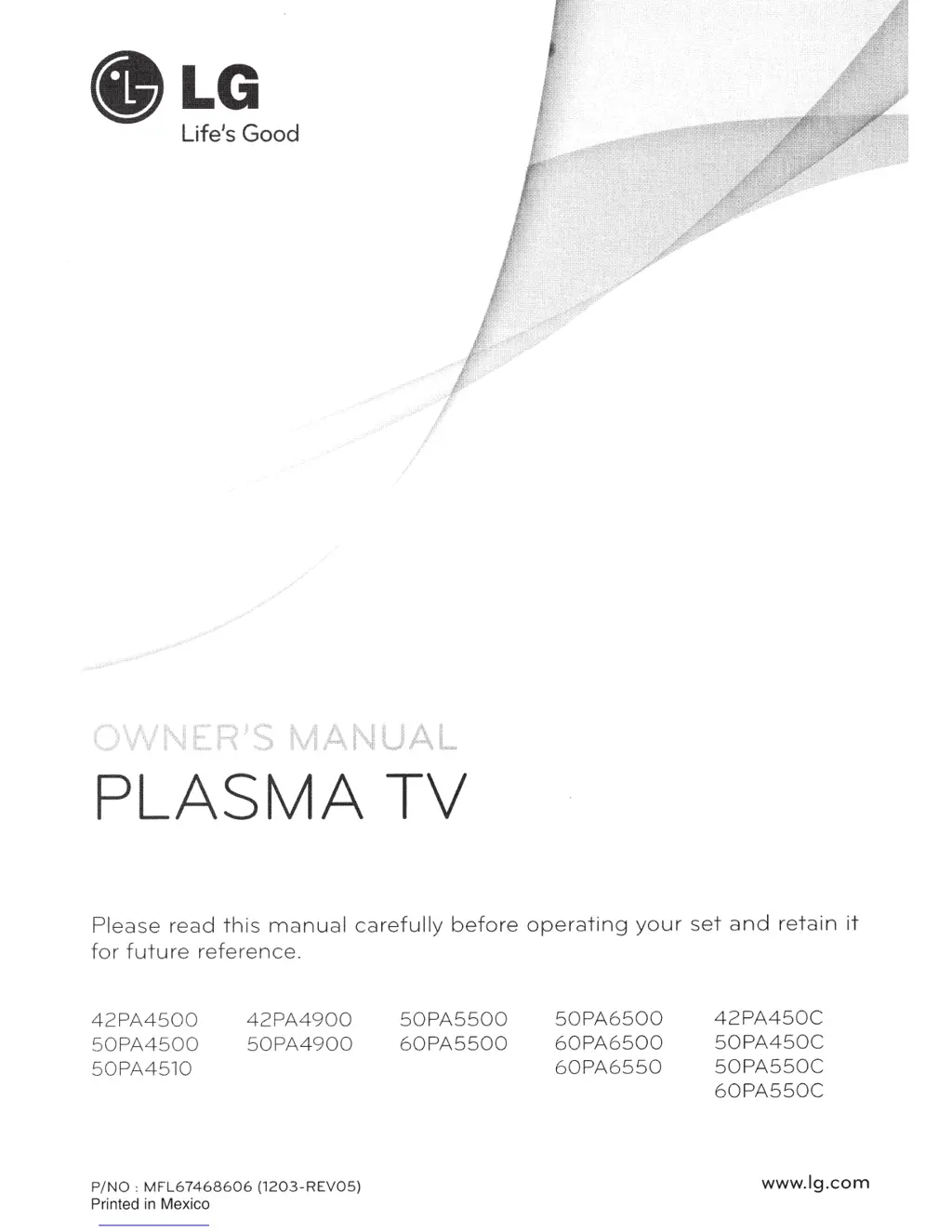
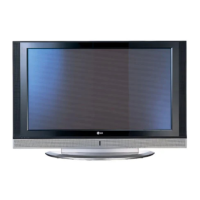
LG 50PA6500 - User Manual

LG 50PA6500
247 pages
Print Icon
To Next Page IconTo Next Page
Loading...
PLASMA
TV
Please
read
this
manual
carefu
lly
before
operating
your
set
and
retain
it
fo
r
future
refer
e
nc
e.
42PA4
500
50PA4500
50
PA4510
42PA4900
5
0PA4900
P/NO
:
MF
L6
746
8606
(1
2
03
-RE
VO
S)
Printed
in
Mexico
50
PA55
00
60PA5500
50
PA
6500
60PA6500
60PA
6550
42PA450C
50
PA450
C
50PA550C
60PA550C
www.lg.com

Table of Contents

Other manuals for LG 50PA6500

Questions and Answers

  • S
    Scott DuffySep 23, 2025
    What to do if the touch pen is touched on wrong positions of LG 50PA6500?
    • C
      Cheryl WestSep 23, 2025
      If the touch pen is touching in the wrong positions on your LG Plasma TV, first set the computer screen to display only on the TV. You can also use the TV remote control to select [SETTINGS] ? [Picture] ? [Screen] (RGB-PC), then select [Auto Config.] to adjust the screen.
  • D
    Daniel GriffinAug 25, 2025
    What to do if my LG Plasma TV has no image and sound?
    • S
      Stephen RodgersAug 25, 2025
      If your LG Plasma TV shows no image and produces no sound, first ensure that the TV is powered on. Next, check that the power cord is securely connected to a functioning wall outlet. To confirm the outlet's functionality, try plugging in other devices.
  • A
    Andrea MartinezAug 25, 2025
    Why does my LG 50PA6500 Plasma TV keep turning off?
    • J
      John BullockAug 26, 2025
      If your LG Plasma TV turns off suddenly, check the power control settings to ensure the power supply isn't interrupted. Also, see if the Auto sleep feature is activated in the Time settings. If there's no signal while the TV is on, it will turn off automatically after 15 minutes of inactivity.
  • A
    Austin Rich Jr.Aug 26, 2025
    What to do if my LG 50PA6500 turns off suddenly?
    • A
      amber86Aug 27, 2025
      If your LG Plasma TV turns off suddenly, it might be due to an interruption in the power supply. Check the power control settings. Also, the Auto sleep feature in the Time settings might be activated. If there is no signal while the TV is on, it will turn off automatically after 15 minutes of inactivity.
  • C
    Crystal MorenoAug 27, 2025
    Why my LG 50PA6500 has no image and sound?
    • A
      Amber WilliamsAug 27, 2025
      If your LG Plasma TV shows no image and produces no sound, first ensure that the TV is turned on. Then, check whether the power cord is properly connected to the wall outlet. Finally, test the wall outlet by connecting other products to see if there's a problem with the outlet itself.
  • T
    Tanya ShafferSep 13, 2025
    What causes afterimages (ghosts) on my LG 50PA6500 screen?
    • K
      Katie SolisSep 13, 2025
      If your LG Plasma TV shows afterimages (ghosts) when it turns off, pixels may have been damaged from a fixed image displayed for a long time (image burn). Use a screen saver to prevent pixel damage.
  • U
    ukirbySep 12, 2025
    Why is the reception poor on some channels of my LG Plasma TV?
    • B
      Bruce CarrollSep 12, 2025
      If the reception on some channels is poor on your LG Plasma TV, try other channels to see if there is a broadcast problem. The station signal may be weak, so aim the antenna in the proper direction. Check for local interferences from electrical appliances or power tools.
  • S
    shawnmcdonaldSep 12, 2025
    What causes unusual sounds from inside my LG 50PA6500 Plasma TV?
    • R
      Rachel ThorntonSep 12, 2025
      If your LG Plasma TV produces an unusual sound from inside, it may be due to a change in ambient humidity or temperature when the TV turns on or off. This is normal and does not indicate a problem with the TV.
  • D
    Daniel WilsonSep 4, 2025
    Why is the touch pen movement not smooth on my LG Plasma TV?
    • H
      Hannah CollinsSep 4, 2025
      If the movement of the touch pen isn't smooth on your LG Plasma TV, check that the computer and the TV aren't too far apart and that there aren't too many obstructions between them. Also, avoid running other applications on the computer while using the Pentouch program.
  • W
    walkeralexisSep 2, 2025
    How to calibrate touch pen on LG 50PA6500 Plasma TV?
    • T
      Theodore WestSep 2, 2025
      If the touch pen is touched on wrong positions on your LG Plasma TV, first, set the computer screen to display only on the TV. If you're using a PC signal (RGB) cable and the touch point on the TV screen doesn't match the point indicated on the computer screen, use the TV remote to navigate to [SETTINGS] ? [Picture] ? [Screen] (RGB-PC), then select [Auto Config.] to adjust the screen.

LG 50PA6500 Specifications

General IconGeneral
Depth53 mm
Width1168 mm
Height704 mm
Weight26400 g
Tuner typeAnalog & digital
24p supportYes
Pixel pitch- mm
Smart modesCinema, Game, Sports, Standard, Vivid
HDMI version1.3
Package depth228 mm
Package width1330 mm
Product colorBlack
Package height817 mm
Package weight34500 g
Cables includedAC
RMS rated power20 W
AC input voltage100 - 240 V
Display diagonal49.9 \
AC input frequency50 - 60 Hz
Built-in subwooferNo
Depth (with stand)297 mm
Display brightness- cd/m²
Display technologyPlasma
Number of speakers2
Height (with stand)758 mm
Placement supportedHorizontal
Weight (with stand)28800 g
Supported video modes1080i, 1080p, 720p
USB 2.0 ports quantity1
Audio formats supportedMP3
Image formats supportedJPG
Number of OSD languages4
S-Video inputs quantity0
Video formats supportedDIVX, H.264
Contrast ratio (dynamic)3000000:1
Contrast ratio (typical)-
Panel mounting interface400 x 400 mm
Annual energy consumption190 kWh
Display diagonal (metric)127 cm
Screen format adjustments4:3, 16:9, Zoom
Analog signal format systemNTSC, PAL BG
Power consumption (standby)0.2 W
Sustainability certificatesENERGY STAR
Digital signal format systemATSC, DVB-T
Supported graphics resolutions1920 x 1080 (HD 1080)
On Screen Display (OSD) languagesENG, ESP, FRE, KOR
Consumer Electronics Control (CEC)Anynet+

Related product manuals