20
ENGLISH_index
External equipment Setup
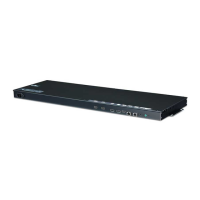
IR Receiver
This allows a remote control sensor to be placed in a custom location. Then that display can control other displays via
an RS-232C cable.
How to Set the Screen Protection Mode
• [Screen Protection Mode Setting]: Prevents after-images on the screen by analysing the characteristics of the
external input images.
• The settings differ, depending on the use of a single monitor/Video Wall Mode. For details about the settings, refer to
the User Guide.
• [Screen Protection Mode] may not work properly in some video formats.
• To learn more about settings, specifications for playing, and restrictions, refer to “How to Set the Screen Protection
Mode” in the user guide.


 To Next Page