EasyManua.ls Logo

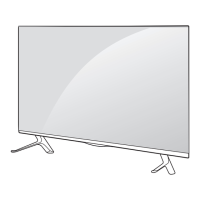
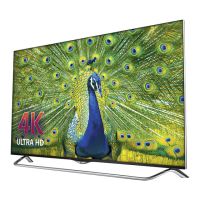
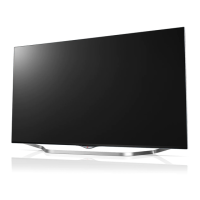
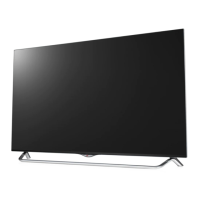
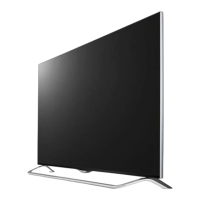
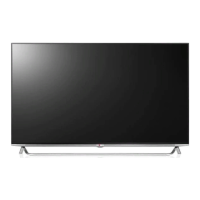
LG 55UB820T-TH - User Manual

LG 55UB820T-TH
50 pages
Print Icon
To Next Page IconTo Next Page
Loading...
*MFL68140541*
UB80**
UB82**
UB83**
Please read this manual carefully before operating
your set and retain it for future reference.
P/NO : MFL68140541 (1407-REV00)
Printed in Korea
www.lg.com
OWNER’S MANUAL
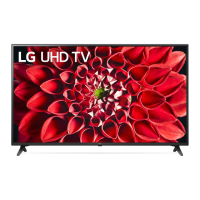
LED TV
*
* LG LED TVs are LCD TVs with LED backlighting.

Other manuals for LG 55UB820T-TH

Questions and Answers

  • S
    Stacy WallaceAug 9, 2025
    How to fix LG 55UB820T-TH remote not working?
    • G
      gweberAug 9, 2025
      If your LG LED TV isn't responding to the remote, first, ensure there's nothing blocking the path between the remote and the TV's sensor. Then, check the batteries in the remote to make sure they're working and properly installed.
  • K
    Kimberly CardenasAug 16, 2025
    Why does my LG 55UB820T-TH LED TV turn off by itself?
    • K
      Karen SawyerAug 16, 2025
      If your LG LED TV suddenly turns off, check your power control settings, as the power supply might be interrupted. Also, verify if the Sleep Timer or Off Time is activated in the TIME settings. If the TV is on but not receiving a signal, it will automatically turn off after 15 minutes of inactivity.
  • E
    eatonstephenAug 23, 2025
    Why is there no picture or sound on my LG LED TV?
    • T
      Taylor AlvaradoAug 23, 2025
      If your LG LED TV has no image and no sound, first, check to ensure that the TV is turned on. Next, verify that the power cord is securely connected to a working wall outlet. You can test the outlet by plugging in another device to see if it works.
  • J
    Jessica HarrisAug 31, 2025
    What to do if LG 55UB820T-TH LED TV says no signal from PC?
    • N
      Nathaniel ZimmermanAug 31, 2025
      If your LG LED TV shows ‘No signal’ or ‘Invalid Format’ when connected to a PC via HDMI / DVI, try turning the TV off and then on again using the remote control. If that doesn't work, try reconnecting the HDMI cable. As a final step, restart your PC while the TV is powered on.

Summary

Safety Instructions

Warning

Critical safety precautions to avoid serious injury, electric shock, or death.

Installation Procedure

Assembling and Preparing

Lifting and Moving the TV

Setting up the TV

Attaching the Stand

Instructions for attaching the TV stand to the TV using provided screws.

Mounting on a Table

Warning

Warning about the hazards of unstable TV placement and precautions for safe installation.

Mounting on a Wall

Making Connections

HDMI Connection

ARC (Audio Return Channel)

Explanation of ARC functionality for audio devices using HDMI SIMPLINK.

DVI to HDMI Connection

USB Connection

MHL Connection

Remote Control

Magic Remote Functions

Voice Recognition

Registering Magic Remote

How to Register the Magic Remote

Step-by-step guide to pair the Magic Remote with the TV by inserting batteries and pressing the wheel button.

How to Use Magic Remote

Precautions to Take when Using the Magic Remote

Maintenance

Caution

Cautions regarding screen touching, chemical usage, and spraying liquids on the TV.

Troubleshooting

Specifications

Command Reference List

Transmission; Receiving Protocol

LG 55UB820T-TH Specifications

General IconGeneral
BrandLG
Model55UB820T-TH
CategoryLED TV
LanguageEnglish

Related product manuals