EasyManua.ls Logo

LG 55VH7E-H - User Manual

LG 55VH7E-H
33 pages
Print Icon
To Next Page IconTo Next Page
Loading...
55VH7E LG MFL71401601
MF SIGNAGE (REV02)
1 Color (Black) : • Inside 1 Color (Black)
Uncoated, wood-free paper 60 g/ : • Inside
Uncoated, wood-free paper 60 g/
Saddle stitching :5. Number of pages 32
[Country Name]
LGERS/ LGEMX : Mexico
LGEKR: Korea
Changes the Country name.
LGEMA: Poland
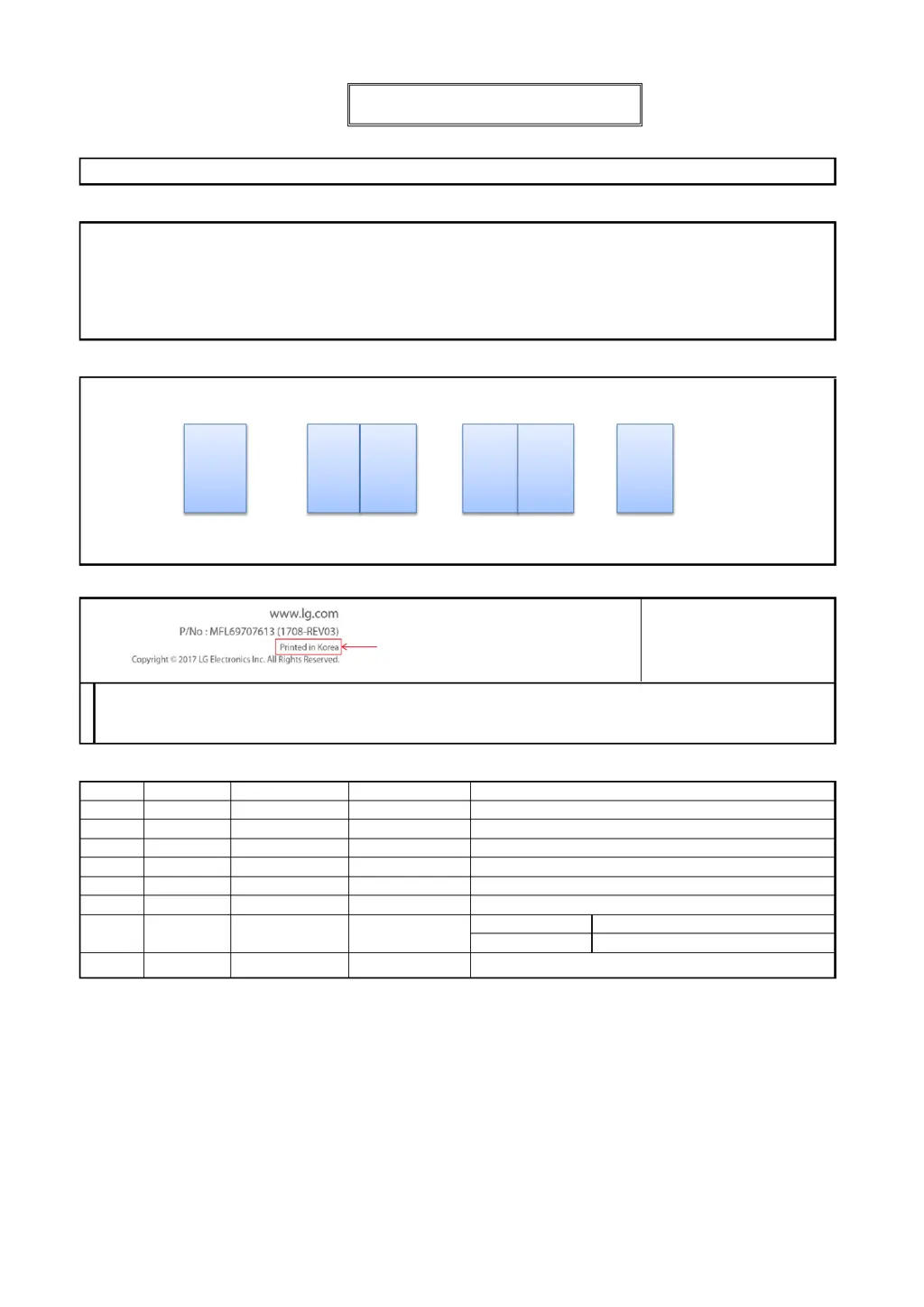
Printed in [Country Name]
LGEND: China
Others: Each Country name.
07/11/2019 Yeryeong.Park
12/24/2018 Gowoon Lee
Checked :
Approved :
Jongok Kim
REV07
3. Pagination sheet
REV04
REV05
REV06
:Part number
1. Model Description
:6. Language
:Model/Item Name
:Suffix
:Brand name
:Product
:1. Trim size (Format) (W X H)
2. Printing colors
: • Cover
:4. Bindery
(Revision number)
2. Printing Specification
To add images and contents
Rev. Number
REV00
148 mm x 210 mm (A5)
ENG (1)
4. Origin Notification
5. Changes
3. Stock (Paper)
: • Cover
Gowoon Lee
Eunhye Jeong
Printing Specification
REV03
Signature
Change Contents
ECO Number
N
O
T
E
“This part contains Eco-hazardous substances (Pb, Cd, Hg, Cr6+, PBB, PBDE, etc.) within LG standard level,
Details should be followed Eco-SCM management standard[LG(56)-A-2524].
Especially, Part should be followed and controlled the following specification.
(1) Eco-hazardous substances test report should be submitted when Part certification test and First Mass Production.
(2) Especially, Don’t use or contain lead(Pb) and cadmium(Cd) in ink.
REV01
EKMIC00390
To add the 49VH7E, 49VM5E and 55VM5E models for Pre-MP.
REV02
EKMJ700130
Front 2 3 4 5.... Back

Questions and Answers

  • D
    Debra AllenSep 23, 2025
    How to fix abnormal screen color on LG 55VH7E-H?
    • M
      Melissa SheppardSep 23, 2025
      If the screen color is abnormal on your LG Digital Signage, set the number of colors to more than 24 bits (true color) by selecting (Control Panel ? Display ? Settings ? Color Table) in Windows. Also, check the connection status of the signal cable and re-insert the PC graphics card. Note that several pixels (red, green, blue, white, or black color) may appear on the screen due to the unique characteristics of the LCD panel, which is not a malfunction.
  • M
    Mr. Gregory ChambersAug 25, 2025
    Why does the screen image look abnormal on my LG Digital Signage?
    • S
      samuel00Aug 25, 2025
      If the screen image on your LG Digital Signage looks abnormal, ensure that the graphics card resolution and frequency are supported by the product. If the frequency is out of range, set to the recommended resolution in the (Control Panel ? Display ? Setting) menu. Also, verify that the correct input signal is connected to the appropriate signal port; connect the signal cable that matches the source input signal.
  • B
    Brandon JonesAug 25, 2025
    What to do if the screen image looks abnormal on LG 55VH7E-H Digital Signage?
    • E
      Erica TuckerAug 26, 2025
      If the screen image looks abnormal on your LG Digital Signage, verify that the graphics card resolution and frequency are supported by the product. If the frequency is out of range, set to the recommended resolution in the (Control Panel ? Display ? Setting) menu. Also, ensure the proper input signal is connected to the signal port by connecting the signal cable that matches with the source input signal.
  • M
    michaelcallahanAug 27, 2025
    What to do if the screen color is abnormal on LG Digital Signage?
    • B
      Bryan DillonAug 27, 2025
      If you are experiencing abnormal screen color on your LG Digital Signage, set the number of colors to more than 24 bits (true color) by selecting (Control Panel ? Display ? Settings ? Color Table) in Windows. Also, check the connection status of the signal cable and re-insert the PC graphics card. Note that several pixels (red, green, blue, white, or black color) may appear on the screen. This is not a malfunction of the LCD, but attributable to the unique characteristics of the LCD panel.
  • M
    Maria OlsonAug 27, 2025
    How to troubleshoot audio function not working on LG 55VH7E-H Digital Signage?
    • M
      Michael WashingtonAug 27, 2025
      If the audio function isn't working on your LG Digital Signage, check if the audio cable is properly connected. Also, make sure the sound settings are correctly configured. Additionally, verify and adjust the volume of any external devices connected to the signage.
  • J
    jessica65Sep 16, 2025
    How to resolve 'Unknown Product' message on LG 55VH7E-H?
    • Y
      yriveraSep 16, 2025
      To resolve the 'Unknown Product' message on your LG Digital Signage, check if the Plug and Play function is supported by referring to the graphics card user manual.
  • M
    Melissa FarmerSep 13, 2025
    What to do if the audio function does not work on my LG 55VH7E-H Digital Signage?
    • M
      Meghan ChandlerSep 13, 2025
      If the audio function isn't working on your LG Digital Signage, verify that the audio cable is connected properly and that the sound is set correctly. Also, try adjusting the volume of the external device.
  • R
    rtylerSep 14, 2025
    Why does my LG Digital Signage operation not work normally?
    • J
      jimenezshawnSep 15, 2025
      If the operation of your LG Digital Signage does not work normally, check if the Timer is set, review the power control settings, and ensure there wasn't a power interruption.
  • D
    Dan MillerSep 5, 2025
    What to do if the “Unknown Product” message appears when LG 55VH7E-H is connected?
    • W
      William PowellSep 5, 2025
      If the “Unknown Product” message appears when your LG Digital Signage is connected, check if the Plug and Play function is supported by referring to the graphics card user manual.
  • J
    John AndersonSep 3, 2025
    What to do if the operation does not work normally on LG Digital Signage?
    • C
      Cassandra CrossSep 3, 2025
      If your LG Digital Signage isn't operating normally, check if the Timer is set, review the power control settings, and ensure there wasn't a power interruption.

LG 55VH7E-H Specifications

General IconGeneral
BrandLG
Model55VH7E-H
CategoryDigital Signage
LanguageEnglish

Related product manuals