EasyManua.ls Logo

LG 60PA6500 - User Manual

LG 60PA6500
247 pages
Print Icon
To Next Page IconTo Next Page
Loading...
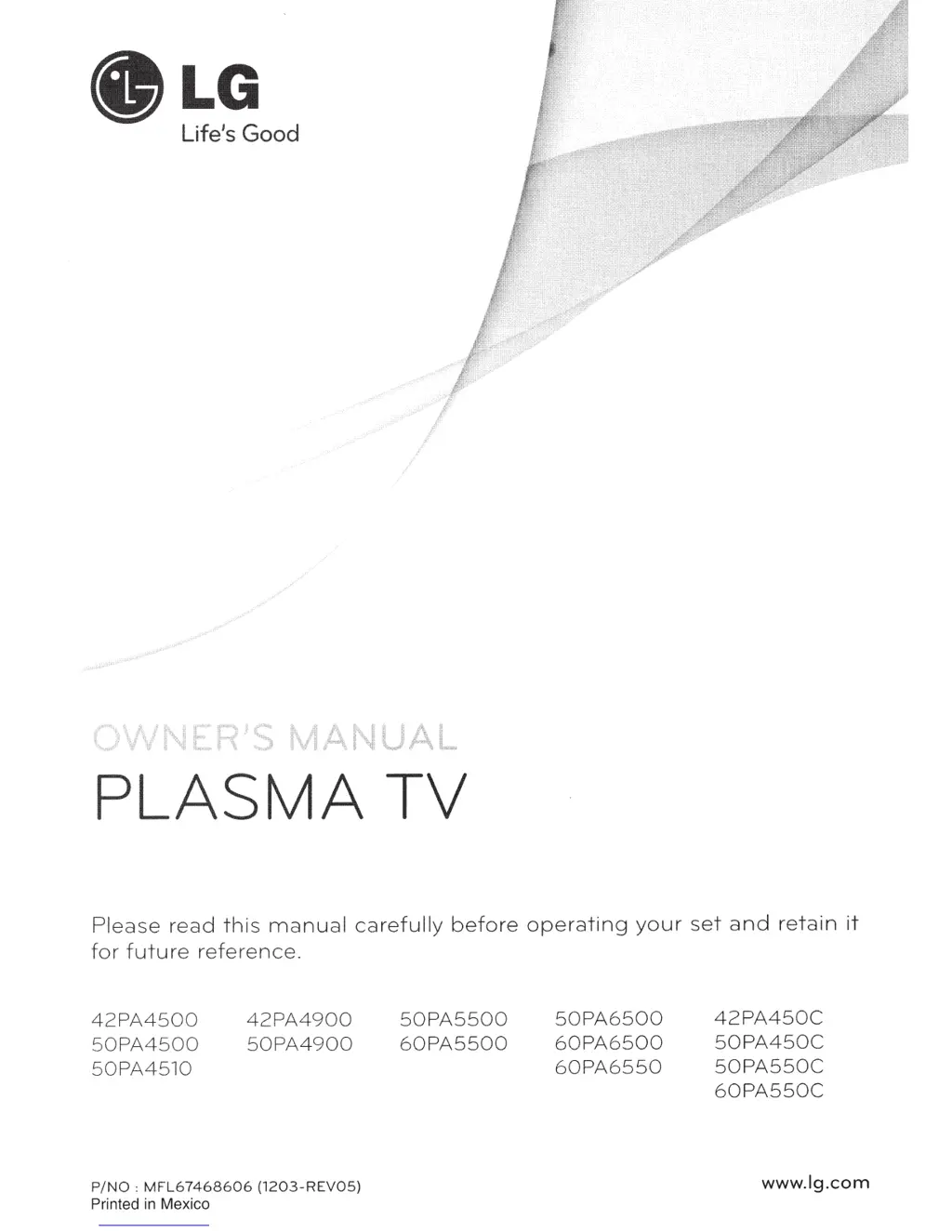
PLASMA
TV
Please
read
this
manual
carefu
lly
before
operating
your
set
and
retain
it
fo
r
future
refer
e
nc
e.
42PA4
500
50PA4500
50
PA4510
42PA4900
5
0PA4900
P/NO
:
MF
L6
746
8606
(1
2
03
-RE
VO
S)
Printed
in
Mexico
50
PA55
00
60PA5500
50
PA
6500
60PA6500
60PA
6550
42PA450C
50
PA450
C
50PA550C
60PA550C
www.lg.com

Table of Contents

Other manuals for LG 60PA6500

Questions and Answers

  • D
    Denise PonceSep 23, 2025
    What to do if the touch pen is touched on wrong positions of LG Plasma TV?
    • T
      Theresa SteeleSep 23, 2025
      If the touch pen is touching in the wrong positions on your LG Plasma TV, first set the computer screen to display only on the TV. You can also use the TV remote control to select [SETTINGS] ? [Picture] ? [Screen] (RGB-PC), then select [Auto Config.] to adjust the screen.
  • B
    Breanna GatesAug 23, 2025
    What to do if my LG 60PA6500 Plasma TV has no image and sound?
    • B
      bkellyAug 25, 2025
      If your LG Plasma TV shows no image and produces no sound, first ensure that the TV is powered on. Next, check that the power cord is securely connected to a functioning wall outlet. To confirm the outlet's functionality, try plugging in other devices.
  • J
    Jason CarterAug 25, 2025
    Why does my LG 60PA6500 Plasma TV keep turning off?
    • V
      Vincent RamirezAug 26, 2025
      If your LG Plasma TV turns off suddenly, check the power control settings to ensure the power supply isn't interrupted. Also, see if the Auto sleep feature is activated in the Time settings. If there's no signal while the TV is on, it will turn off automatically after 15 minutes of inactivity.
  • A
    Angelica ReedAug 26, 2025
    What to do if my LG 60PA6500 turns off suddenly?
    • D
      Donald LeblancAug 27, 2025
      If your LG Plasma TV turns off suddenly, it might be due to an interruption in the power supply. Check the power control settings. Also, the Auto sleep feature in the Time settings might be activated. If there is no signal while the TV is on, it will turn off automatically after 15 minutes of inactivity.
  • R
    Robert LucasAug 27, 2025
    Why my LG Plasma TV has no image and sound?
    • A
      Ashley HarrisonAug 27, 2025
      If your LG Plasma TV shows no image and produces no sound, first ensure that the TV is turned on. Then, check whether the power cord is properly connected to the wall outlet. Finally, test the wall outlet by connecting other products to see if there's a problem with the outlet itself.
  • C
    Chad AllenSep 14, 2025
    Why are there black spots on my LG Plasma TV screen?
    • V
      valerieleachSep 14, 2025
      If your LG Plasma TV displays black spots on the screen, it may be due to several pixels in red, green, white, or black, which is normal and attributed to the characteristics of the panel.
  • S
    Sheila HarrisSep 12, 2025
    Why is the reception poor on some channels of my LG 60PA6500 Plasma TV?
    • D
      Deborah GentrySep 12, 2025
      If the reception on some channels is poor on your LG Plasma TV, try other channels to see if there is a broadcast problem. The station signal may be weak, so aim the antenna in the proper direction. Check for local interferences from electrical appliances or power tools.
  • B
    Brian SilvaSep 13, 2025
    What causes afterimages (ghosts) on my LG 60PA6500 screen?
    • D
      dominiqueonealSep 13, 2025
      If your LG Plasma TV shows afterimages (ghosts) when it turns off, pixels may have been damaged from a fixed image displayed for a long time (image burn). Use a screen saver to prevent pixel damage.
  • L
    larry53Sep 4, 2025
    What to do if my LG 60PA6500 Plasma TV says 'No Signal'?
    • J
      Joshua LopezSep 4, 2025
      If your LG Plasma TV displays 'No Signal', ensure the signal cable is correctly connected between the TV and any connected devices. Also, verify the selected input source by pressing the INPUT button on your remote.
  • H
    hsullivanSep 2, 2025
    What to do if LG Plasma TV touch pen is not working?
    • D
      Dominique ParkerSep 2, 2025
      If the touch pen does not work with your LG Plasma TV, first ensure you've entered Pentouch mode using the remote control. Check that the Pentouch dongle is connected to the computer and its red LED is illuminated. Press the (POWER) button on the touch pen to confirm it's powered on. Verify the touch pen is paired correctly (the red LED should light up briefly when you press the Touch Home button). Finally, set the computer screen to display only on the TV.

Summary

Important Safety Instructions

General Safety Precautions

Follow all precautions to avoid dangerous situations and ensure peak performance.

Electrical and Installation Safety

Warnings related to power cords, grounding, and installation procedures.

Assembling and Preparing the TV

Attaching the Stand and Protection Cover

Guide to attaching the TV stand and protection cover securely.

Connecting External Devices

Video and Audio Input Connections

Connect HD receivers, DVD players, PCs, and audio systems via various ports.

Basic TV Usage and Channel Management

Initial TV Setup and Basic Settings

First-time TV setup for language, initial settings, and basic customization.

Troubleshooting Guide

General and Audio Issue Resolution

Solutions for remote control, image display, sound, and speaker problems.

Customizing TV Settings

Picture Settings Adjustment

Adjusting picture quality via modes, contrast, brightness, and advanced options.

Audio Settings Configuration

Customizing sound modes, volume, balance, and audio output settings.

LG 60PA6500 Specifications

General IconGeneral
Depth53 mm
Width1386.8 mm
Height818.2 mm
Weight36400 g
Tuner typeAnalog & digital
24p supportYes
Pixel pitch- mm
Smart modesCinema, Game, Sports, Standard, Vivid
Aspect ratio16:9
HDMI version1.3
Package depth285 mm
Package width1545 mm
Product colorBlack
Package height950 mm
Package weight48100 g
Cables includedAC
RMS rated power20 W
AC input voltage100 - 240 V
Display diagonal59.8 \
AC input frequency50 - 60 Hz
Built-in subwooferNo
Depth (with stand)354.7 mm
Display brightness- cd/m²
Display technologyPlasma
Number of speakers2
Height (with stand)883.2 mm
Placement supportedHorizontal
Weight (with stand)40600 g
Supported video modes1080i, 1080p, 720p
USB 2.0 ports quantity1
Audio formats supportedMP3
Image formats supportedJPG
Number of OSD languages4
S-Video inputs quantity0
Video formats supportedDIVX, H.264
Contrast ratio (dynamic)3000000:1
Contrast ratio (typical)-
Panel mounting interface600 x 400 mm
Annual energy consumption267 kWh
Display diagonal (metric)152 cm
Screen format adjustments4:3, 16:9, Zoom
Analog signal format systemNTSC, PAL BG
Power consumption (standby)0.2 W
Digital signal format systemATSC, DVB-T
Supported graphics resolutions1920 x 1080 (HD 1080)
On Screen Display (OSD) languagesENG, ESP, FRE, KOR
Consumer Electronics Control (CEC)Anynet+

Related product manuals