53
ENGLISH
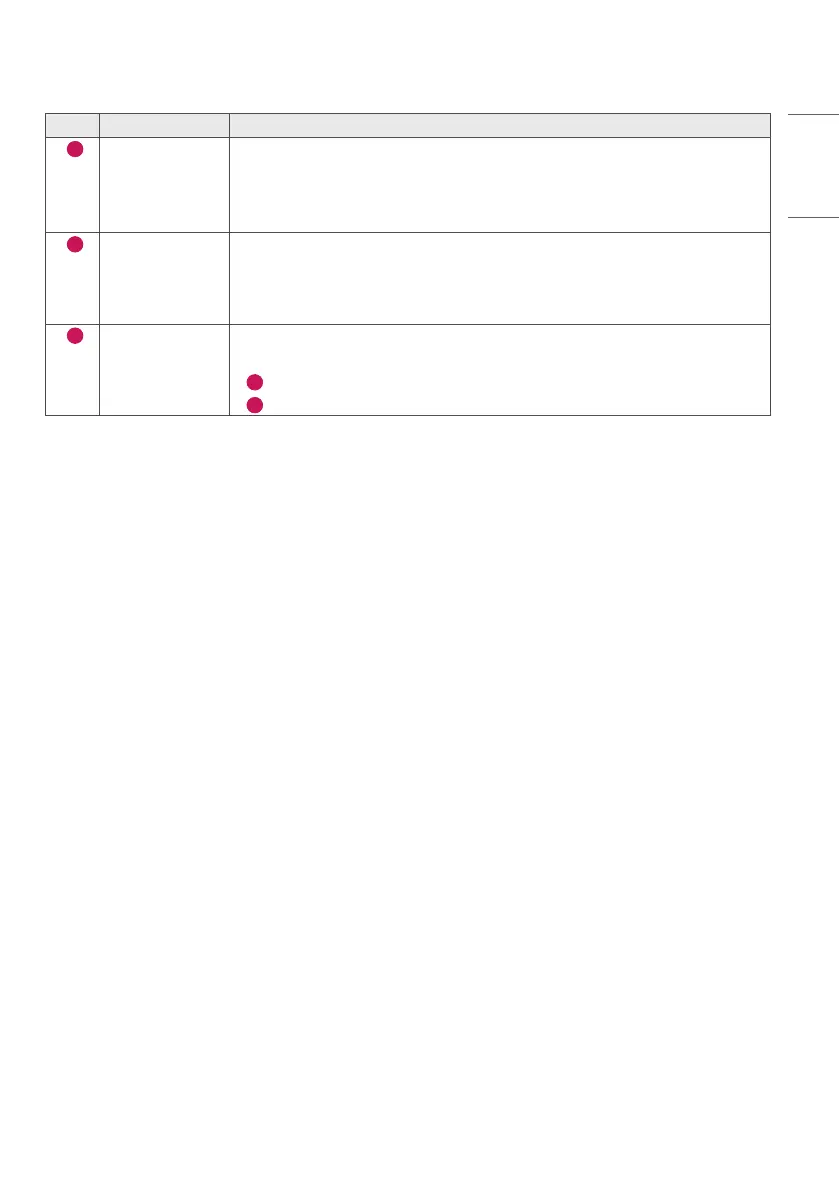
No. Item Description
1
[Tiling Type] Select and set the mode according to the installation type of your Signage.
• Stand-alone: Select and use this mode when you use only one unit.
• Video Wall: Select and use this mode when using two or more multi-screen
configurations. This mode requires advanced settings.
2
[Detail Settings] Select Master or Slave.
• When Master is selected: Enter the number of rows and columns for the entire
multi-screen.
• When Slave is selected: Enter the multi-tile ID number for the individual set.
3
[Screen Protection
Mode]
This feature enables you to set the content correction level and to set whether to use
the Screen Switch feature.
•
4
[Content Luminance Compensation]: Select a high or low correction level to use.
•
5
[Screen Shift]: Set whether to use the Screen Switch feature.


 To Next Page