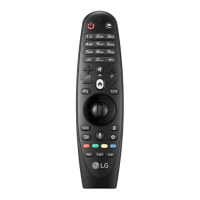
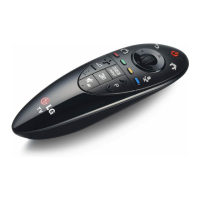
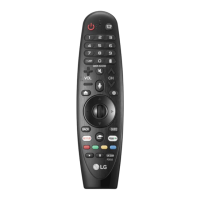
3
REMOTE DESCRIPTION
ꔈ
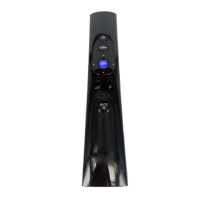
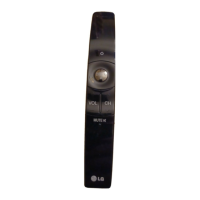
The remote control mage shown may d ffer from the actual product.
ꔈ
The order of descr pt on may d ffer from the actual product.
ꔈ
Some buttons and serv ces may not be prov ded depend ng on models or reg ons.
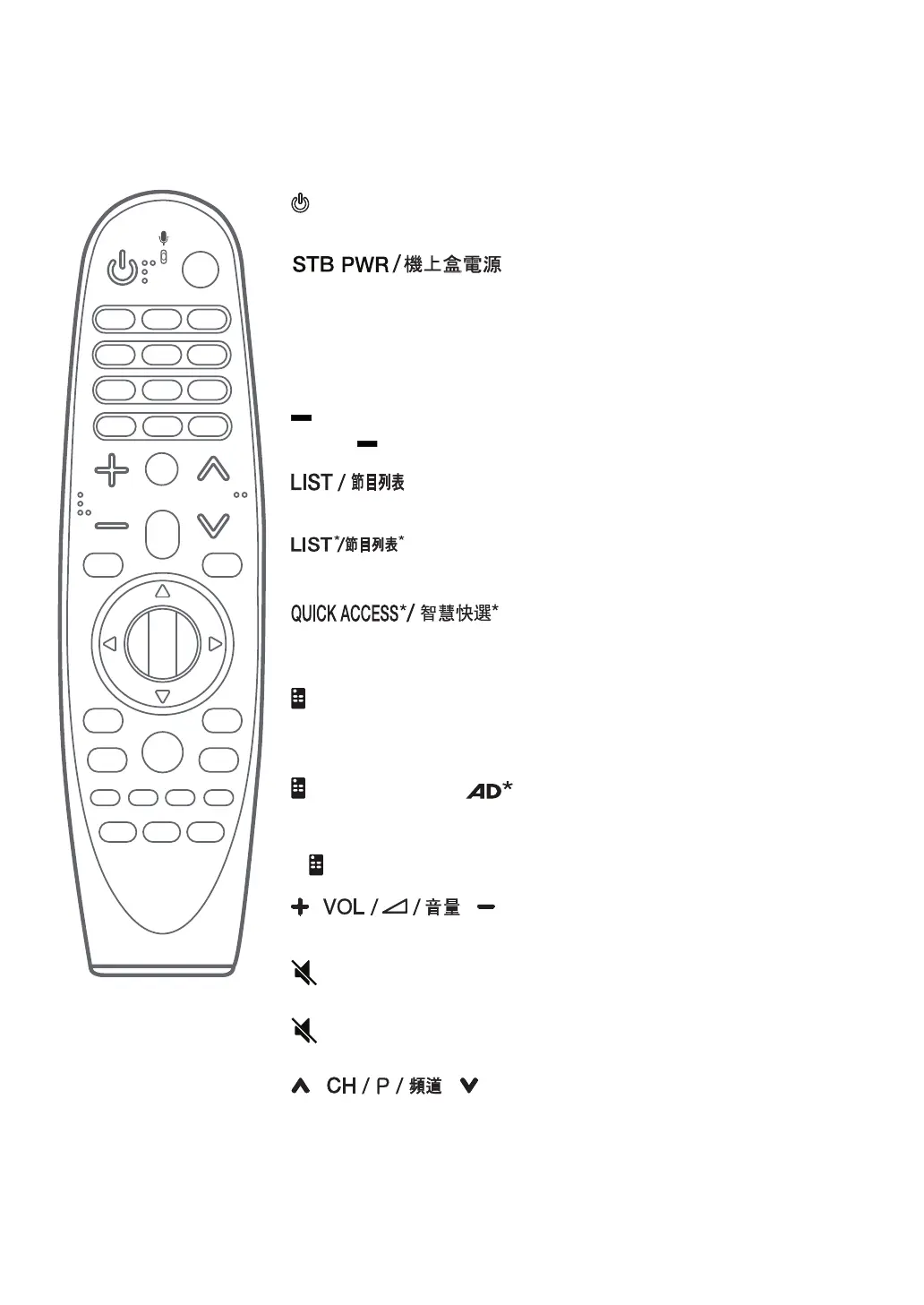
(POWER)
Turns the TV on or off.
You can turn your set-top box on or off by add ng the set-top box to the
un versal remote control for your TV.
Number buttons
Enters numbers.
(DASH)
nserts a (DASH) between numbers such as 2-1 and 2-2.
Accesses the saved channels or programmes l st.
Press th s button to br ng up BML data broadcast ng.(Depend ng on country)
You can access apps or L ve TV us ng the number buttons correspond ng to the
features.
(Screen remote)
D splays the Screen Remote.
-
Accesses the Un versal Control Menu n some reg ons.
(Screen remote)* /
V deo/aud o descr pt ons funct on w ll be enabled.(Depend ng on country)
-
SAP (Secondary Aud o Program) feature can also be enabled by press ng the
(Screen remote)*
button. (Depend ng on country)
Adjusts the volume level.
(MUTE)
Mutes all sounds.
*
Accesses the Accessibility menu.
Scrolls through the saved channels or programmes.



 To Next Page