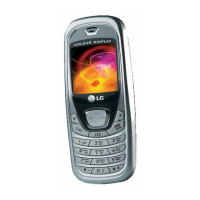
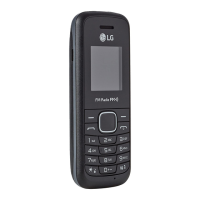
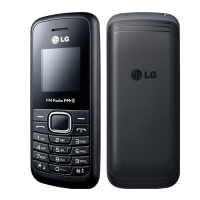
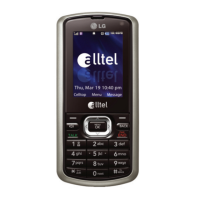
B2100
User Guide
4
Guidelines for safe and efficient use
• The unit should be kept away from heat sources such
as radiators or cookers.
• Do not drop.
• Do not subject this unit to mechanical vibration or
shock.
• The coating of the phone may be damaged if covered
with wrap or vinyl wrapper.
• Use dry cloth to clean the exterior of the unit. (Do not
use solvent such as benzene, thinner or alcohol.)
• Do not subject this unit to excessive smoke or dust.
• Do not keep the phone next to credit cards or
transport tickets; it can affect the information on the
magnetic strips.
• Do not tap the screen with a sharp object; otherwise,
it may damage the phone.
• Do not expose the phone to liquid or moisture.
• Use the accessories like an earphone cautiously. Do
not touch the antenna unnecessarily.
Efficient phone operation
To enjoy optimum performance with minimum power
consumption please:
• Hold the phone upright as you speak to any other
telephone. While speaking directly into the
microphone, angle the antenna in a direction up and
over your shoulder.
• If your mobile phone supports infrared, never direct
the infrared ray at anyone’s eye.
Electronic devices
All wireless phones may get interference, which
could affect performance.
• Do not use your mobile phone near medical
equipment without requesting permission. Avoid
placing the phone over the pacemaker, i.e. in your
breast pocket.
• Some hearing aids might be disturbed by mobile
phones.
• Minor interference may affect TVs, radios, PCs, etc.



 To Next Page