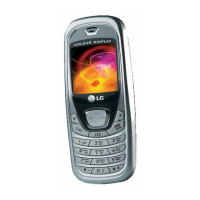
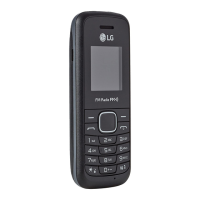
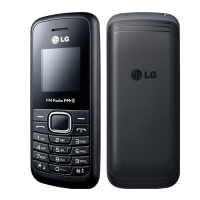
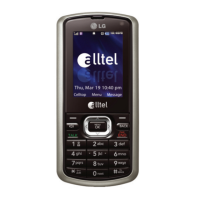
B2100
User Guide
7
B2100
User Guide
Contents
Overview
Parts of the Phone ........................................................... 10
• Front view .................................................................................... 10
• Rear view .................................................................................... 11
Key Description ............................................................... 12
• Keypad Description .................................................................... 12
• Letter Keys.................................................................................... 13
Display Information
Display Information ......................................................... 14
• On-Screen Icons ......................................................................... 14
Getting Started
Installation ........................................................................ 15
• Inserting the SIM Card .............................................................. 15
• Removing the SIM Card ............................................................. 15
• Installing the Battery .................................................................. 15
• Charging the Battery .................................................................. 16
• Disconnecting the charger ....................................................... 17
Making and Answering Calls ....................................... 18
• Making a call ............................................................................... 18
• International Calls ...................................................................... 18
• Making a call using the Phonebook ........................................ 18
Additional Functions
In call Menu ..................................................................... 19
• During a call ................................................................................ 19
• Multiparty or Conference Calls ................................................ 20
Access Codes ................................................................... 22
• PIN code (4 to 8 digits) ............................................................... 22
• PIN2 code (4 to 8 digits) ............................................................. 22
• PUK code (4 to 8 digits) .............................................................. 22
• PUK2 code (4 to 8 digits) ............................................................ 22
• Security code (4 to 8 digits) ...................................................... 22



 To Next Page