34 Operation
Operation
4
General Playback
Playing Discs
1. Press
Z
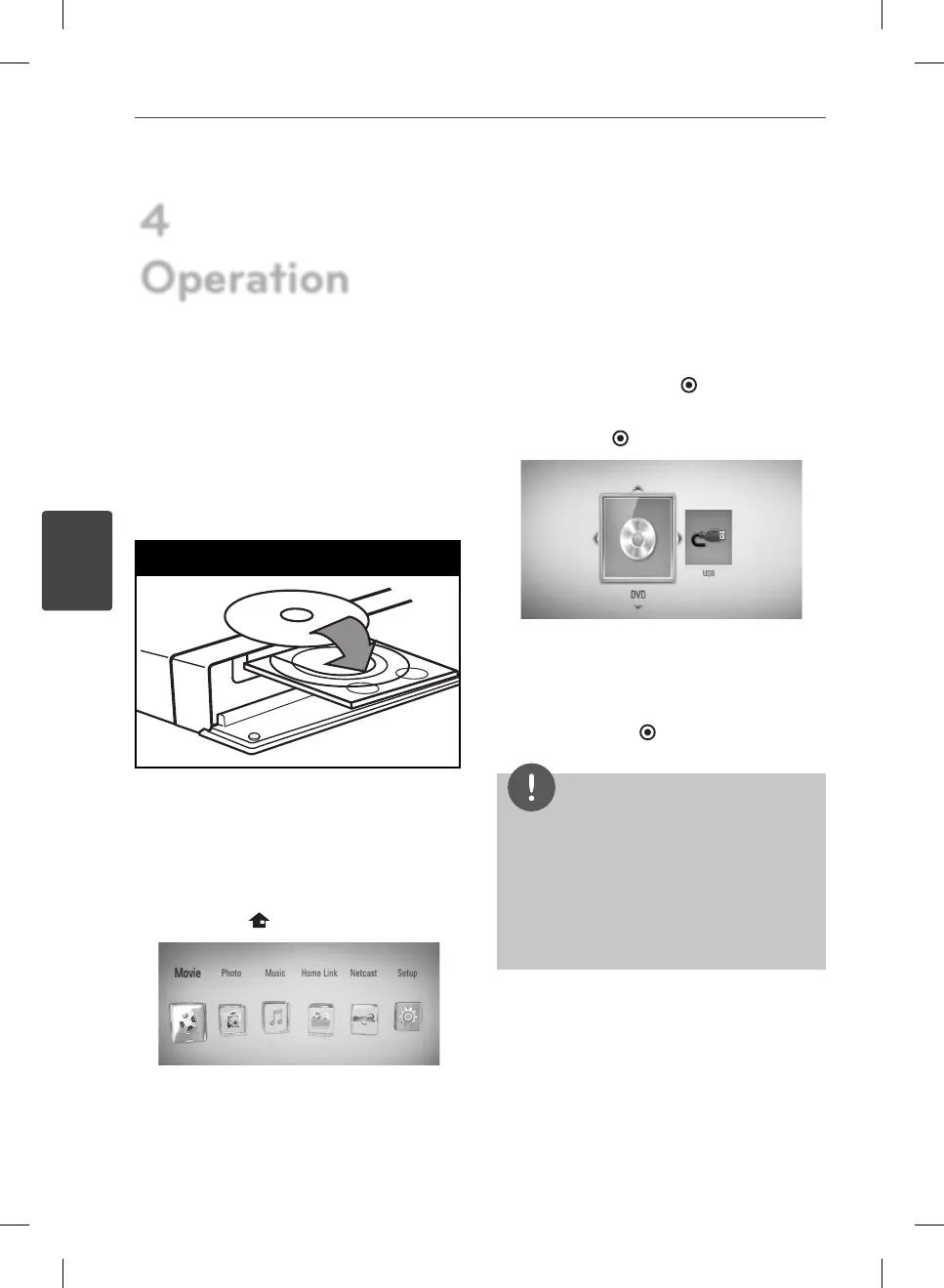
(OPEN/CLOSE), and place a disc on
the disc tray.
Insert a disc
2. Press
Z
(OPEN/CLOSE) to close the disc
tray.
For the most Audio CD, BD-ROM and
DVD-ROM discs, playback starts
automatically.
3. Press HOME (
).
4. Select [Movie], [Photo] or [Music] using
I
/
i
, and press ENTER ( ).
5. Select the [Disc] option using
I
/
i
, and
press ENTER (
).
This step is needed only when a disc and a
USB device is connected simultaneously in
this unit.
6. Select a le using
U
/
u
/
I
/
i
, and press
B
(PLAY) or ENTER (
) to play the le.
NOTE
• Playback functions described in this manual are
not always available in every les and media.
Some functions can be restricted depending on
many factors.
• Depending on the BD-ROM titles, a USB device
connection may be needed for the proper
playback.
4
Operation
BD572-N-BUSALLK-ENG.indd 34BD572-N-BUSALLK-ENG.indd 34 10. 10. 20 10:2810. 10. 20 10:28



 To Next Page