47
Operation
Operation
4
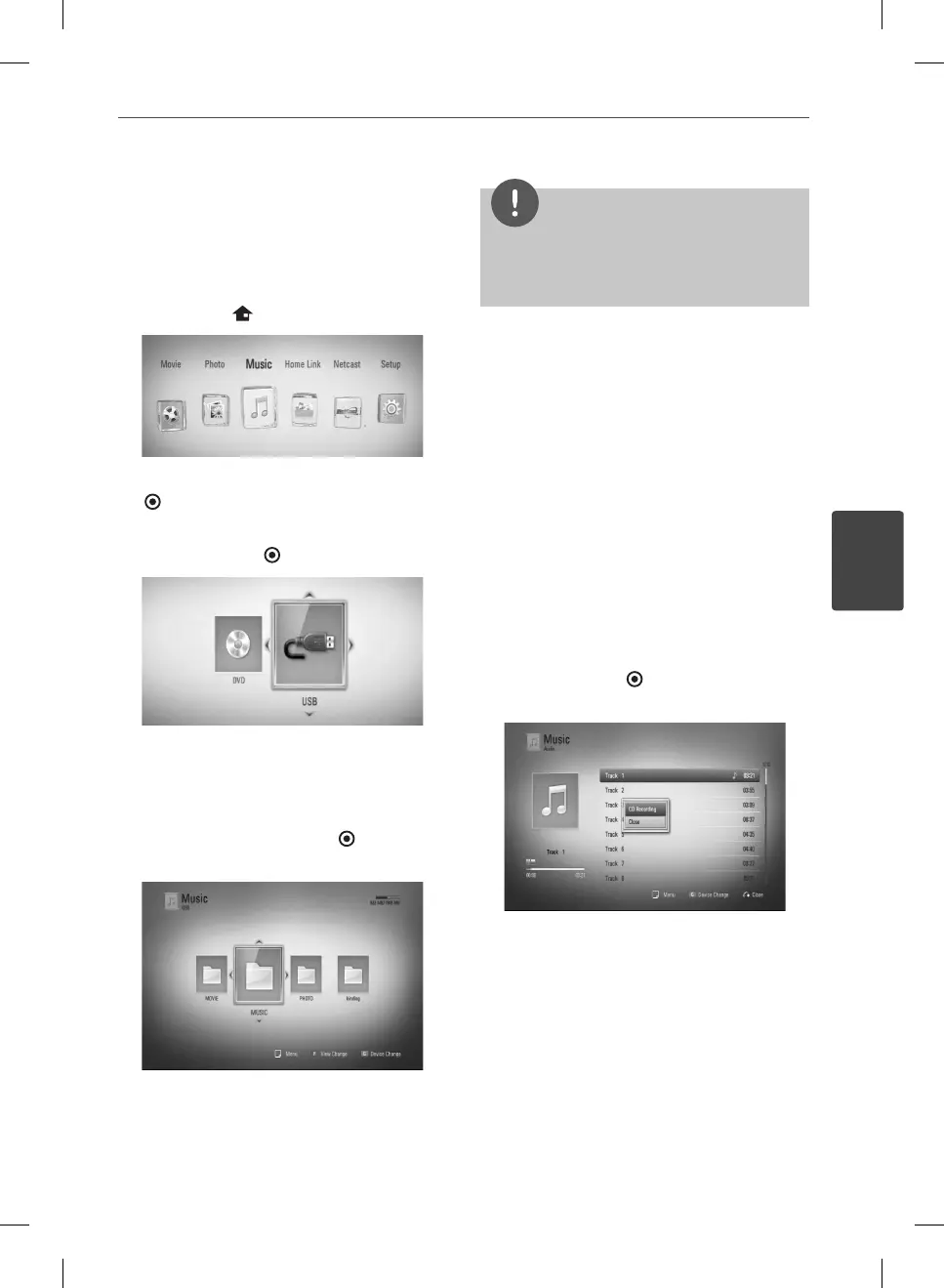
Listening to music
The player can play Audio CDs and audio les.
1. Press HOME (
).
2. Select [Music] using
I
/
i
, and press ENTER
( ).
3. Select the [Disc] or [USB] option using
I
/
i
,
and press ENTER (
).
This step is needed only when a disc and a
USB device is connected simultaneously on
this unit.
4. Select a music le or audio track using
U
/
u
/
I
/
i
, and press ENTER (
) to play the
music.
NOTE
• The le requirements are described on page 10.
• You can use various playback functions. Refer to
pages 34-41.
Audio CD Recording
You can record one desired track or all of the
tracks in Audio CD to a USB storage device.
1. Insert a USB storage device to the USB port
on the front panel.
2. Press
Z
(OPEN/CLOSE), and place an Audio
CD on the disc tray.
Press
Z
(OPEN/CLOSE) to close the disc
tray. The playback starts automatically.
3. Press INFO/DISPLAY to display the option
menu.
4. Use
U
/
u
to select [CD Recording] option,
and press ENTER (
) to display the [CD
Recording] menu.
BD572-N-BUSALLK-ENG.indd 47BD572-N-BUSALLK-ENG.indd 47 10. 10. 20 10:2810. 10. 20 10:28



 To Next Page