EasyManua.ls Logo

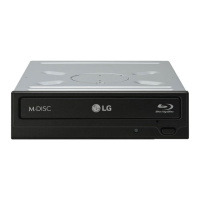
LG BH16NS40 - User Manual

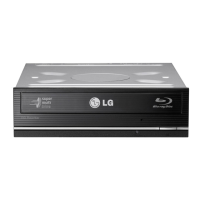
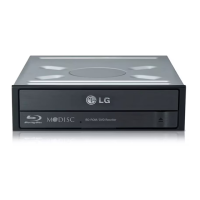
LG BH16NS40
16 pages
Print Icon
To Next Page IconTo Next Page
Loading...
To enjoy fully all the features and functions of your product,
please read this owner’s manual carefully and completely.
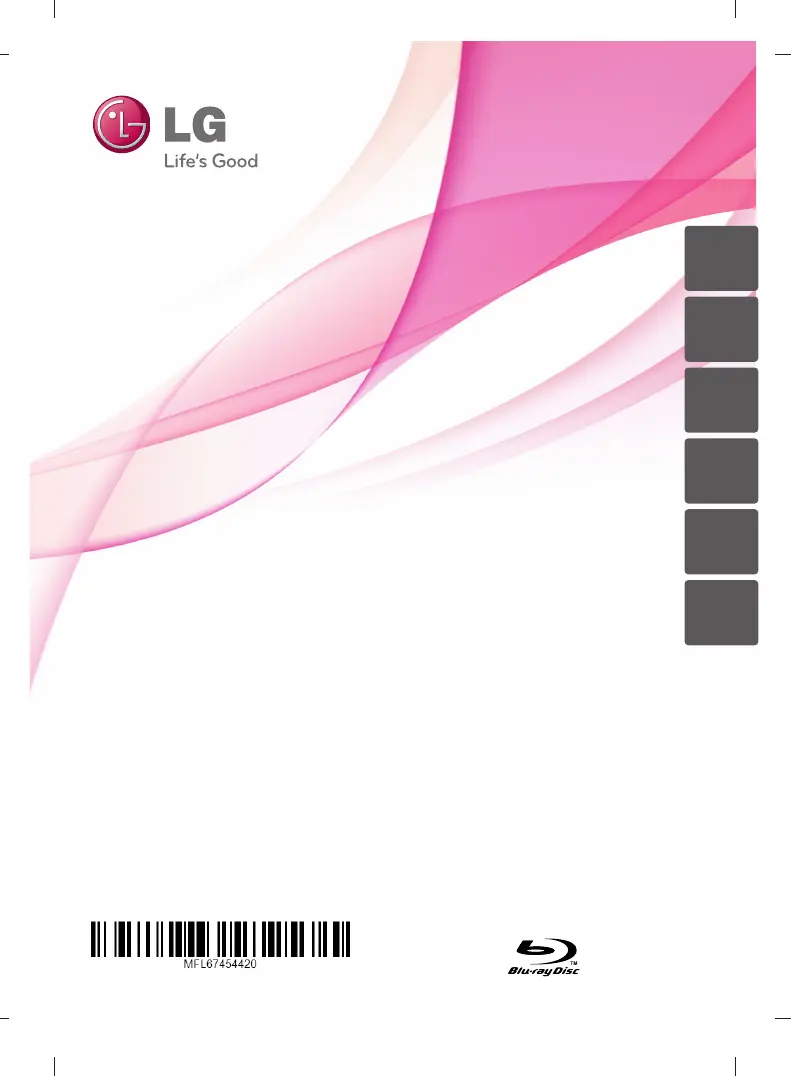
OWNER’S MANUAL
Blu-ray/DVD Writer
BH16
ENGLISH
DEUTSCH
FRANÇAIS
ITALIANO
ESPAÑOL
PORTUGUÊS

Questions and Answers

  • E
    Emily NortonJul 29, 2025
    What to do if my LG Blu-ray Drive system doesn’t start?
    • A
      Allison AlvarezJul 29, 2025
      If your LG Blu-ray Drive system doesn’t start, check that the power and SATA cables to the PC are correctly connected. Also, ensure the total length of the SATA cable is 20 inches or less and each connector is completely attached.
  • C
    Catherine HarrisAug 7, 2025
    How to troubleshoot if my LG BH16NS40 doesn’t have power?
    • A
      Autumn WalkerAug 7, 2025
      If the LG Blu-ray Drive doesn't have power, make sure the power supply cable from the host computer is plugged in and the Power Connector to the drive is securely attached.
  • R
    Robert RyanAug 18, 2025
    What to do if my LG BH16NS40 cannot read or write discs?
    • J
      Jason Walker IIIAug 18, 2025
      If your LG Blu-ray Drive cannot read or write discs, consider the following: * Check the condition of your CPU, hard disc, and other system components. * Ensure the CD, DVD, or BD disc is free from dirt or scratches. * Avoid running a screen saver or other applications while writing to the disc. * Verify there is enough free space on the CD, DVD, or BD disc. * Check if writing fails even during a simulation test for CD or DVD disc. * Make sure the disc is loaded correctly with the label facing up. * Confirm the drive is installed in the correct orientation. * Avoid moving the drive or disc from a low to a high-temperature environment to prevent condensation.

Summary

Important Precautions

System Environment

Operating Environment

Details the system requirements for operating the Blu-ray/DVD writer.

System Requirements

Specifies the necessary CPU, RAM, HDD, and O/S for the drive.

Interface and Drive Bay

Details the interface type and required drive bay for installation.

Power and Media Manufacturers

Information on power requirements and recommended media manufacturers.

Blu-ray Disc Playback Notice

Requirements for playing Blu-ray Disc movies, including graphics and monitor support.

Location and Function of Controls

Front Panel Controls

Details the controls and indicators on the front of the drive unit.

Rear Panel Connectors

Details the connectors located on the rear of the drive unit.

Installing the Drive

Computer Cover Removal

Instructions for safely removing the computer's casing for installation.

Drive Mounting Procedure

Step-by-step guide for physically installing the drive into the computer bay.

PC Connection

SATA Power Cable Connection

Guide for correctly connecting the SATA power cable to the drive and PC.

SATA Data Cable Connection

Guide for correctly connecting the SATA data cable to the drive and motherboard.

Device Drivers and Software

Windows Driver Information

Information on automatic driver recognition for Windows users.

Included Software Installation

Details about bundled authoring software and important installation notes.

How to Use the Discs

Emergency Disc Ejection

Procedure for manually ejecting a disc in an emergency situation.

Troubleshooting

Pre-Service Checklist

Common issues and checks to perform before contacting technical support.

Specifications

General Specifications

General information including supported discs and disc diameter.

Read;Write Speed

Details the read and write speeds for various disc media types.

Performance Specifications

Details on data transfer rate, buffer capacity, and MTBF.

Environmental Specifications

Specifies operating and non-operating environmental conditions.

Power Specifications

Details on the electrical power requirements for the drive.

LG BH16NS40 Specifications

General IconGeneral
TypeInternal
InterfaceSATA
Max Read Speed (BD-ROM)16x
Read SpeedBD-ROM: 16x, DVD-ROM: 16x, CD-ROM: 48x
Max Write Speed (BD-R)16x
Write Speed (BD-R)16x
Max Write Speed (BD-R DL)12x
Write Speed (BD-R DL)12x
Max Write Speed (BD-RE)2x
Write Speed (BD-RE)2x
Max Write Speed (DVD-R)16x
Write Speed (DVD-R)16x
Write Speed (DVD-R DL)8x
Write Speed (DVD-RW)6x
Max Write Speed (DVD+R)16x
Write Speed (DVD+R)16x
Write Speed (DVD+R DL)8x
Write Speed (DVD+RW)8x
Max Write Speed (CD-R)48x
Write Speed (CD-R)48x
Write Speed (CD-RW)24x
Buffer Size4 MB
Dimensions146 x 41.3 x 170 mm
Supported Disc TypesBD-ROM, BD-R, BD-RE, DVD-ROM, DVD-R, DVD-RW, DVD+R, DVD+RW, CD-ROM, CD-R, CD-RW
Weight0.7 kg

Related product manuals