30
Programming the end of cooking / baking time
The oven switches off automatically at the time entered.
Using the oven
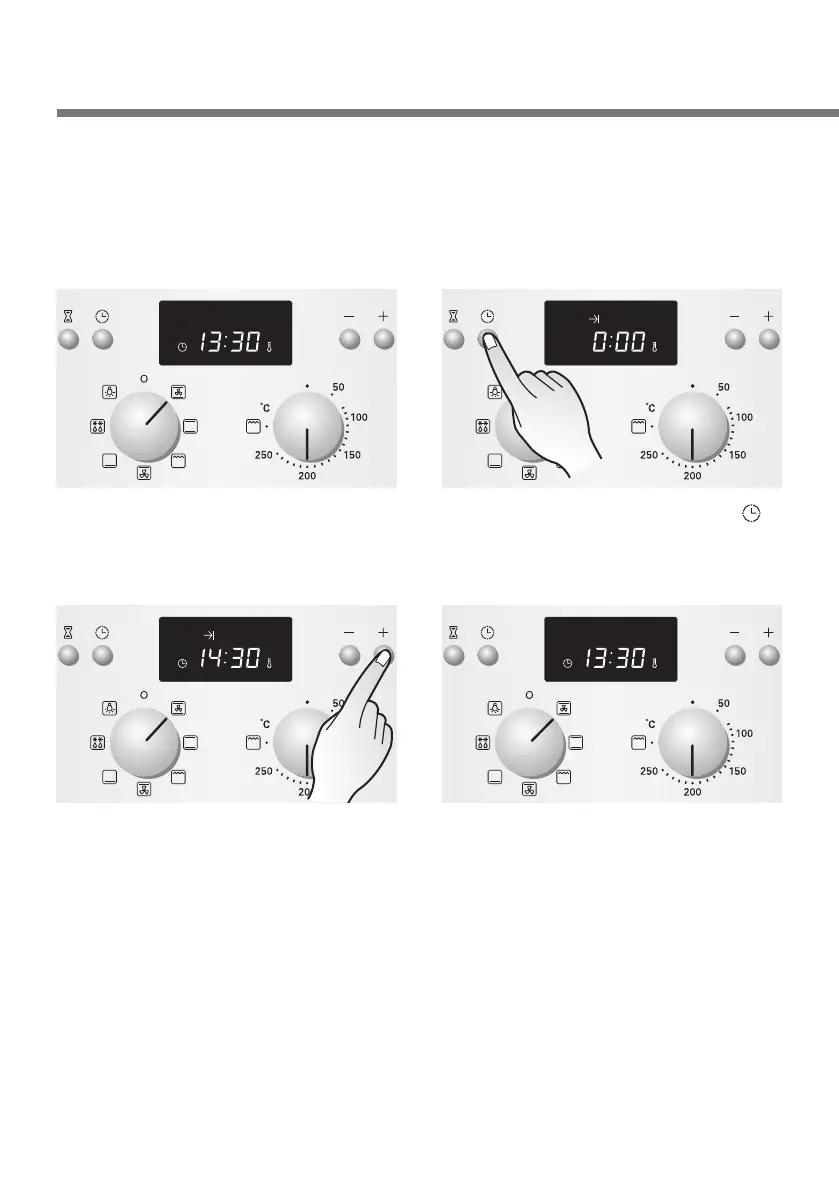
1
Select the desired operating
mode and temperature.
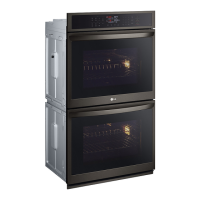
3
Set the desired end of
cooking/baking time with the
More/Less buttons.
(In the example, the current
time is 13:30 and the dish is
to be finished at 14:30)
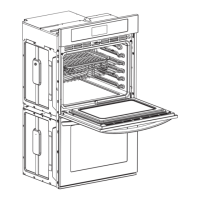
2
Press the Clock button( )
twice.
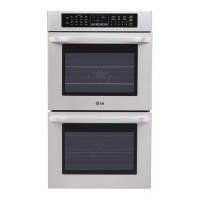
4
After 4 seconds, the time
will be set. And you will hear
a signal tone.
Once this time has expired
you will hear a beep sound,
and the oven will switch off
automatically.
Press any button once to
cancel the audible sound.



 To Next Page