19
System Setting
3
Settings
Adjust the setup settings
You can change the settings of the player in the
[Settings] menu.
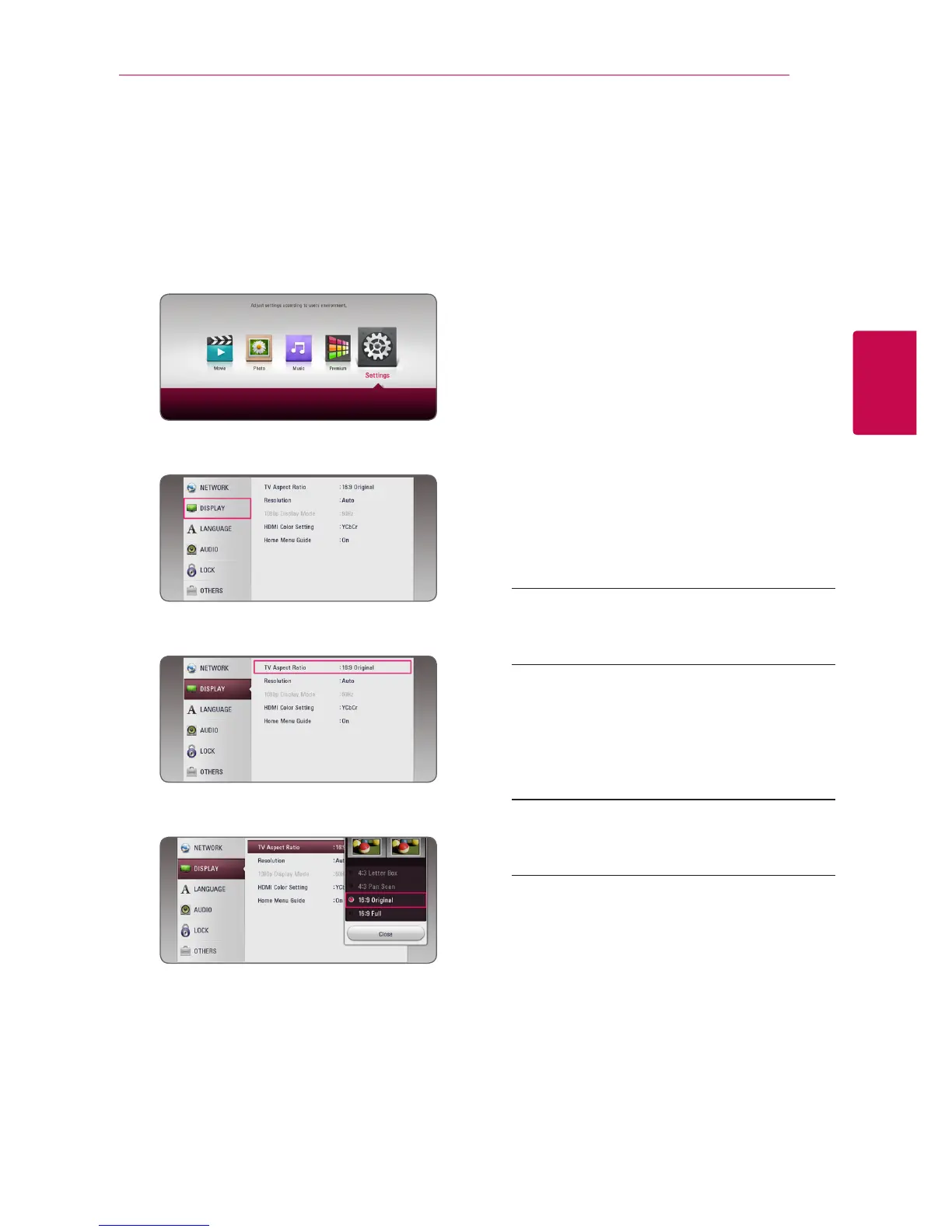
1. Press HOME (
1
).
2. Use
a/d
to select the [Settings] and press
ENTER (
b
). The [Settings] menu appears.
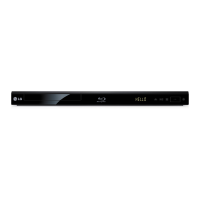
3. Use
w/s
to select the first setup option, and
press
d
to move to the second level.
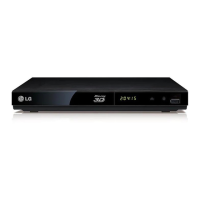
4. Use
w/s
to select a second setup option, and
press ENTER (
b
) to move to the third level.
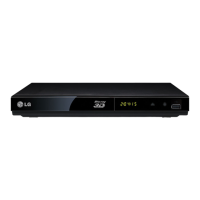
5. Use
w/s
to select a desired setting, and press
ENTER (
b
) to confirm your selection.
[NETWORK] menu
The [NETWORK] settings are needed to use the
software update, BD-Live and online content
services.
Connection Setting
If your home network environment is ready to
connect, the unit needs to be set up via wireless
connection for network communication.(See
“Connecting to your Home Network” on page
15.)
Connection Status
If you want to check the network status on this
player, select the [Connection Status] options and
press ENTER (
b
) to check whether a connection
to the network and the internet have been
established.
BD-LIVE connection
You can restrict Internet access when BD-Live
functions are used.
[Permitted]
Internet access is permitted for all BD-Live
content.
[Partially permitted]
Internet access is permitted only for BD-Live
content which have content owner certicates.
Internet access and AACS Online functions are
prohibited for all BD-Live content without a
certicate.
[Prohibited]
Internet access is prohibited for all BD-Live
content.



 To Next Page