44
Operating
4
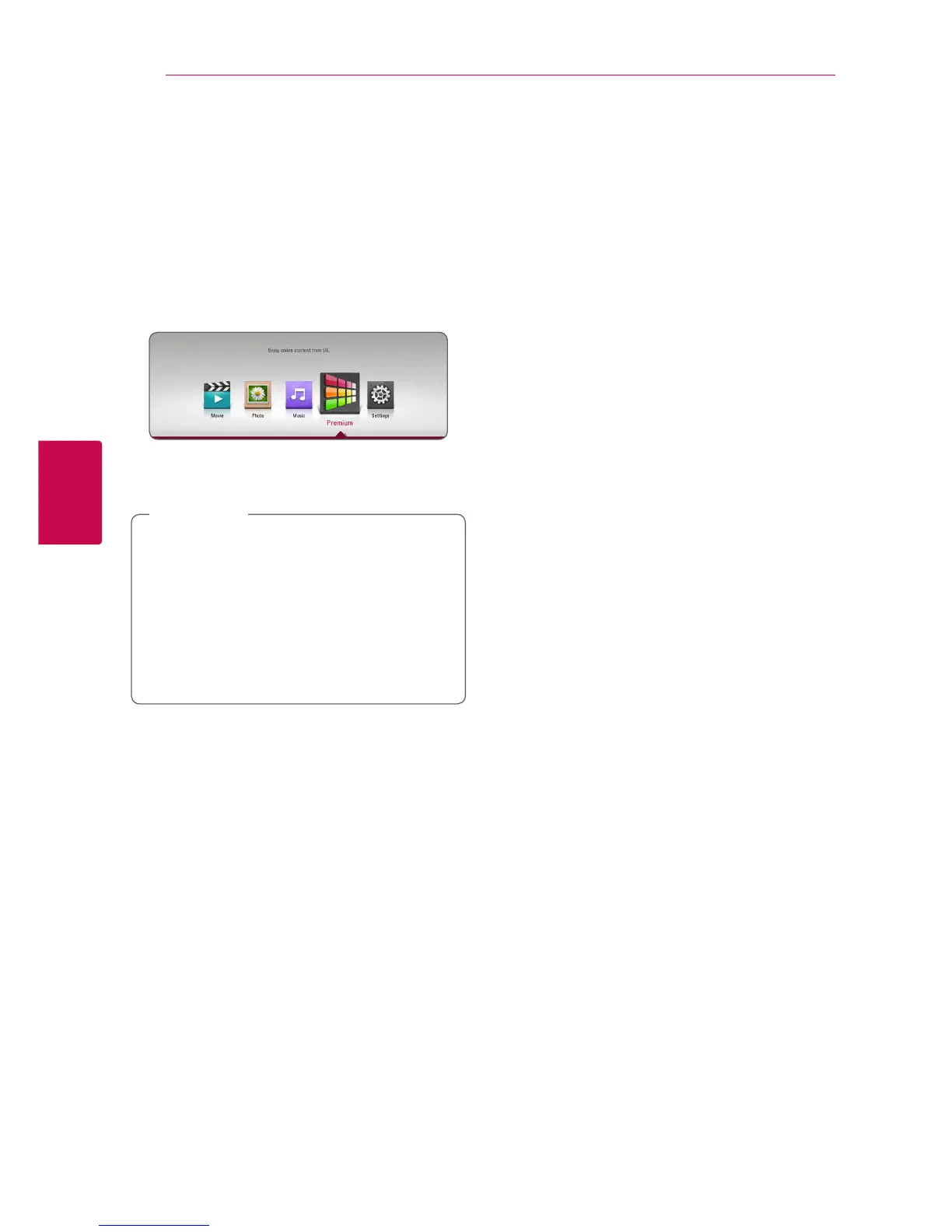
Using the Premium
You can use various content services via Internet
with the Premium feature.
1. Check the network connection and settings
(page 15).
2. Press HOME (
1
).
3. Select the [Premium] using
a/d
, and press
ENTER (
b
).
4. Select an online service using
w/s/a/d
,
and press ENTER (
b
).
y
For detailed information of each service,
contact to the content provider or visit
support link of the service.
y
The content of Premium services and
service related information, including user
interface, is subject to changes. Please refer
to the web site of each service for most up-
to-date information.
,
Note



 To Next Page