1-13
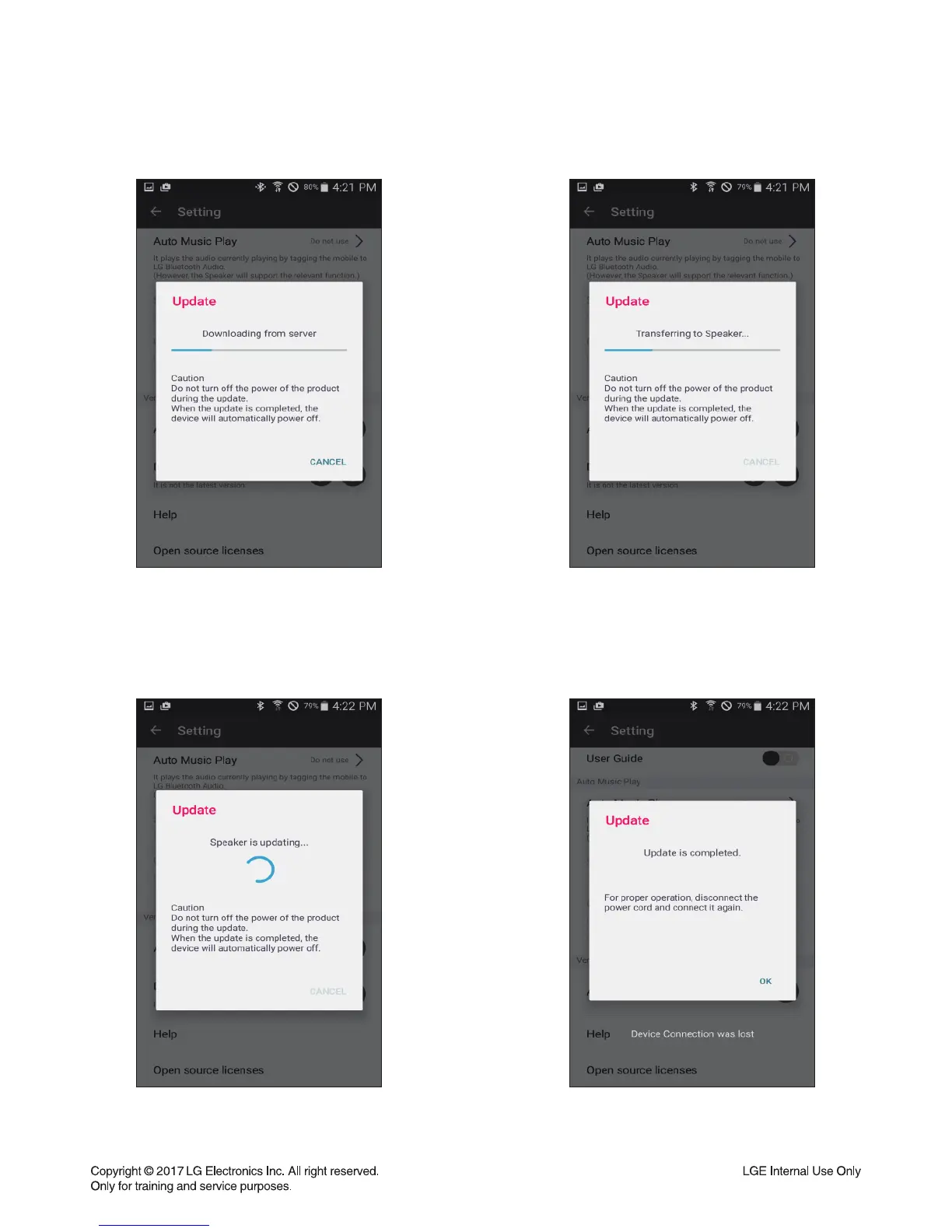
Step5 : Download from CDN server
1st step is download from CDN server to
smart phone. The progress bar is displayed
on BT App.
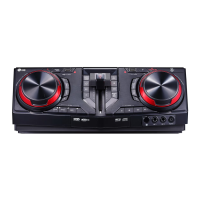
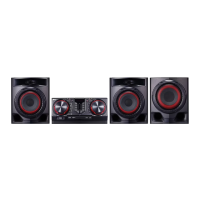
Step7 : FW Flash Writing Step8 : FOTA complete
After completed the download from the smart
phone, the SET overwrite the fi rmware to fl ash
memory.
When fi nishing the fl ash memory writing, pop-up
message about fi nish is displayed and the SET
auto power off.
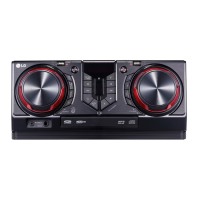
Step6 : Transfer FW
After completed the download from server,
smart phone start to transfer the fi rmware to the
SET. The progress bar is displayed on BT App.


 To Next Page