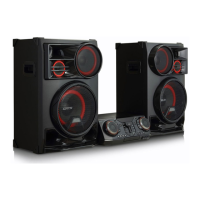
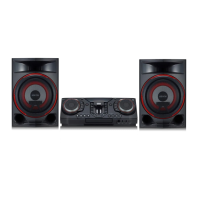
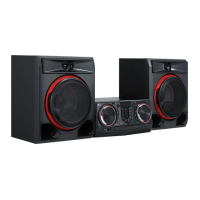
Getting Started 13
Getting Started
1
j
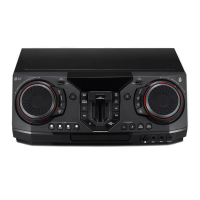
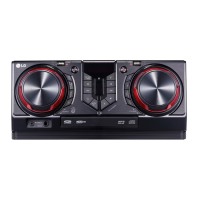
Disc tray
k
USB REC / DEMO
- Records to USB.
- Stops Recording.
- In power off status, if you press USB REC /
DEMO, show DEMO mode.
Z
(Stop)
Stops playback or cancels DELETE function.
C
(Skip/Scan)
- Skips backward.
- Scans for a section within a track/le/chapter.
- Selects the radio stations.
B
(Open/Close)
Opens and closes the disc tray.
AUTO DJ
Selects the AUTO DJ mode.
l
LIGHTING
Selects the lighting mode.
SPECIAL EQ / BASS BLAST (or BASS BLAST+)
- Chooses special equalizer.
- Press and hold to select BASS (or BASS+) effect
directly.
SEARCH
Moves to folder or file in selection mode.
(USB only)
OK
Selects a folder when searching a file.
m
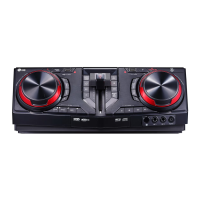
MIC (Microphone) jack
n
AUX IN 1 jack
o
EQUALIZER / SEARCH & MULTI
- Chooses sound impressions.
- Searches a folder or a le. (USB only)
- Selects the lighting effects.



 To Next Page
 Loading...