Operating44
Operating
4
y
When you stop recording, the le that has
been recorded at that time will be stored.
(Except when recording MP3/WMA les on
the USB that are in stop status.)
y
Do not remove the USB device or turn off
the unit during USB recording. If does not, an
incomplete le may be made and not deleted
on PC.
y
If USB recording does not work, the message
like “NO USB”, “ERROR”, “USB FULL”, “NOT
SUPPORT” or “FILE MAX” is displayed on the
display window.
y
Multi card reader device or external HDD can
not be used for USB recording.
y
A le is recorded by about 512 Mbyte when
you record for a long term.
,
Note
y
You can record MIC. (Except when recording
USB that are in stop status.)
y
You can control recorded microphone sound
according to microphone volume.
y
You may not store more than 2,000 les.
y
In case of the unsupported MP3/WMA le,
the le recording may be stopped.
y
When you are recording during playback, the
sound now playing is output.
y
VOICE CANCELLER or KEY CHANGER
will be reset, if you use recording function
during operating VOICE CANCELLER or KEY
CHANGER.
y
VOICE CANCELLER or KEY CHANGER can
not be operated during recording.
y
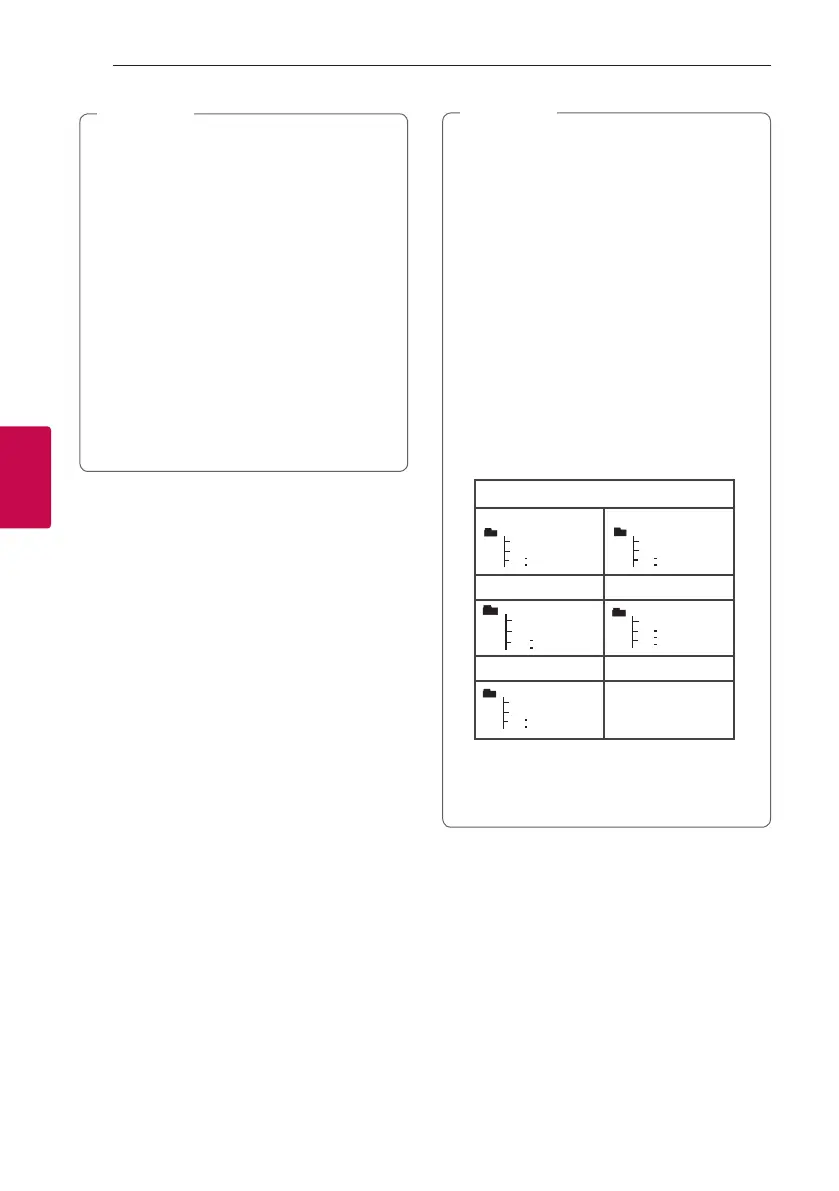
It’ll be stored as follows
USB (MP3/WMA)
"#$'JMFOBNF
%&''JMFOBNF
"6%*0@
"6%*0@
'*-&@3&$
1MBZPSQBVTFTUBUVT
5IFPUIFSTUBUVT
"#$'JMFOBNF
%&''JMFOBNF
"6%*0@
"6%*0@
'*-&@3&$'*-&@3&$
1MB
ZPSQBVTFTUBUVT
5IFPUIFSTUBUVT
DVD/CD Tuner
"6%*0@
"6%*0@
BVTFTUBUVT
5IFPUIFSTUBUVT
56/&3@3&$
"6%*0@@'.
The other source*
"6%*0@
"6%*0@
%+@.*9@3&$
.*9@
.*9@
Play or pause status
The other status
*: AUX and the like.
Tuner: The current recording frequency is shown
,
Note



 To Next Page