1-6
1. How to check S/W version number?
Step 1: Press and hold Stop key (Set) + Press and hold Play key (RMC).
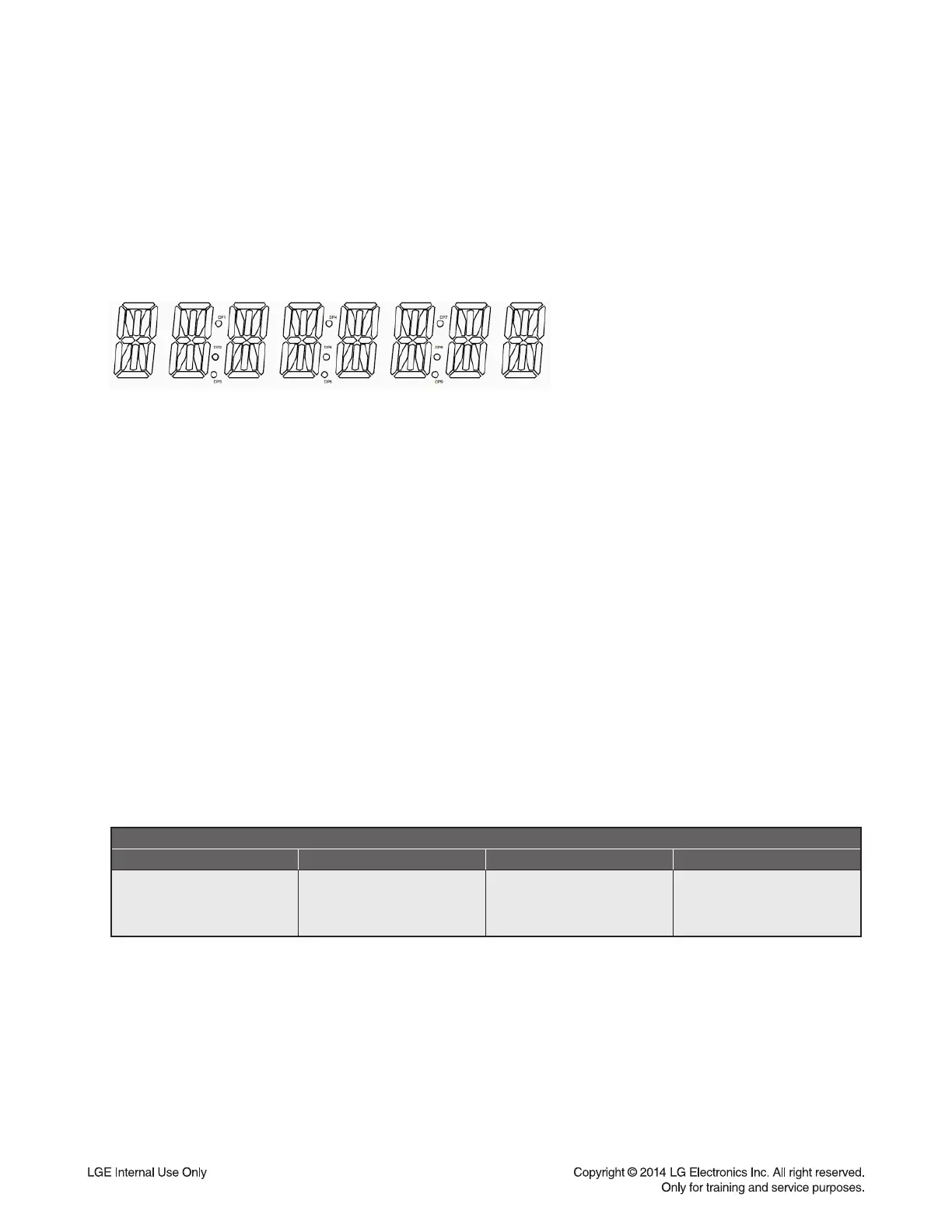
"CM2540_VER03_01/17_000 MCU VER03"
Step 2: To return to Previous screen, repeat Step1 operation.
Step 3: In Step1 status, if press Prev Key on set, full screen display will be appeared.
< Full screen display >
Step 4: In Step3 status, if press Next key on set, the key tesing mode will be started as below.
"KEY - 01"
Step 5: Press and hold Stop key on set, the system will be returned to normal screen mode.
2. How to make a system reset?
Step 1: Press and hold Stop key (Set) + Press and hold § key (RMC).
"E2P CLEAR"
Step 2: After 2 seconds, the system will be power off automatically,
and all of system data will be reset except system option.
3. How to set the system option?
Step 1: Press and hold Stop key (Set) + Press and hold ¨ key (RMC).
"OPT 0000"
Option Table
Digit 3 Digit 2 Digit 1 Digit 0
0 : FM/RDS
1 : FM only
0 : 87.5 kHz ~ 108 MHz
(50 kHz step)
1 : 87.5 kHz ~ 108 MHz
(100kHz step)
0 :
Support ID3/TAG display
1 : Not support
0 : USB record
1 : Not support
Step 2: To change digit number, press § or ¨ keys on RMC.
Step 3: To change option value, press REPEAT key on RMC.
Step 4: To confi rm current settings, repeat Step1 operation.
"E2P CLEAR"
Step 5: After 2 seconds, the system will be reset automatically. And new option is applied to system.
OPTION & HIDDEN KEY
-----------
Bx8805
----
Key number
--------
Month/Date
------
Option
-----------
Sub MCU


 To Next Page