6
Making a call
1. Touch .
2. Dial the number you want to call or start typing the name of the contact by touching .
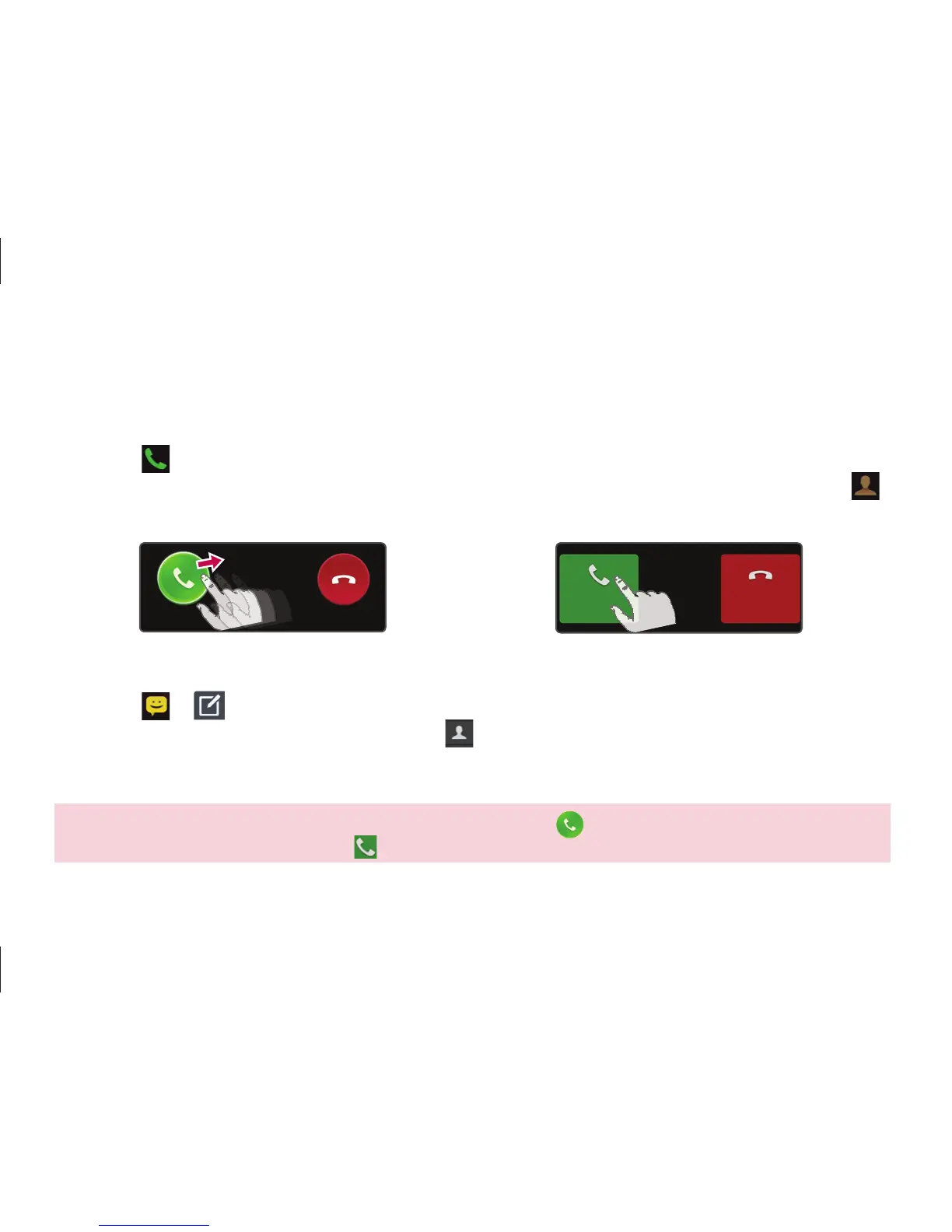
Answer a call
<lock screen>
<unlock screen>
Sending a message
1. Touch > .
2. In the To field, enter a number or touch to select a number from Call logs, Contacts,
Favourites or Groups.
3. Compose your message and touch Send.
NOTE: To answer an incoming call in locked screen, hold and slide icon in any direction. When the screen
is unlocked, you just need to touch the
icon to answer.
Call/Messaging



 To Next Page