System Setting20
System Setting
3
Adjust the setup
settings
By using the Setup menu, you can make various
adjustments to items such as picture and sound.
You can also set a language for the subtitles and
the Setup menu, among other things. For details on
each Setup menu item, see pages 20 to 24.
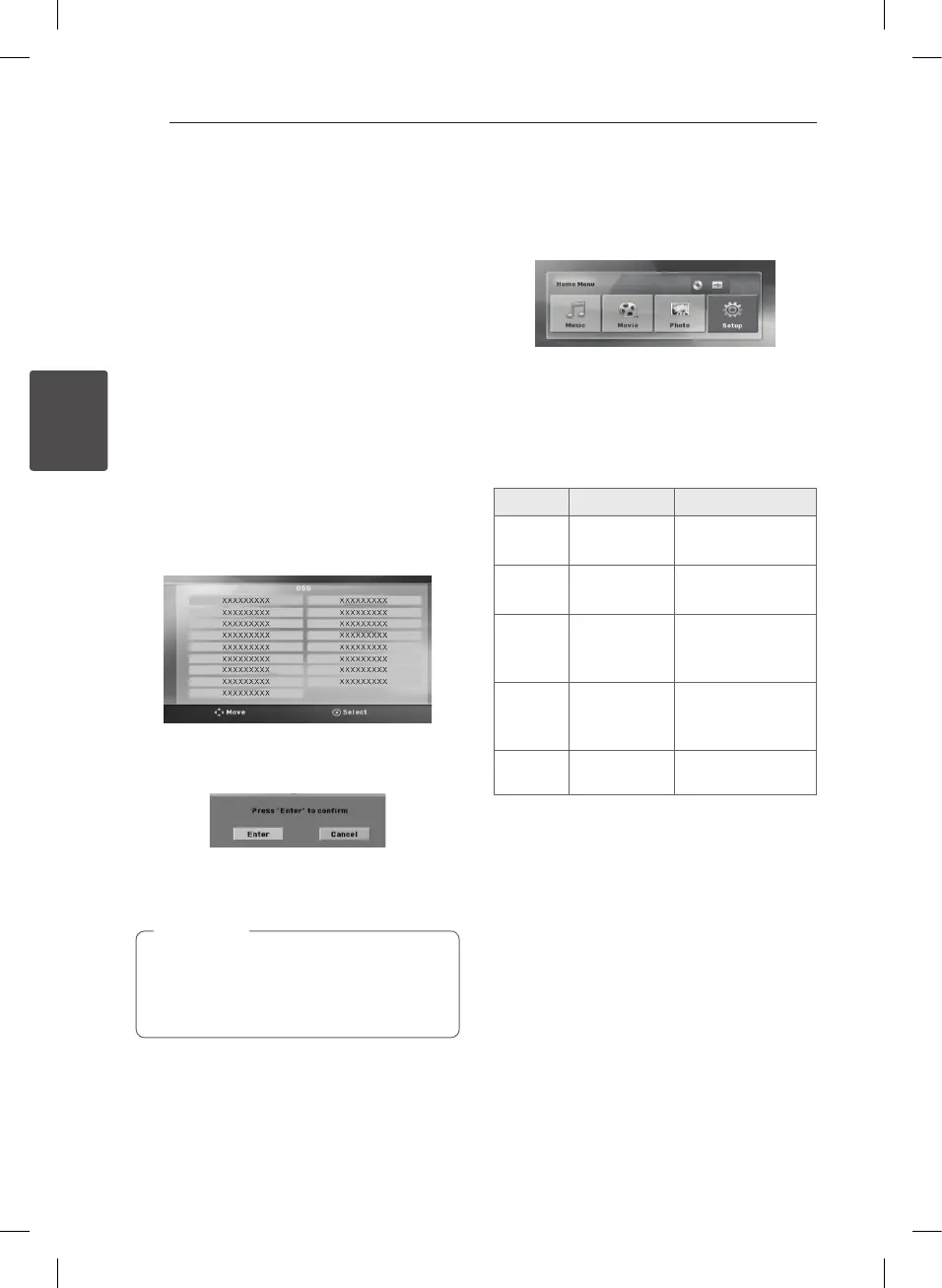
OSD Initial language settings
- Optional
During the rst use of this unit, the initial language
setup menu appears on your TV screen. You must
complete initial language selection before using
the unit. English will be selected as the initial
language.
1. Press
1
POWER to turn the unit on. The
language setup menu will appear on the screen.
2. Use
WSAD
to select a language then press
b
ENTER.
The confirm menu will appear.
3. Use
AD
to select the [Enter] then press
b
ENTER to finish the language setup.
If there is media (DISC/USB) connected,
initial language menu may not be displayed
because media can auto play depending on its
contents.
,
Note
To display and exit the Setup
menu
1. Press
n
HOME.
Displays the [Home Menu].
2. Select an [Setup] by using
AD
.
3. Press
b
ENTER.
Displays the [Setup].
4. Press
n
HOME or
x
BACK to exit in the
[Setup] Menu.
About help menu for Setup
Menu Buttons Operation
ws
Move
WS
Moving to another
menu.
a
Move
A
Moving to previous
level.
d
Move
D
Moving to next
level or selecting
menu.
x
Close
x
BACK
To exit the [Setup]
menu or [ 5.1
Speaker Setup].
b
Select
b
ENTER To conrm menu.
DH4530T-D0_DPOLLLK_ENG_5962.indd 20 2013-02-13 4:19:40


 To Next Page