48
SMART FEATIRES
4
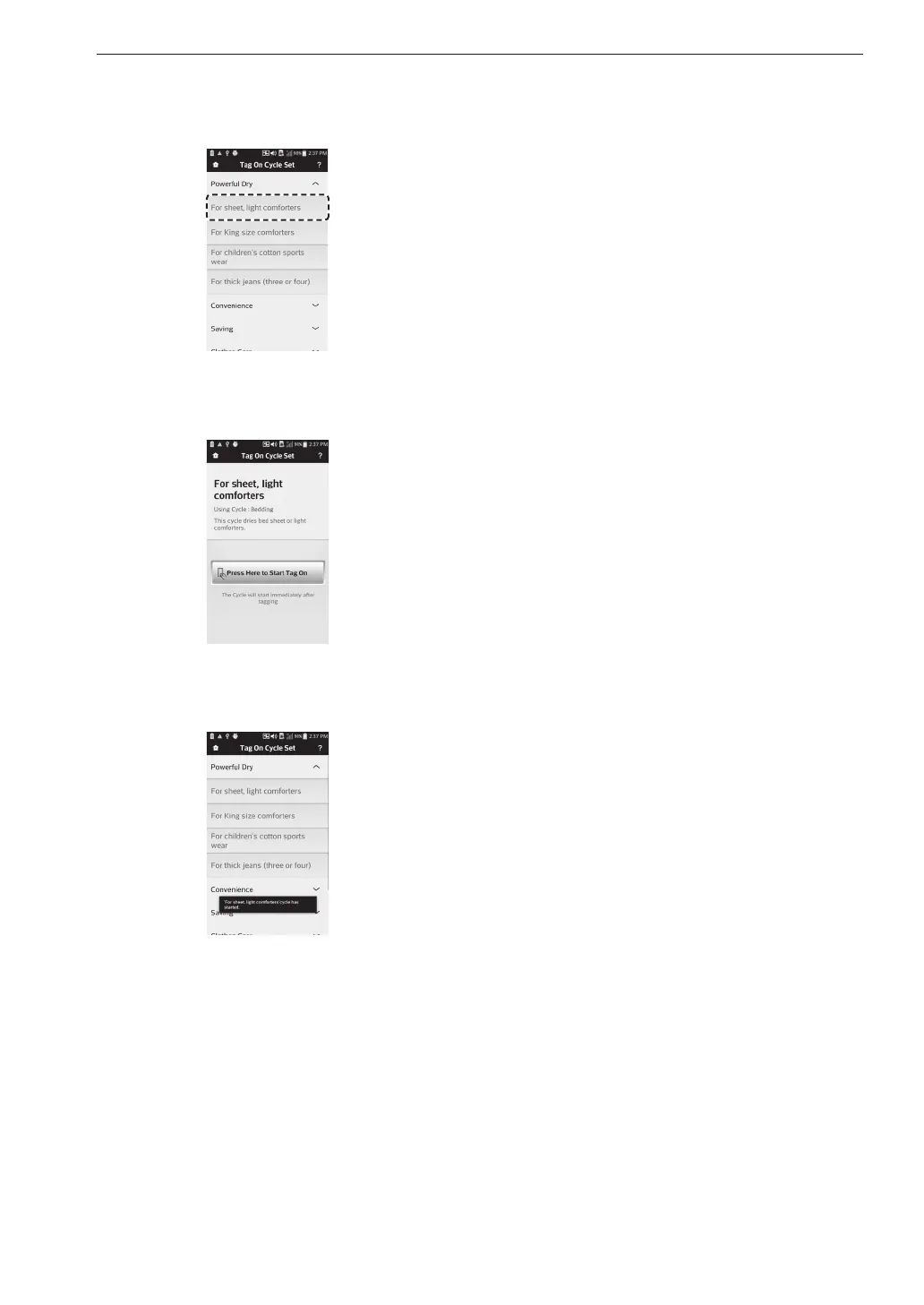
After selecting the category, a list of specific
cycles will appear. Select the cycle based on
your needs.
5
When the Tag On screen appears, tap your
smart phone to the Tag On logo on the right side
of the dryer’s control panel.
6
After tagging the machine with your phone,
the cycle will automatically start. Verify that the
correct cycle and settings were selected.
MFL67652510_en_170713.indd 48 2017-07-13 오전 11:27:40



 To Next Page