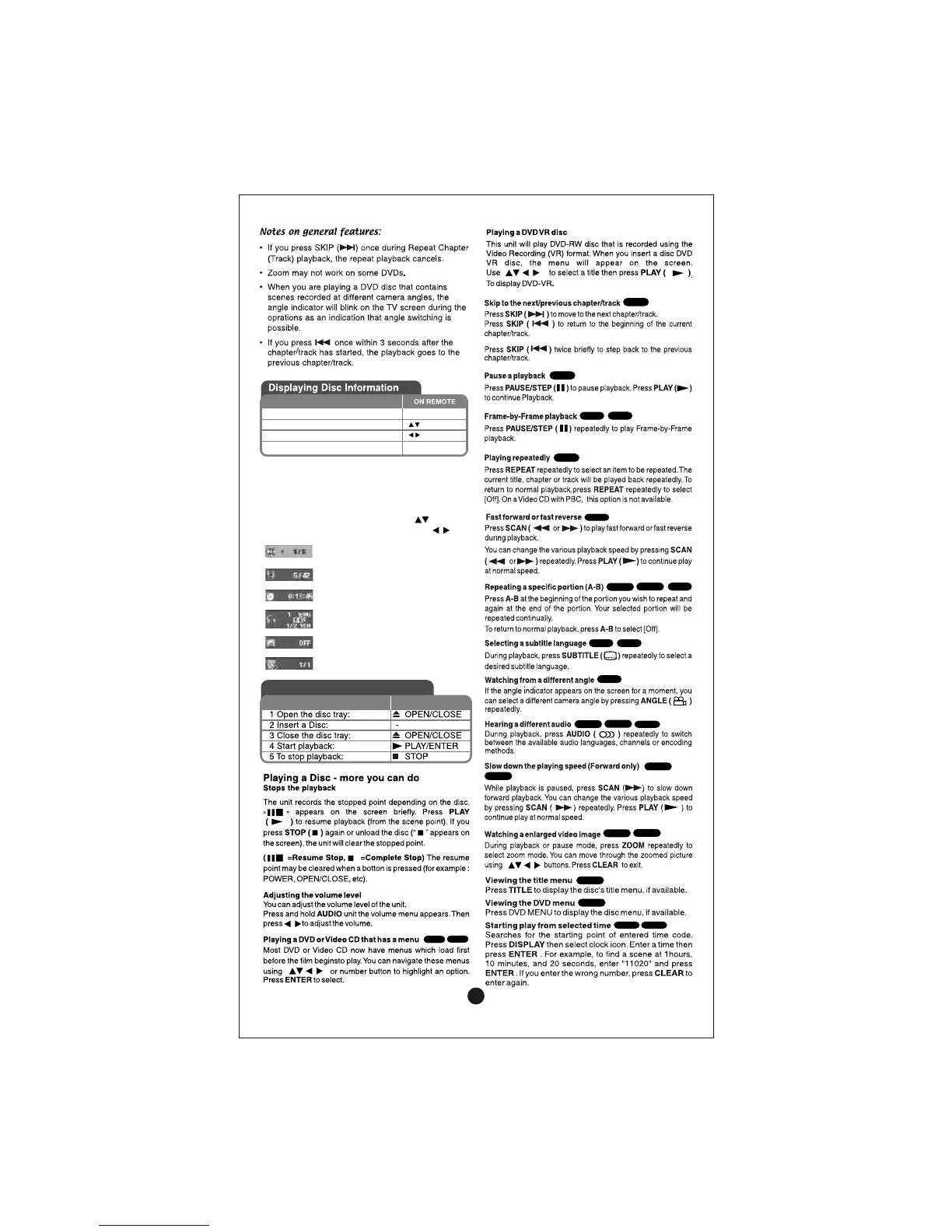
Displaying Disc Information-
more you can do
You can select an item by pressing and
change or select the setting by pressing .
Current title (or track) number/ total
number of titles (or tracks)
Current chapter number/ total
number of chapters
Elapsed playing time
Selected audio language or channel
Selected subtitle
Selected angle/ total number
of angles
1 Press DISPLAY: DISPLAY
2 Select a item:
3 Adjust the Display menu settings: / ENTER
4 To return the exit: DISPLAY
Playing a Disc
ON REMOTE
DVD
VCD
ALL
ALL
DVD
DivX
ALL
DVD
DivX
ACD
ALL
DVD
DivX
DVD
DVD
DivX
CD-G
DVD
DivX
DVD
DivX
DVD
DVD
DVD
DivX
13


 To Next Page