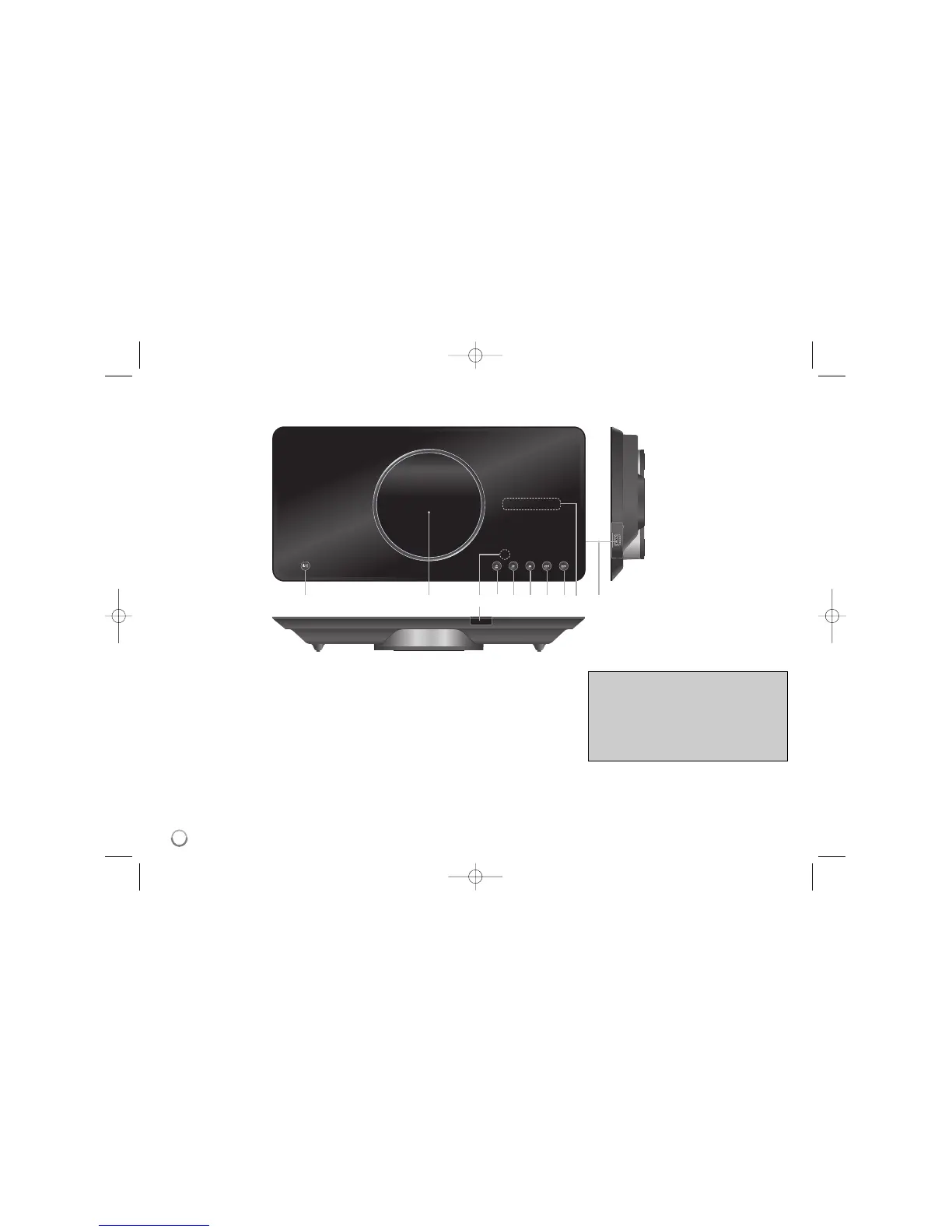
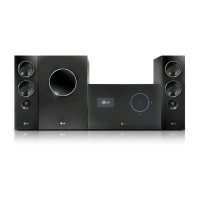
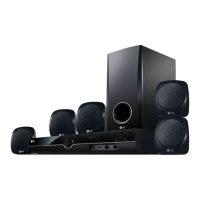
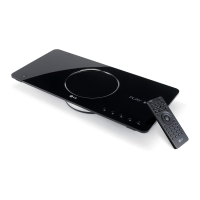
Main Unit
a 1/I (Power)
Turn the unit ON or OFF.
b Disc Tray
Insert a disc here.
c Remote sensor
Point the remote control here.
d Z (Open / Close)
Opens or closes the disc tray.
e N (Play)
Starts playback.
f x (Stop)
Stops playback.
g . (Skip)
Returns to the beginning of current chapter or
track or go to the previous chapter, track or
File.
h > (Skip)
Go to next chapter, track or File.
i Display window
Shows the current status of the unit.
j USB Port
Connect an USB Flash Drive.
abcdefghij
Precautions in using the touch buttons
• Use the touch pad with clean and dry hands.
• Do not press the buttons on the touch pad with
too much force.
• Do not touch the button on the touch pad with
any conductive material such as metalic object.
It may cause a malfunction.
8


 To Next Page