8
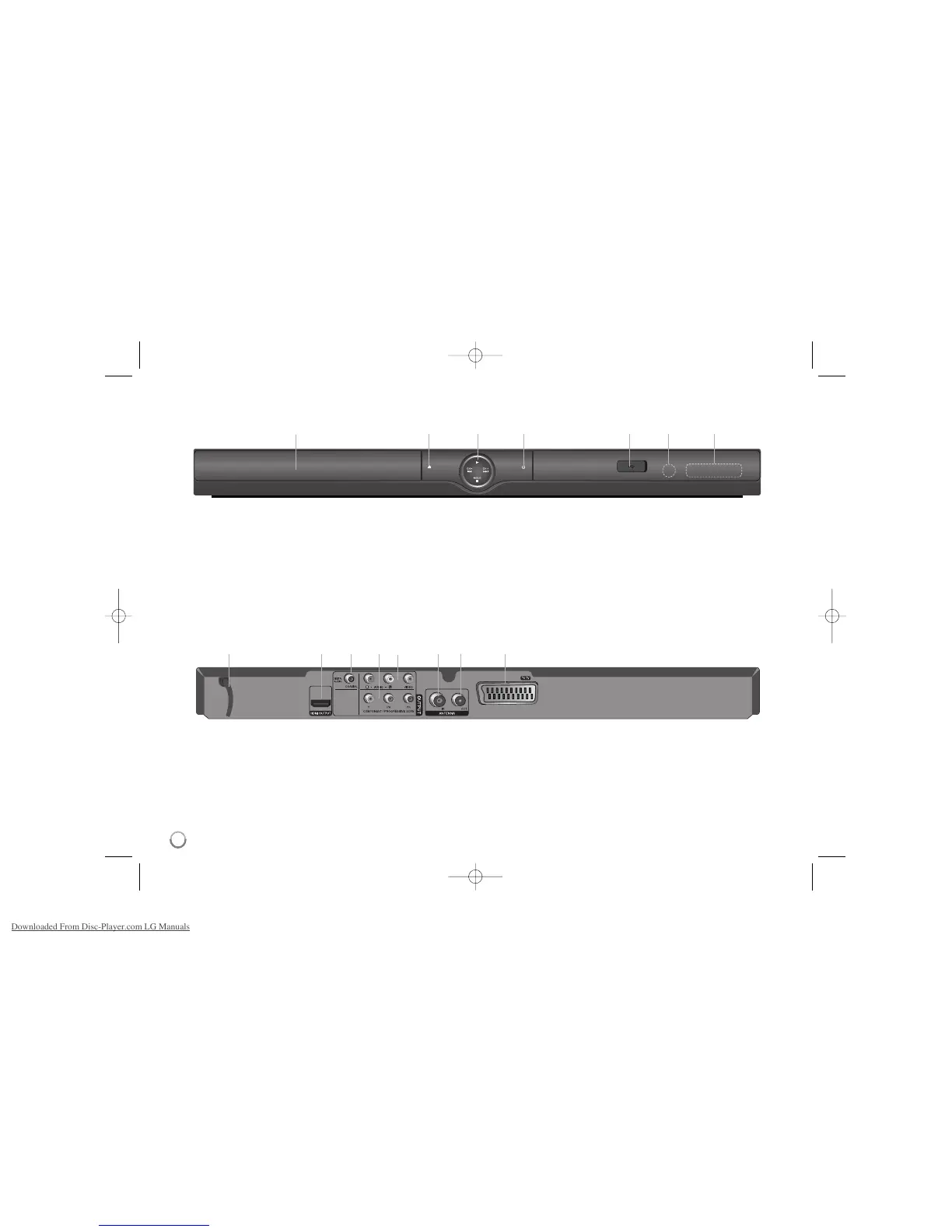
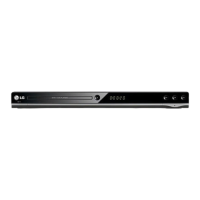
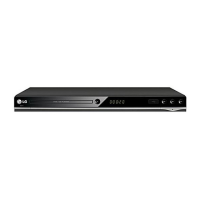
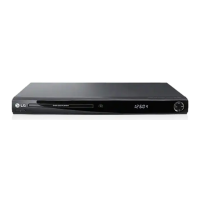
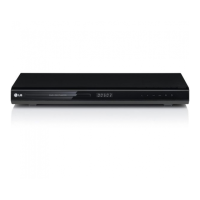
a Disc Tray
Insert a disc here.
b Z (Open / Close)
Opens or closes the disc tray.
c • N (Play) : Starts playback.
• x (Stop) : Stops playback.
MODE : Switches a operation mode (DVB-T, DAB or Disc).
• . (Skip) : Returns to the beginning of current chapter/track/file or
go to the previous chapter/track/file.
CH
- : Scans down through memorized channels.
• > (Skip) : Go to next chapter/track/file.
CH + : Scans up through memorized channels.
d
11
(Power)
Turn the unit ON or OFF.
e USB Port
Connect a USB Flash Drive.
f Remote sensor
Point the remote control here.
g Display window
Shows the current status of the unit.
Main unit
abcdefg
a bcde fg h
a AC Power Cord
Connect to a power source.
b HDMI OUTPUT (Type A)
Connect to TV with HDMI inputs. (Interface for digital audio and video)
c DIGITAL AUDIO OUTPUT (COAXIAL)
Connect to a digital (coaxial) audio equipment.
d COMPONENT / PROGRESSIVE SCAN OUTPUT (Y P
B PR)
Connect to a TV with Y Pb Pr inputs.
e VIDEO/AUDIO (R/L) OUTPUT
Connect to a TV with video and audio inputs.
f ANTENNA IN
Connect the antenna to this terminal.
g ANTENNA OUT
Passes the signal from the ANTENNA IN to your TV.
h SCART (TO TV)
Connect to a TV with SCART jack.



 To Next Page