6
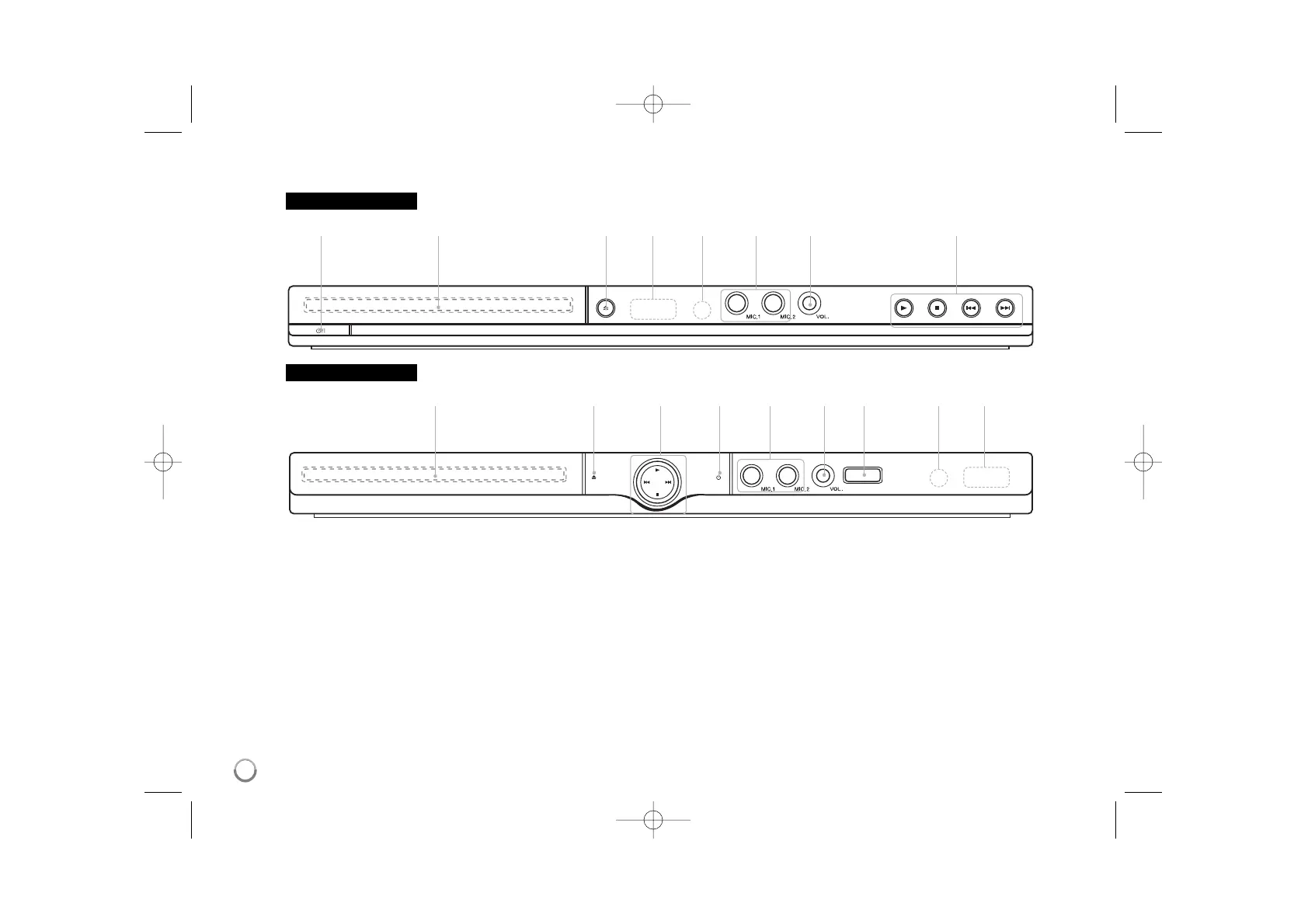
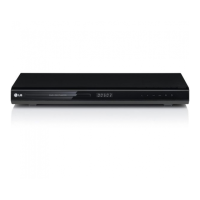
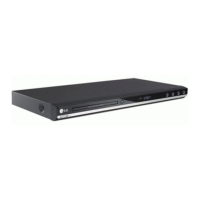
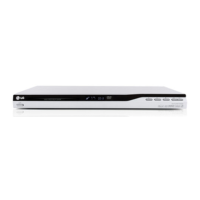
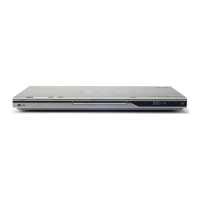
Main Unit
a Power
Turn the unit ON or OFF.
b Disc Tray
Insert a disc here.
c Z (Open / Close)
Opens or closes the disc tray.
d Display window
Shows the current status of the unit.
e Remote sensor
Point the remote control here.
f MIC. (DVX484K/DVX491K/DVX497K only)
Connect a microphone.
g VOL. (DVX484K/DVX491K/DVX497K only)
Adjust microphone volume.
h USB Port (DVX497K only)
Connect an USB Flash Drive.
i
• N (Play)
Starts playback.
• x (Stop)
Stops playback.
• . (Skip)
Returns to the beginning of current chapter/track/file or go to
the previous chapter/track/file.
• > (Skip)
Go to next chapter/track/file.
bciafghed
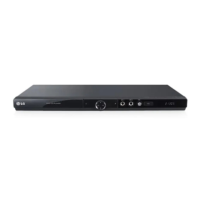
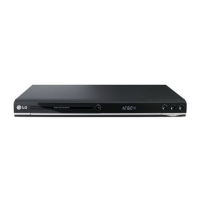
DVX480 / DVX484K
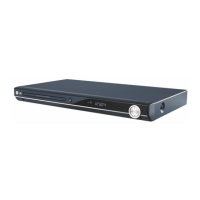
DVX491K / DVX497K
ab cdefg i



 To Next Page