4
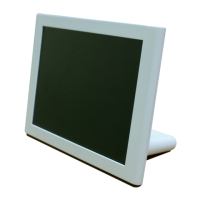
Digital Photo Frame
Composition of product
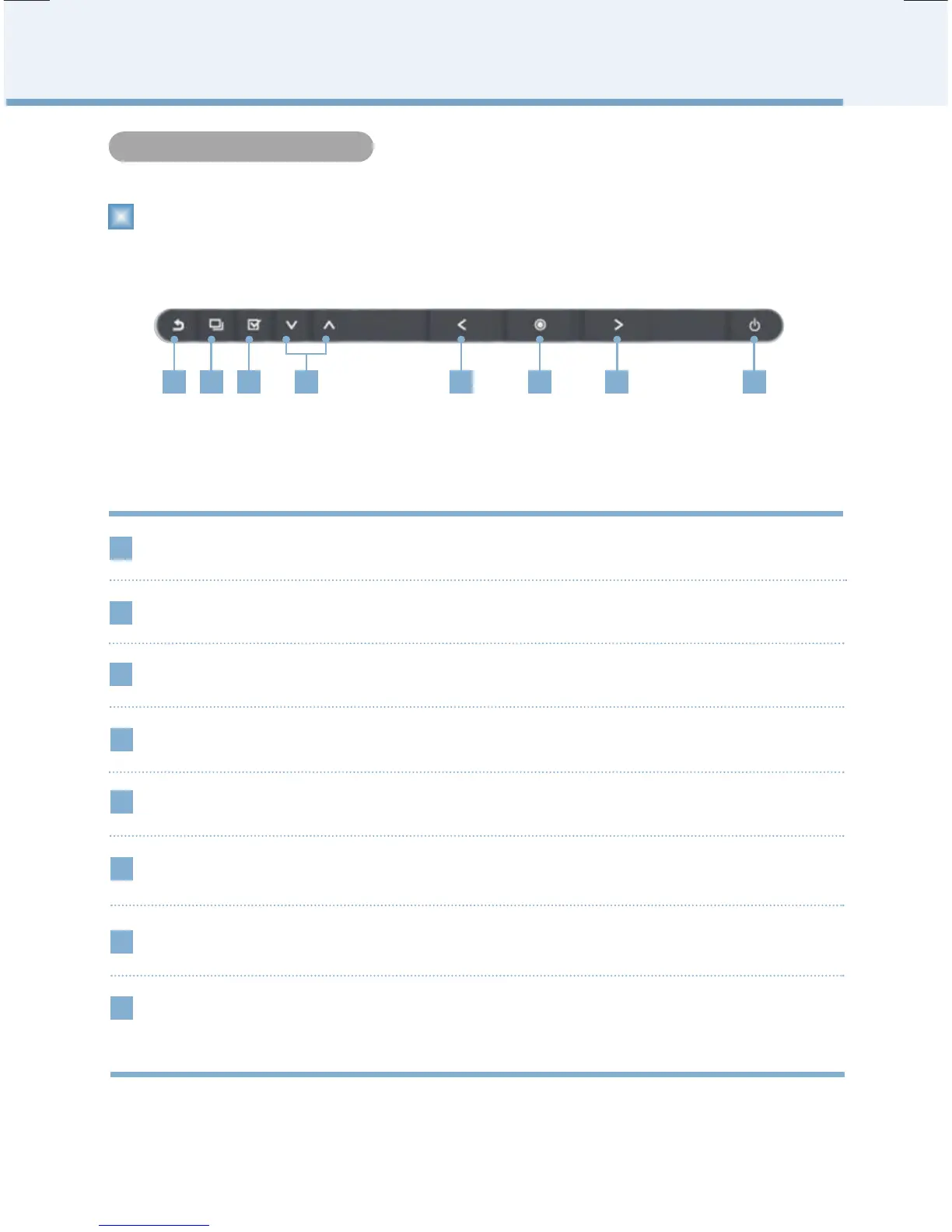
1 2 3 4 5 6 7 8
1
2
MENU Button
BACK Button
3
SELECT Button
4
UP/DOWN Button
Go to previous screen
It pops up menu
Go to Up / Go to Down
Select the file
5
Go to Left
6
7
RIGHT Button
OK Button
OK
Go to Right
LEFT Button
8
POWER Button
If pressing long, you can turn off the power, and if pressing short, it goes to power
saving mode.If the power button is on, it switches on the blue light, and if it becomes
power saving mode, it flickers regularly. If the power is turned off, it switches to red.
Names of parts
Front


 To Next Page