5
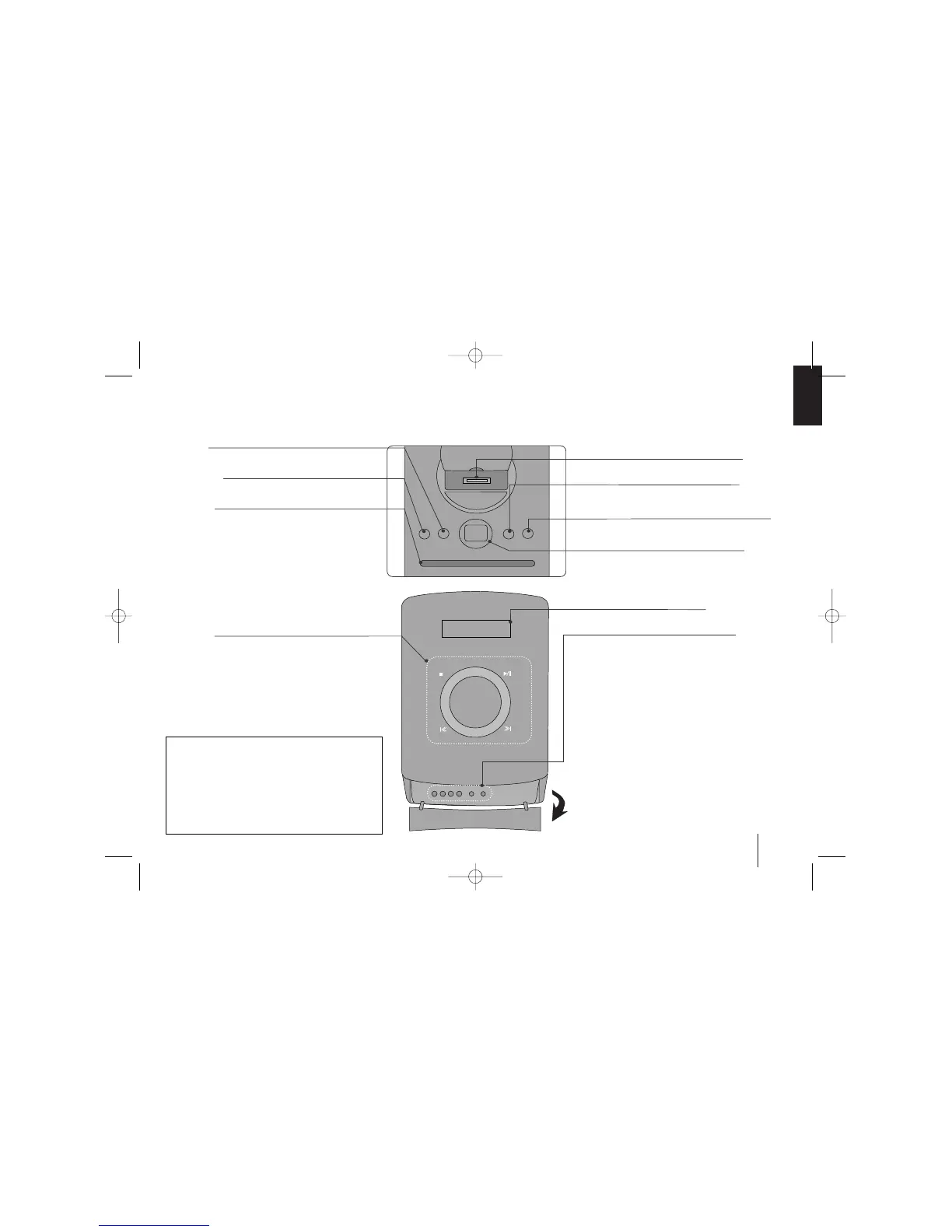
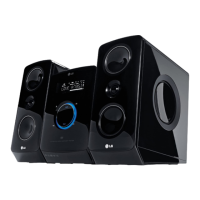
Main Unit
USB REC.
Recording to USB.
11
/
]]
(Power)
Turn the unit on and off.
USB Port
iPod Dock
Display Window
EQ/ DEMO
You can choose fixed sound impression.
Press DEMO in power off state to demonstrate the
function on display window. To cancel it, press
11
/
]]
or DEMO again.
CLOCK
(See “Setting the Clock” )
TIMER
(See the “Using your player as an alarm clock”)
SET/ RDS
Confirms the settings.
PORTABLE IN
For connecting a portable device and listening to
sound of it through this system’s speakers.
PHONES
Headphone jack
xx
STOP
Stop
]] IIII
/
iiii ]]
Scanning/ Tuning/ Searching
BB // XX
Play/ Pause
VOL +/-
Volume control
FUNC.
(Function) Selects the function.
Disc Slot
• Do not push a disc forcibly into the CD slot.
• Do not pull or push a disc while a disc is ejected.
• Press
ZZ
again to reinsert the disc after ejecting it.
• pick it to the CD slot with the label side toward
ZZ
Ejects or insert the disc from slot loader.
TOP
FRONT
Power Save Mode
You can set up the unit into an economic power
save mode. In power-on status, press and hold
11
/
]]
button for about 3 seconds.
- Nothing is displayed in the display window when
the unit is turned off.
To cancel, press
11
/
]]
, CLOCK, TIMER or
EQ/DEMO.
FB164-D0P_DDEULL_ENG_5702 9/14/09 11:27 AM Page 5



 To Next Page