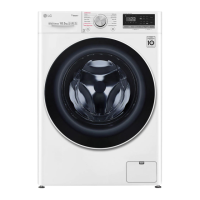
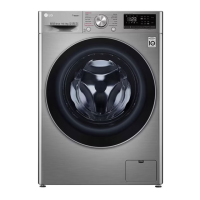
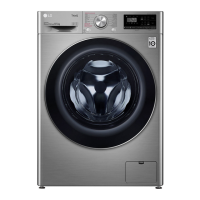
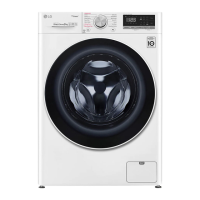
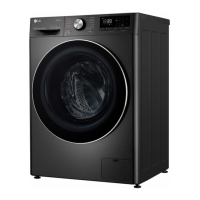
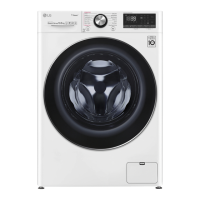
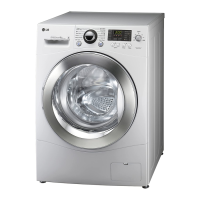
This document is an owner's manual for an LG washing machine, covering models F-12085V4W, FV1285S4W, F-1208V4W, FV1285S4V, F2V5PYP**, FV5S90W2, and FV1209S5WA. It provides comprehensive information on installation, operation, smart functions, maintenance, and troubleshooting.
Function Description:
The LG washing machine is designed to clean clothes using various wash programs and settings. It features a control panel for selecting programs and options, a detergent dispenser drawer for adding detergents and softeners, a drum for washing clothes, and a drain system for water removal. The machine also incorporates smart functions, allowing users to control and monitor the appliance remotely via the LG ThinQ application.
Important Technical Specifications:
The manual lists several models with varying product weights and power supply requirements.
- Power Supply: 220 - 240 V~, 50 Hz for all listed models.
- Product Weight:
- FV5S90W2, FV1209S5WA: 9 kg
- F-12085V4W, FV1285S4W, FV1285S4V: 8.5 kg
- F-1208V4W, F2V5PYP**: 8 kg
- Dimensions (W x D x H):
- W: 600 mm
- D: 475 mm
- D': 535 mm
- H: 850 mm
- D": 1015 mm (overall depth with door open)
- Water Pressure: The water pressure must be between 50 kPa and 800 kPa (0.5-8.0 kgf/cm²).
- Wi-Fi Connectivity: The appliance supports 2.4 GHz WLAN networks (IEEE 802.11b/g/n) for smart functions.
- Standby Power Consumption: 0.5 W.
- Network Standby Power Consumption: 2.0 W.
Usage Features:
The washing machine offers a variety of programs and extra options to cater to different laundry needs:
- Wash Programs: Cotton, Cotton+, Mixed Fabric, Easy Care, Silent Wash, Allergy Care, Baby Steam Care, Delicates, Hand/Wool, Sportswear, Quick 30, Duvet, Tub Clean, and Download Cycle. Each program has specific temperature, spin speed, and load recommendations.
- Extra Options: Intensive, Rinse+, Pre Wash, Delay End, and Add Item. These options can be combined with various wash programs to customize the wash cycle.
- Control Panel: Features a Power Button, Programme Knob for selecting cycles, Start/Pause Button, and buttons for Extra Options and Functions. The display shows settings, remaining time, and status messages.
- Detergent and Softener Dispensing: The manual provides detailed instructions on how to add liquid detergent, powdered detergent, detergent tablets, and fabric softener to the dispenser drawer. It also explains how to add an anti-limescale water softener.
- Smart Functions (LG ThinQ Application):
- Remote Control: Start/stop cycles, monitor progress, and download new cycles.
- Smart Diagnosis: Troubleshoot issues by transmitting diagnostic tones to the smartphone.
- Energy Monitoring: Check energy consumption.
- Push Alert: Receive notifications about the appliance's status.
- Washer Cycle (Remote Start, Download Cycle): Set or download preferred cycles and operate by remote control.
- Tub Clean Coach: This function shows how many cycles remain before it is time to run the Tub Clean cycle.
- Safety Features: The manual emphasizes important safety instructions, including warnings about technical safety (e.g., child supervision, power cord damage, ventilation, water pressure, maximum capacity) and installation safety (e.g., proper grounding, avoiding damp or dusty areas, securing the appliance).
Maintenance Features:
Regular maintenance is crucial for the appliance's longevity and optimal performance:
- Care After Every Wash: Wipe the door and door seal, leave the door slightly open to dry the drum, and wipe the appliance with a dry cloth.
- Cleaning the Exterior: Wash with a damp cloth and dry with a soft cloth. Immediately wipe off any spills.
- Cleaning the Interior: Use a towel or soft cloth to wipe around the door opening and door glass. Remove items promptly after the cycle to prevent wrinkling and odor.
- Cleaning the Appliance Periodically (Tub Clean): Run the Tub Clean function once a month (or more often if needed) to remove detergent buildup and other residue. Add anti-limescale powder to the main wash compartment.
- Cleaning the Water Inlet Filter: Turn off the water tap, unscrew the water inlet hose, and clean the filter using a medium bristle toothbrush if it's clogged due to lime or small objects.
- Cleaning the Drain Pump Filter: Unplug the appliance, open the cover cap, pull out the hose, unscrew the drain plug, drain the water, and remove small objects and threads from the filter.
- Cleaning the Dispenser Drawer: Remove the drawer and its components, rinse them with warm water to remove detergent and softener buildup, and clean the drawer opening with a cloth or non-metal brush. Reassemble the components and insert the drawer.
- Troubleshooting: The manual provides a comprehensive list of error messages (IE, DE, UE, tE, LE, FE, PE, US, FF, RE, PF) and possible causes and solutions, as well as common noises and operational issues with their respective solutions.

 Need help?

 To Next Page
 General