Function
26
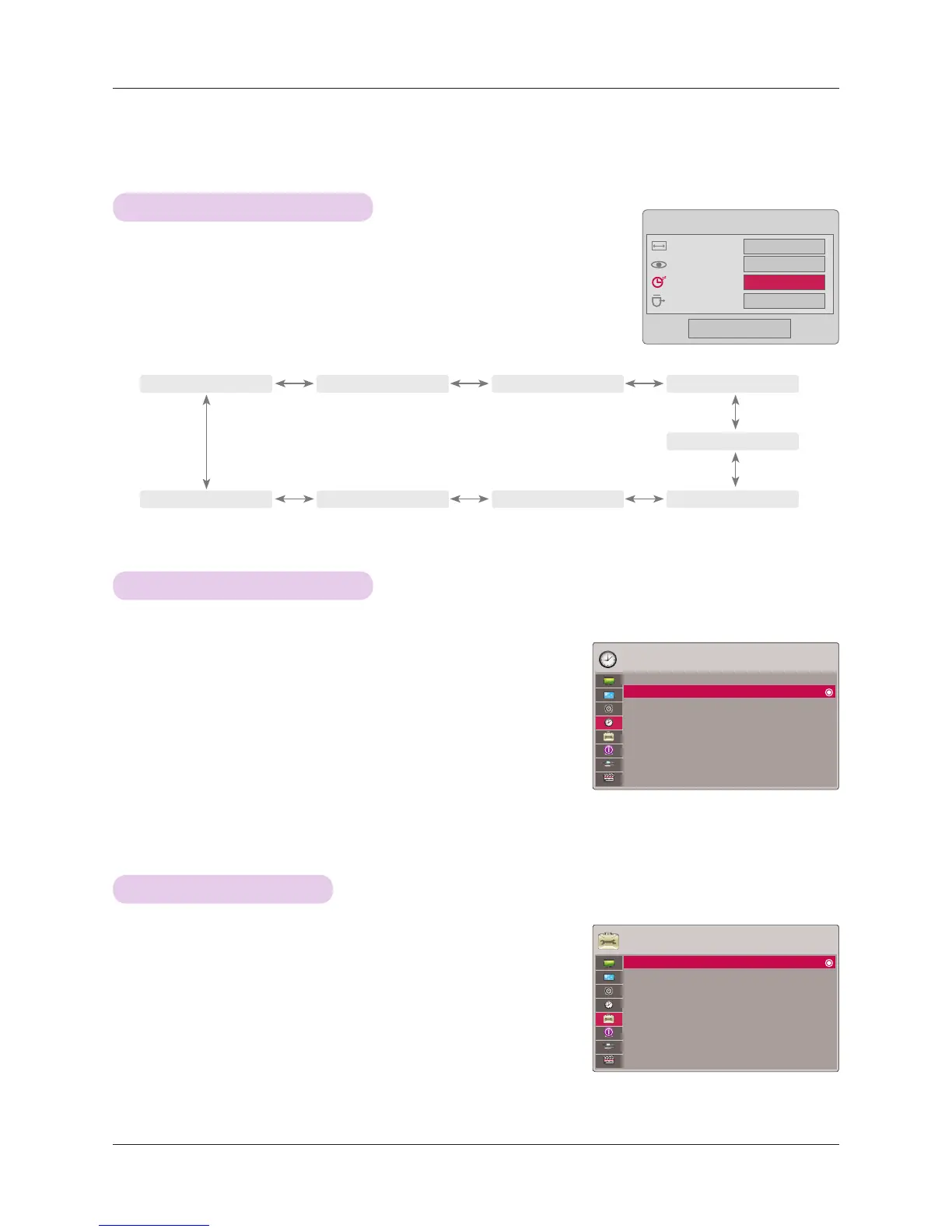
* The sleep timer turns the projector off at the preset time.
1. Press the Q.MENU button on the remote control.
2. Press the ∧, ∨ buttons to move to Sleep Timer.
3. Press the <, > buttons to select a desired preset time.
• You can use this function through the MENU button.
• To exit the menu display, press the RETURN button.
Sleep time Function
Auto Off Function
TIME Menu Options
1. Press the MENU button. Then, move to TIME with the ∧, ∨, <, >
buttons and press the ◉OK button.
2. Press the ∧, ∨ buttons to move to Auto Off and press the ◉OK
button.
3. Move to On with the ∧, ∨ buttons and then press the ◉OK button.
• Press the MENU or RETURN button to exit the menu screen.
* This function turns the projector off automatically after 10 minutes is passed when there is no signal.
◄
Off ► ◄
10 Min. ► ◄
20 Min. ► ◄
30 Min. ►
◄
240 Min. ► ◄
180 Min. ► ◄
120 Min. ► ◄
90 Min. ►
◄
60 Min. ►
Q-Menu
Close
16:9
Vivid
◄ Off ►
Eject
Aspect Ratio
Picture Mode
Sleep Timer
Eject USB
TIME
Sleep Timer : Off
Auto Off : Off
OPTION Menu Options
1. Press the MENU button. Then, move to OPTION with the ∧, ∨, <, >
buttons and press the ◉OK button.
2. Press the ∧, ∨ buttons to move to Menu Language and press the
◉OK button.
3. Move to a desired item with the ∧, ∨, <, > buttons and then press the
◉OK button.
• On-Screen-Display (OSD) is displayed in the selected language.
• Press the MENU or RETURN button to exit the menu screen.
Selecting Language
OPTION
Menu Language : English
Blank Image : Black
Screen Capture
LED Mode : Normal
Auto Power : Off
Keypad LED : On
Demo Mode : Off
Initial Setting : Home Use
ꔂMove ꔉOK
ꔂMove ꔉOK



 To Next Page