EasyManua.ls Logo

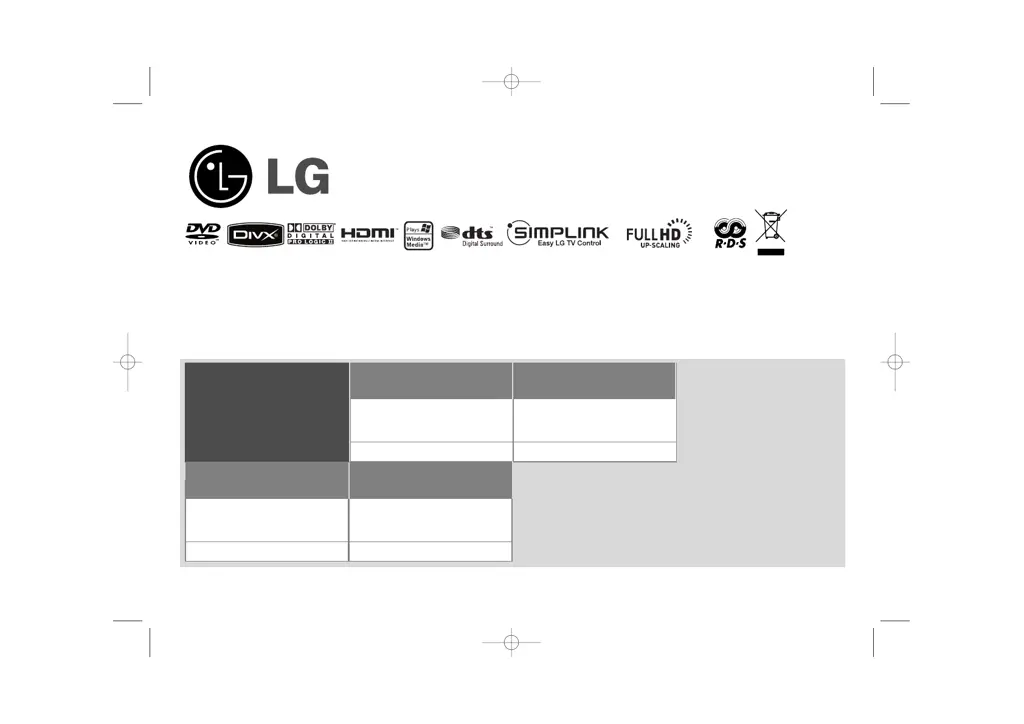
LG HT503TH - User Manual

LG HT503TH
22 pages
Print Icon
To Next Page IconTo Next Page
Loading...
Model: HT503TH(HT503TH-DH, SH53TH-S/C/W)
Unique Features
P/NO : MFL56941114
5.1ch ez Set-up
Listen sound from TV, DVD
and Digital Device with vivid
5.1ch mode.
Go to page 15
Full HD up-scaling
(1080p)
View Full HD picture quality
with simple setup.
Go to page 10
USB Direct Recording
Record music from CD to
your USB device.
Go to page 17
Portable In
Listen to music from your
portable device (MP3,
Notebook, etc).
Go to page 17
FOR THE WARRANTY TERMS & CONDITIONS,
PLEASE REFER TO BACK COVER OF THIS MANUAL.
HT503TH-DH_BGBRLL_ENG_1114(UK) 6/25/08 12:13 AM Page 1

Other manuals for LG HT503TH

Questions and Answers

  • B
    Brandon MitchellJul 31, 2025
    How to fix no picture on LG Home Theater System?
    • E
      Eric BuchananJul 31, 2025
      If there is no picture on your TV when using the LG Home Theater System, ensure that your TV is set to the correct video input mode to receive the DVD signal. Also, verify that the video cables are securely connected to both the TV and the DVD Receiver.
  • B
    baileyjacquelineAug 7, 2025
    Why is there little or no sound on my LG Home Theater System?
    • D
      denise59Aug 7, 2025
      If you experience little or no sound with your LG Home Theater System, ensure that the equipment connected via the audio cable is set to receive the DVD signal output. Check that the audio cables are securely connected to both the speakers and the receiver. If the issue persists, the audio cables may be damaged and need replacement.
  • A
    Andrew MooreAug 14, 2025
    How to stop humming noise on LG Home Theater System?
    • D
      Danny CooperAug 14, 2025
      If you hear a humming noise while playing a DVD or CD on your LG Home Theater System, the disc may be dirty. Clean it with a soft cloth, using outward strokes. Alternatively, the DVD receiver might be too close to the TV, causing feedback. Try moving the DVD receiver and other audio components further away from the TV.
  • B
    Brett CarterAug 21, 2025
    What to do if DVD/CD will not play on LG Home Theater System?
    • S
      Steven MunozAug 21, 2025
      If your LG Home Theater System isn't playing DVDs or CDs, first, make sure a disc is actually inserted and that it's a playable disc (check the disc type, colour system, and regional code). Ensure the disc is placed correctly with the label side up. If a menu is open, press SETUP to close it. Also, check if a parental lock is enabled, and if so, enter your password or adjust the rating level.

Summary

Unique Features

Full HD Picture Quality

View Full HD picture quality with simple setup.

5.1 Channel Setup

Listen sound from TV, DVD and Digital Device with vivid 5.1ch mode.

USB Direct Recording

Record music from CD to your USB device.

Portable Device Input

Listen to music from your portable device (MP3, Notebook, etc).

Safety Precautions

General Electrical Safety

Risk of electric shock, fire, ventilation, and product enclosure warnings.

Laser Safety Warning

Warning about laser system and potential radiation exposure.

Electrical Safety and Wiring

Power Supply and Wiring

Explains mains supply, wiring, fuse replacement, and plug suitability.

Setting Up Speakers

Assembling Speaker Stands

Instructions for fixing speakers to their bases.

Connecting Speakers to Receiver

Connecting speaker cables to the DVD receiver and speakers.

Connecting External Devices

Video and Audio Connections

Connecting video/audio outputs to TV and audio inputs.

Advanced Connections & Settings

Video Resolution Settings

Adjusting video output resolution for component and HDMI.

Remote Control Operations

Remote Control Button Functions

Explanation of various buttons on the remote control.

Main Unit Controls

DVD Receiver Front Panel

Overview of buttons and ports on the DVD receiver unit.

Initial Setup Procedures

Setting Initial Language

How to set the OSD language upon first use.

Area Code and Password Setup

Procedures for setting area code and password for parental lock.

Adjusting System Settings

Display Settings Adjustment

Customizing display options like aspect ratio and resolution.

Display Settings Details

Aspect Ratio and Display Modes

Selecting screen aspect ratio and display mode for widescreen.

TV Output Selection

Choosing TV output based on connection type (YPbPr, RGB).

Audio Settings Configuration

Lock and Other Settings

Sound Mode Selection

5.1 Channel Audio Setup

USB Music Playback

CD to USB Recording

Troubleshooting Guide

Power and Picture Issues

Solutions for power and picture display problems.

Audio and Disc Playback Issues

Troubleshooting sound, humming noise, and disc playback problems.

Radio and Remote Control Problems

Fixing problems with radio tuning and remote control functionality.

Product Specifications

LG HT503TH Specifications

General IconGeneral
RMS rated power500 W
Audio output channels5.1 channels
Audio systemDTS, Dolby Digital, Dolby Prologicâ…ˇ, DSP, 2Ch Stereo(By-Pass)
Center speaker RMS power70 W
Center speaker impedance4 Ω
AM band range522 - 1620 kHz
FM band range87.5 - 108 MHz
Radio Data System (RDS)Yes
Preset stations quantity50
Number of optical discs1 discs
Optical disc player typeDVD player
USB version2.0
USB ports quantity1

Related product manuals