10
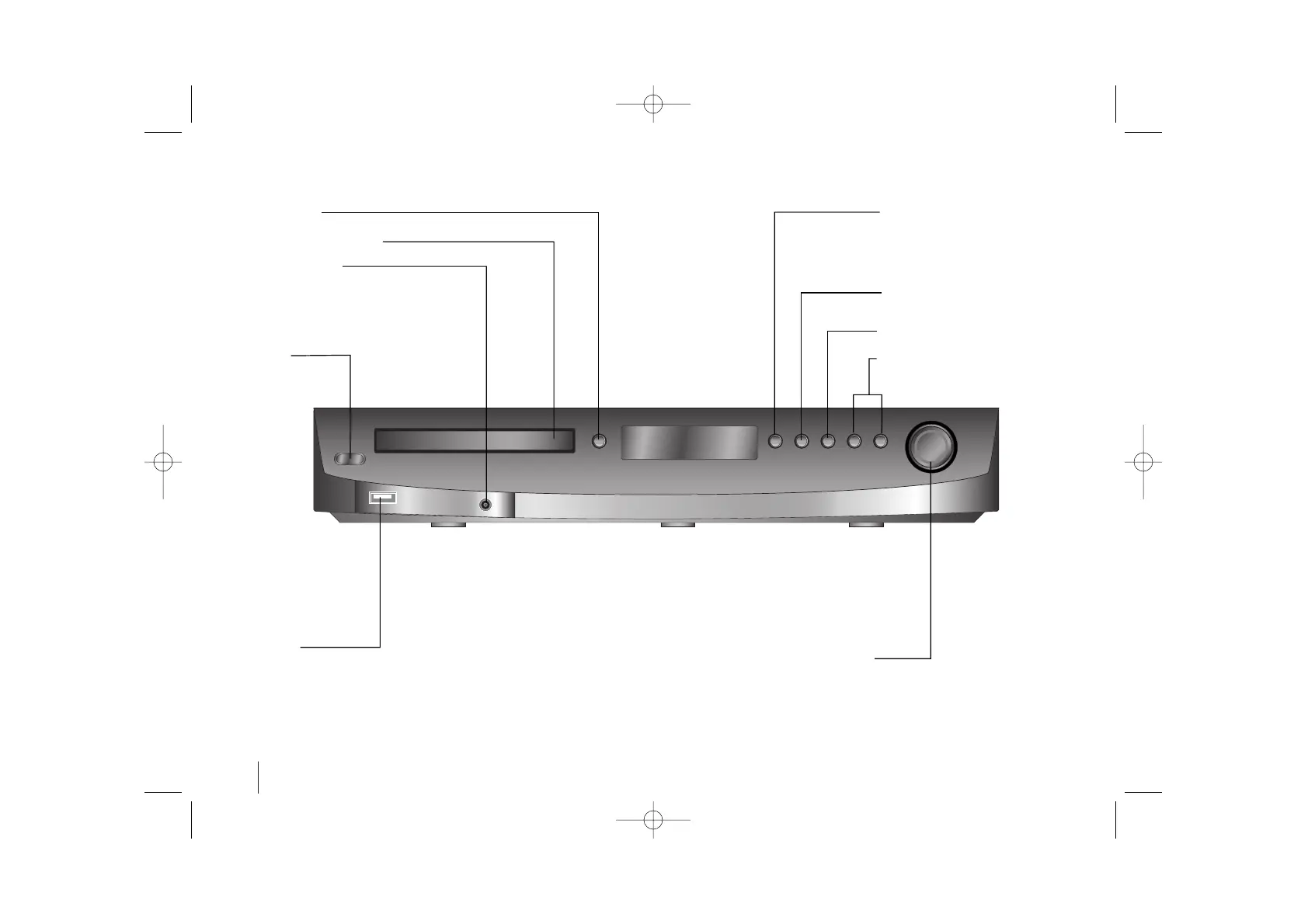
Func., Play
Press and hold down this button for
about 3 seconds then press repeat-
edly to select other function.
Pause
Mono/Stereo(St.)
Stop
Tuning (-/+)
Skip/Search
Volume
Control the volume when using any function.
Open/Close
DVD/CD Disc Drawer
PORT. IN port
The PORT. In port means you can connect
a audio device to play trough the surround
sound speakers.
Power
Turn the unit
on and off.
USB port
The USB port allows you can connect a
memory device to your DVD player.
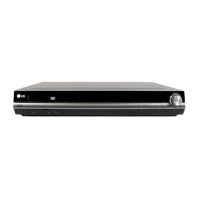
Main Unit



 To Next Page