Connecting the Display
A3
Important
Do not remove and re-install the stand frequently, it could damage the stand.
Do not carry the product upside down holding only the stand base. The product may
fall and get damaged or injure your foot.
Before setting up the monitor, ensure that the power to the monitor, the computer
system, and other attached devices is turned off.
Connecting the stand
1. Place the monitor with its front facing downwardon a soft cloth.
2. Assemble the Stand Body into the product in the correct direction as shown in the picture.
Make sure you push it until you hear it “click”.
3
.
Assemble the Stand Base(Front, Rear) into the Stand Body in the correct direction.
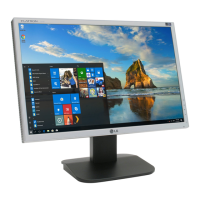
4. Once assembled take the monitor up carefully and face the front side


 To Next Page
 Loading...