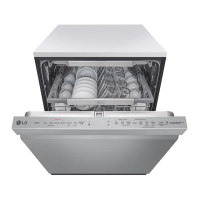
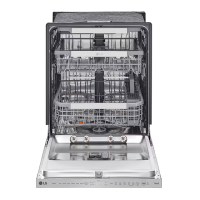
Run the dishwasher on a Turbo cycle to verify
proper operation and check for leaks.
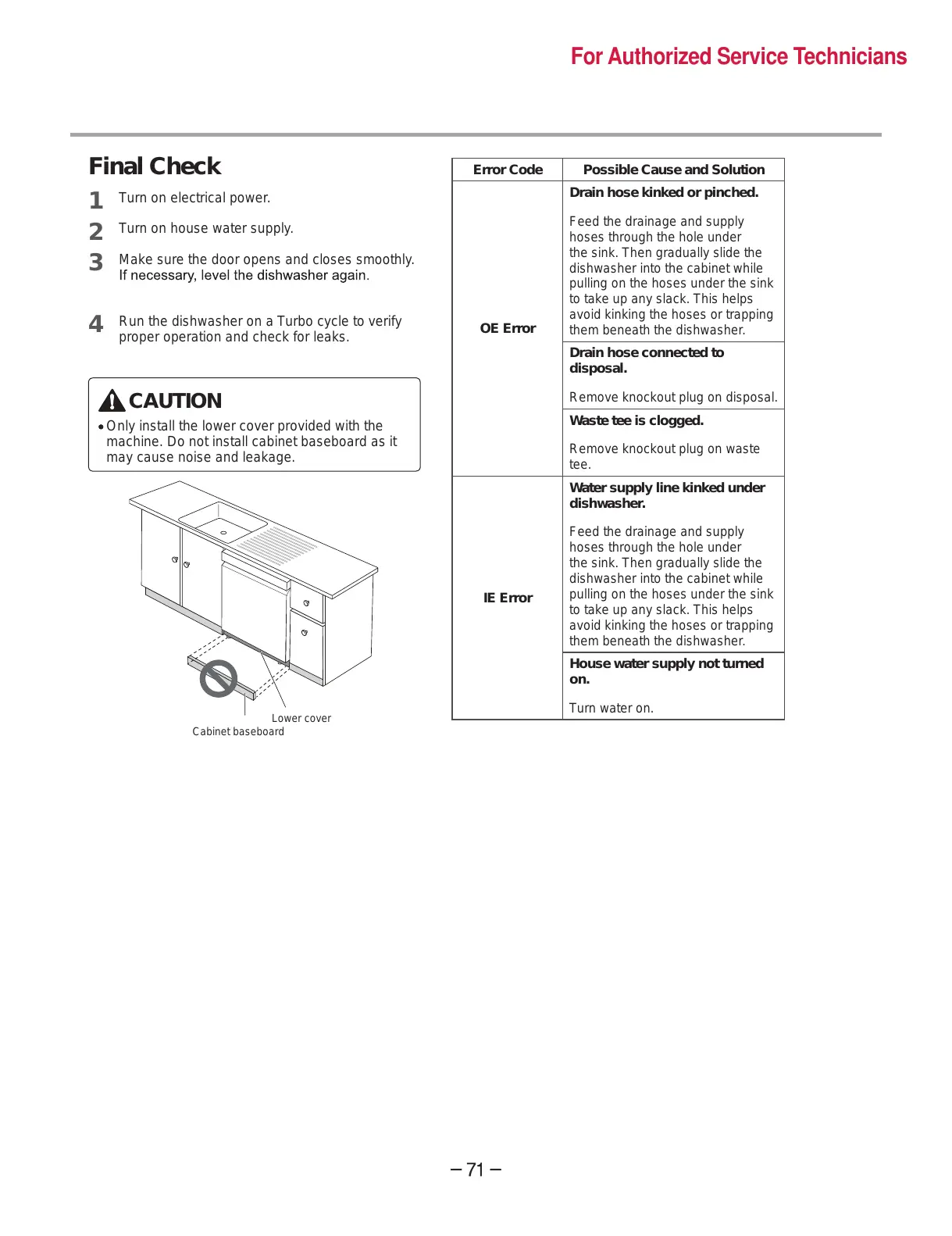
CAUTION
Only install the lower cover provided with the
machine. Do not install cabinet baseboard as it
may cause noise and leakage.
Lower cover
Error Code Possible Cause and Solution
OE Error
Drain hose kinked or pinched.
Feed the drainage and supply
hoses through the hole under
the sink. Then gradually slide the
dishwasher into the cabinet while
pulling on the hoses under the sink
to take up any slack. This helps
avoid kinking the hoses or trapping
them beneath the dishwasher.
Drain hose connected to
disposal.
Remove knockout plug on disposal.
Waste tee is clogged.
Remove knockout plug on waste
tee.
IE Error
Water supply line kinked under
dishwasher.
Feed the drainage and supply
hoses through the hole under
the sink. Then gradually slide the
dishwasher into the cabinet while
pulling on the hoses under the sink
to take up any slack. This helps
avoid kinking the hoses or trapping
them beneath the dishwasher.
House water supply not turned
on.
Turn water on.


 To Next Page
 Loading...